Can I Use FollowUpDesk With Jobber? (Yes — Here's How)
You don't have to choose. Keep Jobber for scheduling, jobs and invoicing, and use FollowUpDesk for the part that leaks money: leads, open quotes and follow-up.
Plenty of contractors assume the choice is Jobber or something else. It isn't. Jobber handles scheduling, jobs, client management and other field-service operations. FollowUpDesk focuses specifically on the sales side: leads, quotes, open estimates and customer follow-ups. Running both is a normal setup.
Who owns what
| Job | Jobber | FollowUpDesk |
|---|---|---|
| Scheduling & dispatch | Yes | No |
| Invoicing & payments | Yes | No |
| Client portal | Yes | No |
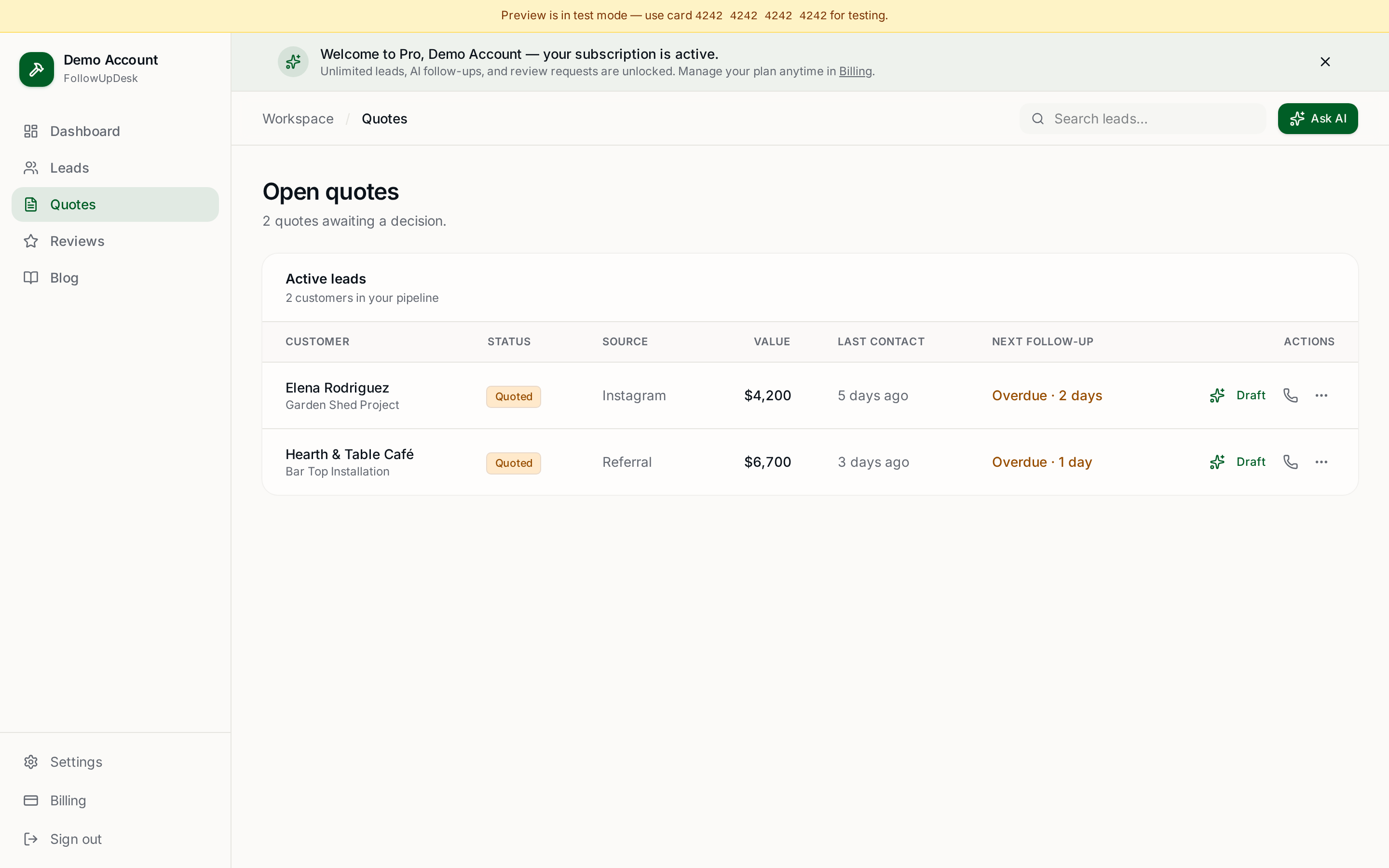
| Open quote list with age and value | Partly | Core |
| Overdue follow-up alerts | Yes | Core |
| AI-drafted follow-up messages | Templates | Core |
The overlap is quote follow-up. Decide once which tool owns it, and don't chase from both.
The setup, step by step
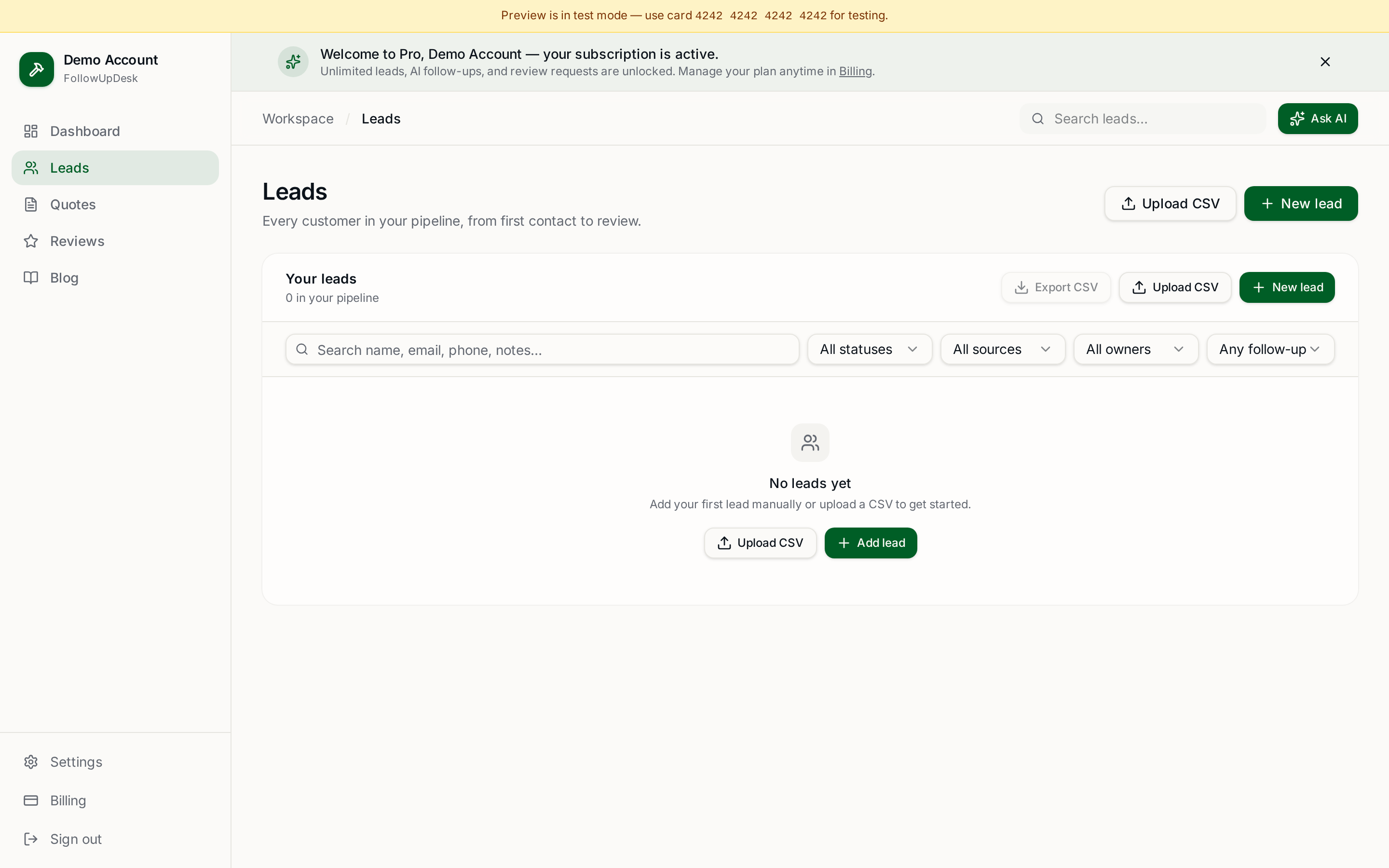
- In Jobber, export your quotes as a CSV — include customer name, contact details, quote value and date sent.
- Import the CSV into FollowUpDesk. Open quotes land in the pipeline with their age intact.
- Turn Jobber's own quote follow-up automations off, so customers don't get two nudges.
- Keep creating and sending quotes wherever you do today. When one goes out, add it to FollowUpDesk (or import weekly).
- Work the FollowUpDesk overdue list each morning — it takes a few minutes.
- When a quote is accepted, mark it won in FollowUpDesk and run the job in Jobber as normal.
Keeping the two in sync without going mad
A weekly CSV import is enough for most shops sending under about 60 quotes a month. The only rule that matters: one system is the source of truth for whether a quote is still open. Make that FollowUpDesk, and let Jobber be the source of truth for scheduled and invoiced work.
Why bother running two tools
Because they solve different problems. Field-service software is built around the job; follow-up software is built around the decision the customer hasn't made yet. If you already pay for Jobber and still lose quoted work, the missing piece isn't more operations software.
Related: do I need Jobber if I only need quote follow-up? · how to switch from Jobber to a simpler CRM · FollowUpDesk vs Jobber.
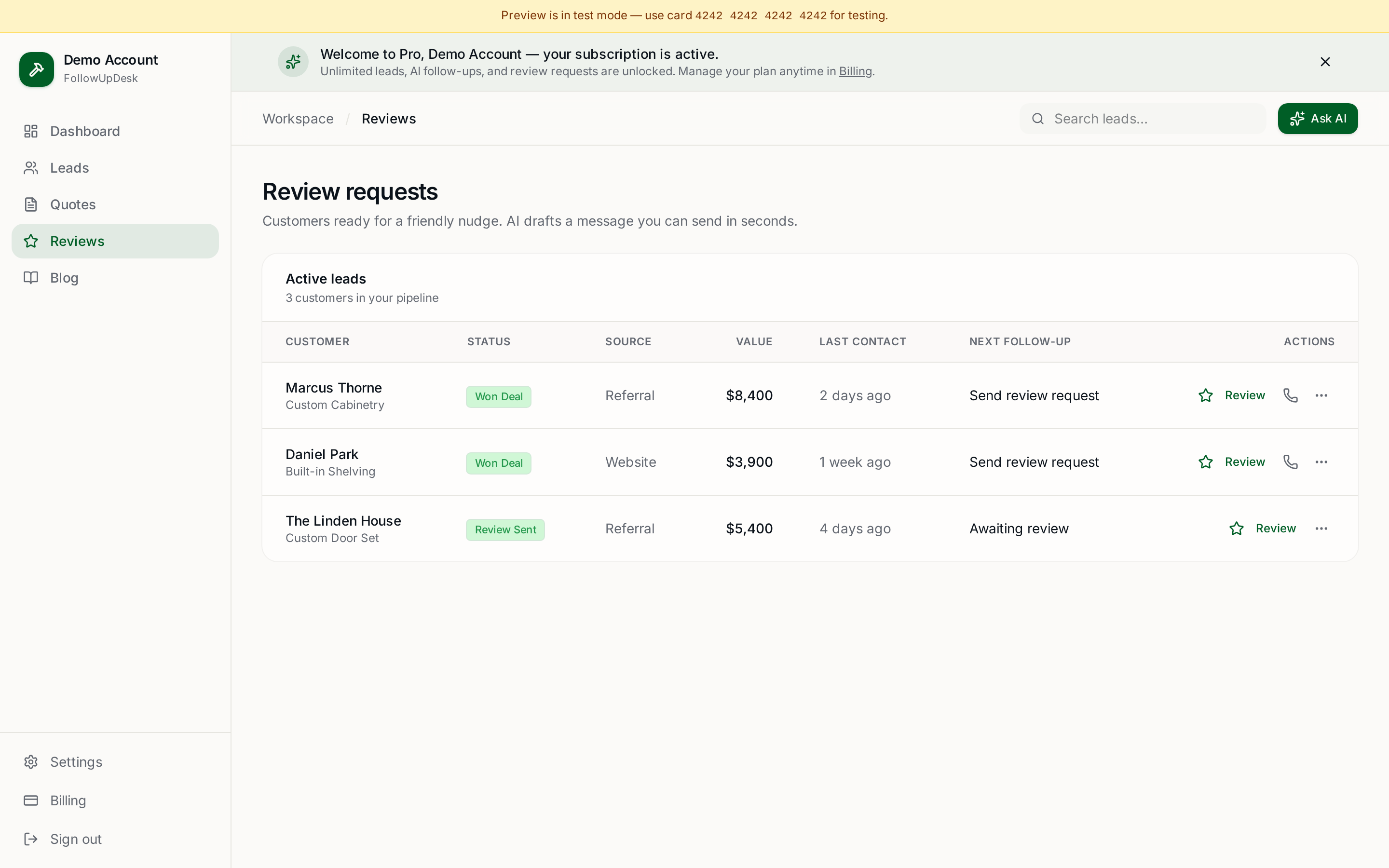
See it in FollowUpDesk
Get started — $29/mo →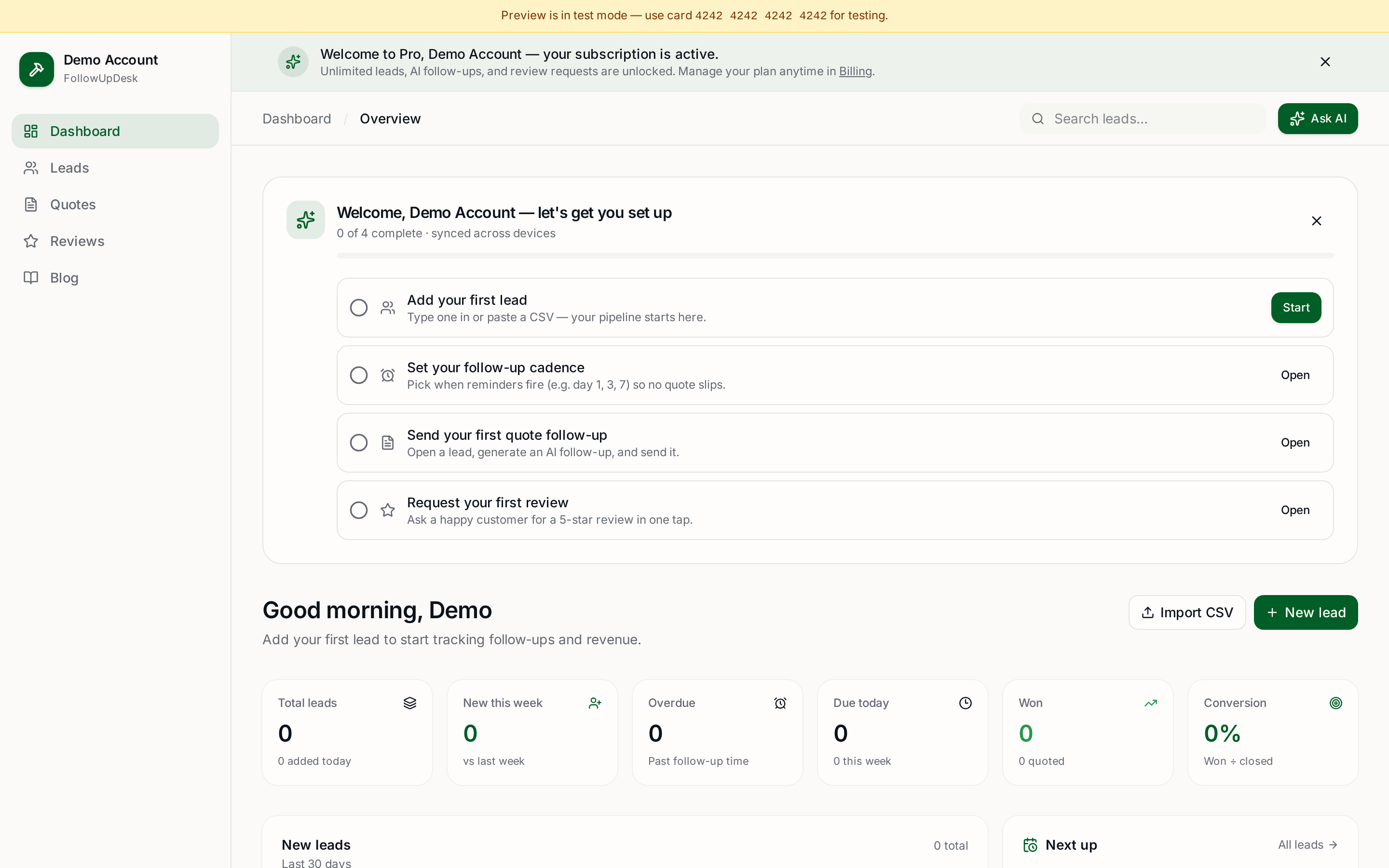
Skip the manual work — these are free, no card required
Frequently asked questions
Can I use FollowUpDesk with Jobber?▾
Yes. Keep Jobber for scheduling, jobs, invoicing and payments, and use FollowUpDesk for leads, open quote tracking and follow-up. Move quotes across with a CSV export and import.
Do FollowUpDesk and Jobber sync automatically?▾
There is no live two-way sync. Most contractors import a CSV of open quotes weekly, which is enough at typical small-contractor quote volumes.
Will customers get duplicate follow-ups?▾
Only if you leave both systems' automations on. Turn Jobber's quote reminders off and let one tool own follow-up messaging.
Is it worth paying for both?▾
If Jobber is already earning its keep on scheduling and invoicing, adding $29/month to stop losing quoted jobs usually pays back on the first recovered quote.
Get the full FollowUpDesk CRM — $29/month
One pipeline for every lead, AI follow-ups for every quote, review requests on autopilot. Cancel in one click.
Free tools require no card · Pro is $29/month, cancel anytime