Do I Need Jobber If I Only Need Quote Follow-Up?
Jobber is a full field-service platform. If your only real problem is quotes going silent, here's how to tell whether you need all of it — and what to buy instead if you don't.
Short answer: if scheduling, dispatching, invoicing and payments are problems you actually have, Jobber is a reasonable buy. If the only thing costing you money is quotes going quiet after you send them, you're buying a lot of platform to solve one narrow problem.
What Jobber actually gives you
Jobber is a genuinely strong field-service platform. Quoting, client management, scheduling, dispatching, invoicing, payments, client portals, review requests and automated quote follow-up reminders all live in one system. None of that is filler — it's real functionality that thousands of contractors rely on daily.
The question isn't whether Jobber is good. It's whether you'll open more than a fifth of it.
The honest test
| If this is true | What to buy |
|---|---|
| You dispatch crews to multiple job sites daily | Field-service platform |
| Office staff schedule and invoice for you | Field-service platform |
| You take card payments in-app and want a client portal | Field-service platform |
| You quote, then forget to chase, and lose jobs | Quote follow-up CRM |
| One or two people, calendar works fine, pipeline doesn't | Quote follow-up CRM |
Most solo and two-person shops land in the bottom half of that table.
What "only needing follow-up" looks like
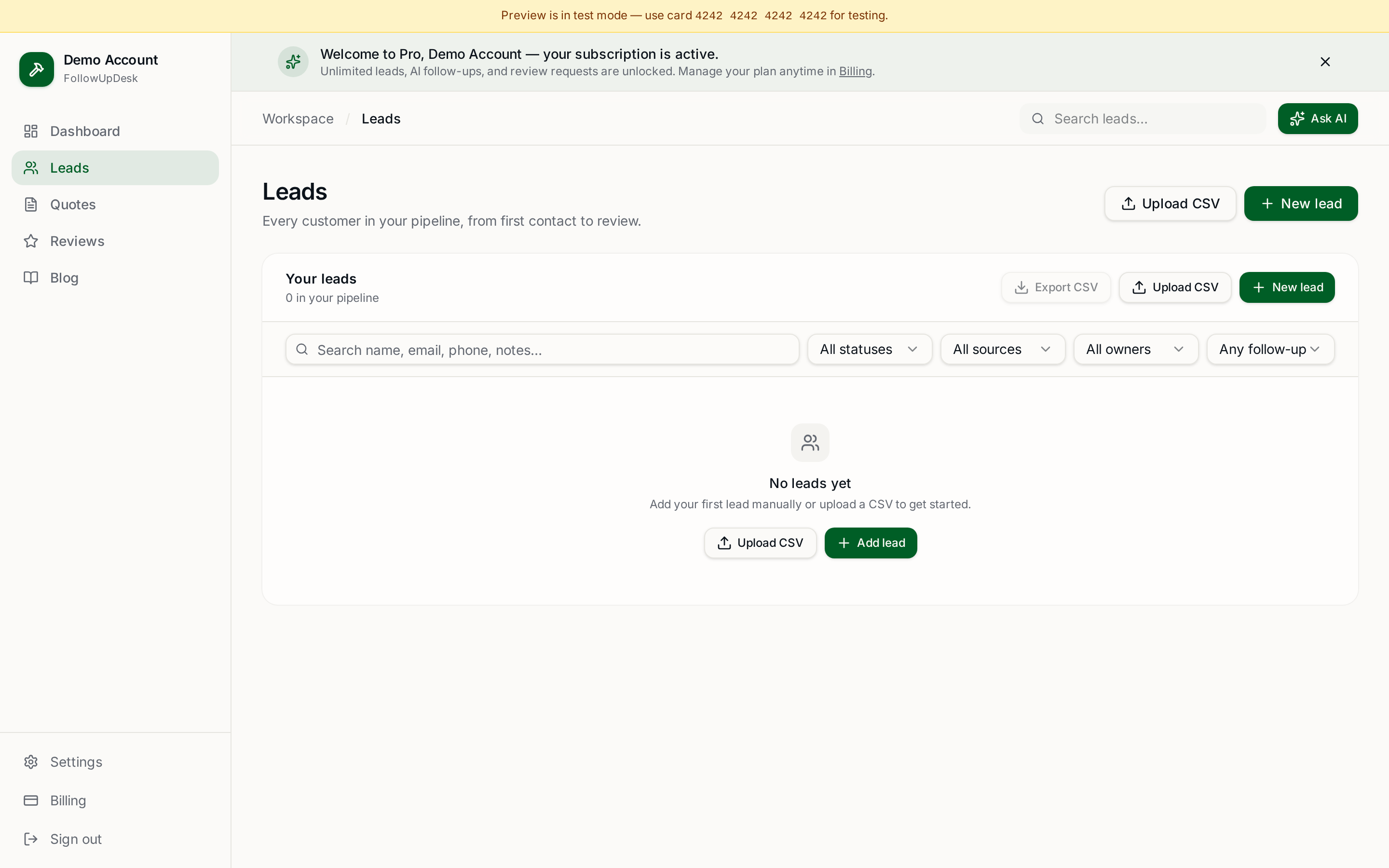
You walk the job, price it, send the estimate, and then it's gone. There's no list of what's still open, no reminder at day three or day seven, and no record of who said no versus who simply never replied. Two or three of those a month at a few thousand dollars each is the entire cost of the problem — and no amount of scheduling software fixes it.
What we'd do instead
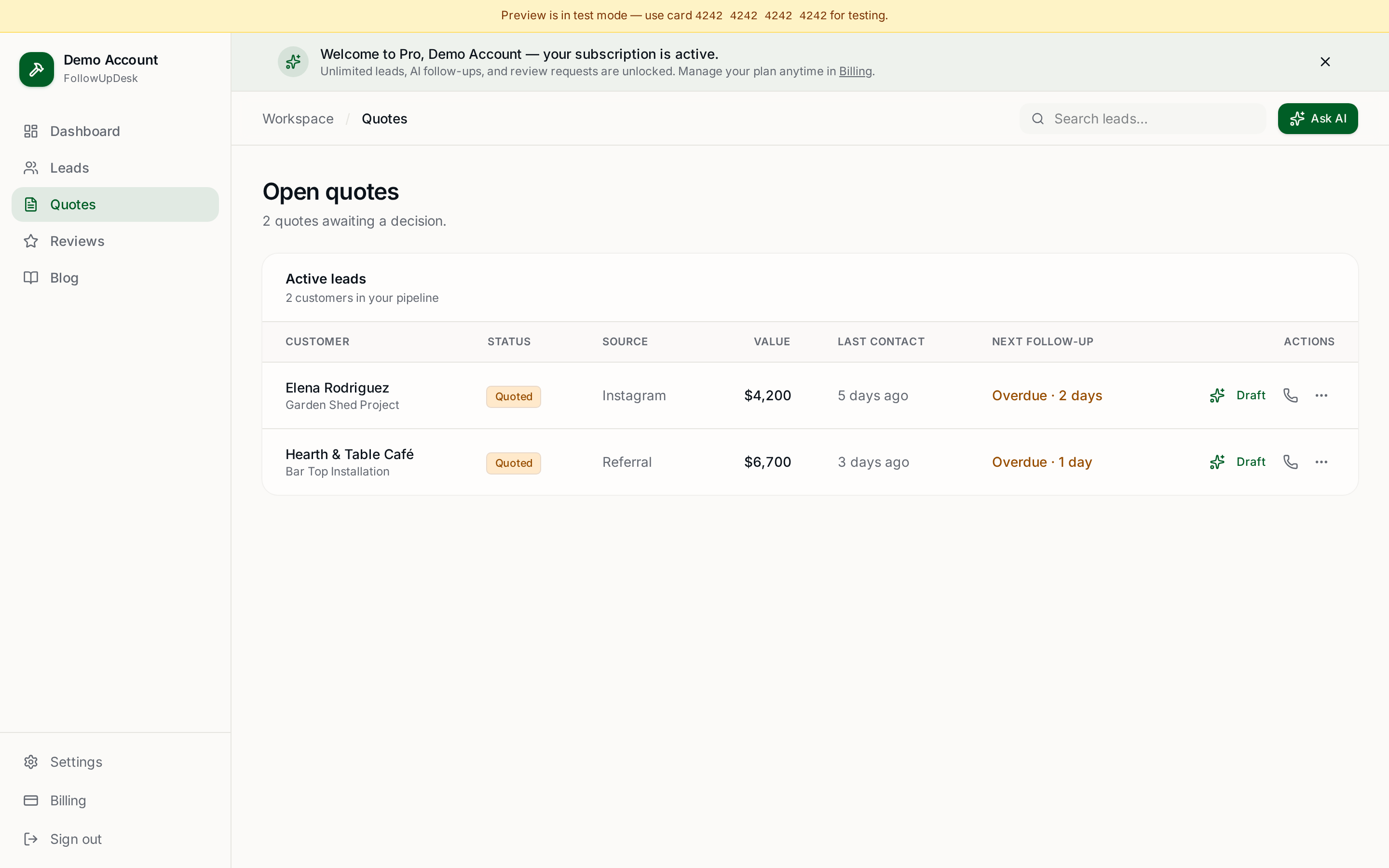
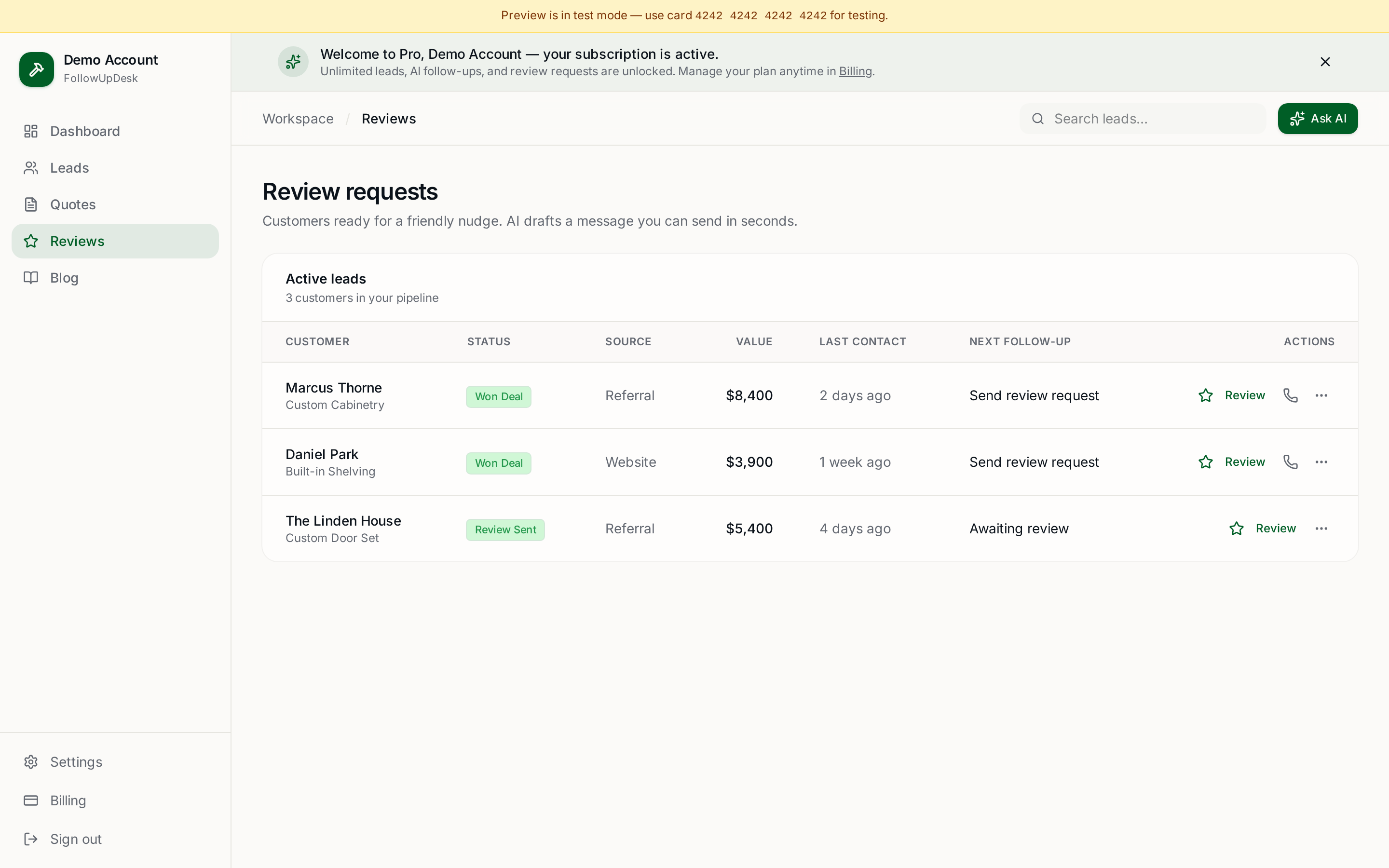
Buy for your worst leak first. If it's follow-up, buy a tool whose entire job is follow-up: one list of open quotes with age and value, an automatic follow-up date on every one, a drafted message ready to edit, and a recorded outcome. FollowUpDesk is $29/month flat with unlimited users and has no scheduling module at all — that's the point.
If you later hire crews and need real dispatching, add a field-service platform then. The two coexist happily.
When we'd tell you to stay on Jobber
If you're already inside Jobber, your team knows it, and you're using scheduling and invoicing — don't rip it out over follow-up. Run FollowUpDesk alongside it for the quote pipeline, or use Jobber's own quote reminders and tighten your process.
Related: FollowUpDesk vs Jobber · Jobber alternatives · contractor CRM without scheduling · can I use FollowUpDesk with Jobber?.
See it in FollowUpDesk
Get started — $29/mo →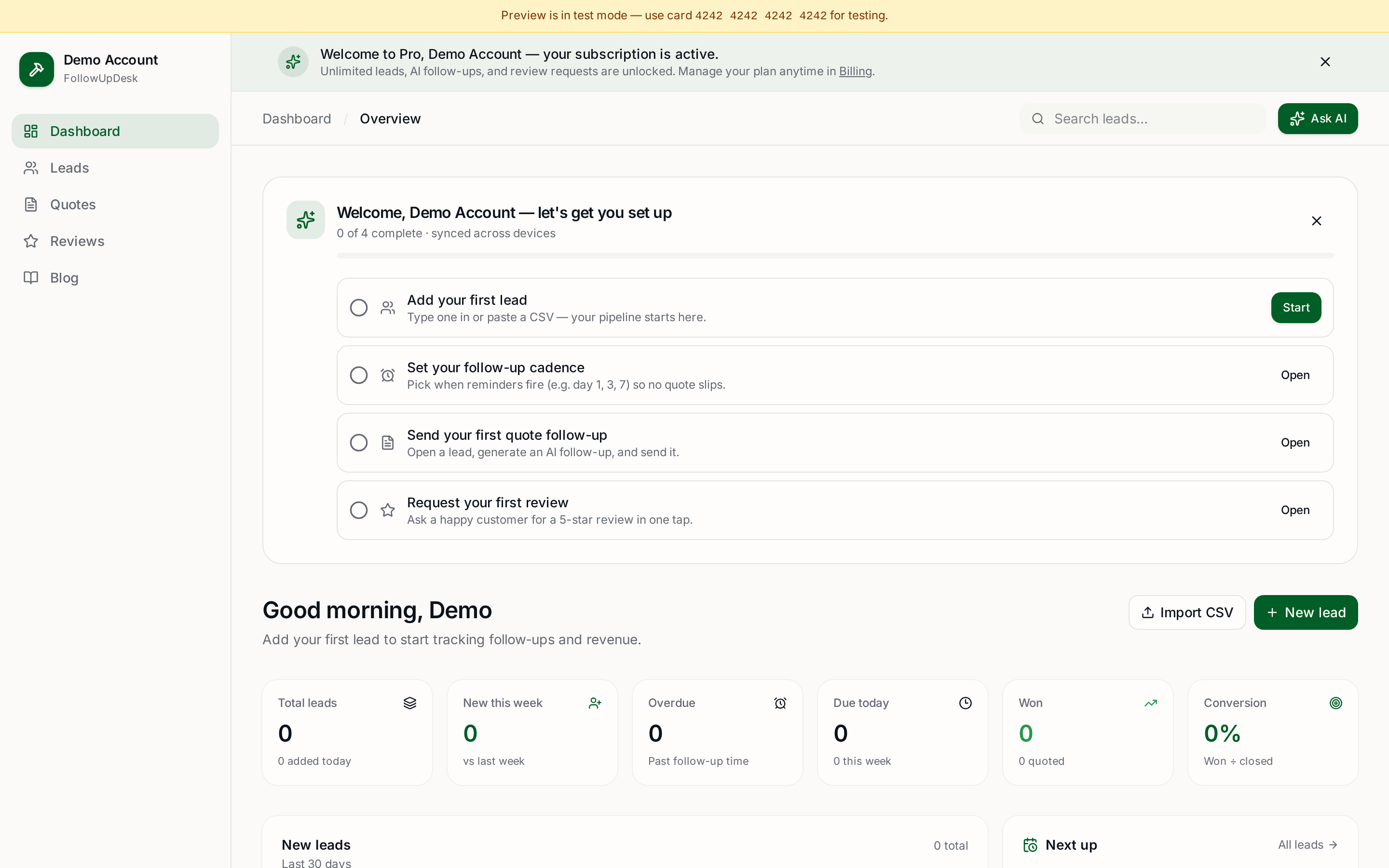
Skip the manual work — these are free, no card required
Frequently asked questions
Do I need Jobber if I only need quote follow-up?▾
Not necessarily. Jobber is a full field-service platform covering scheduling, dispatching, invoicing and payments. If your only problem is open quotes going silent, a focused quote follow-up CRM costs less and takes an afternoon to set up.
Is Jobber good at quote follow-up?▾
Yes — Jobber includes quote reminders and follow-up automation as part of its broader platform. The trade-off is scope and per-user pricing, not capability.
What's the cheapest way to fix contractor follow-up?▾
A dedicated follow-up CRM. FollowUpDesk is $29/month flat with unlimited users, no scheduling module and no per-seat pricing.
Can I switch to Jobber later?▾
Yes. Export your leads and quotes to CSV whenever you outgrow a lightweight CRM and need scheduling or dispatch.
Get the full FollowUpDesk CRM — $29/month
One pipeline for every lead, AI follow-ups for every quote, review requests on autopilot. Cancel in one click.
Free tools require no card · Pro is $29/month, cancel anytime