Automated Review Requests for Contractors (Setup Checklist)
When to ask, what to say, and how to automate review requests so every finished job turns into a Google review that wins the next one.
Reviews are the cheapest lead source in the trades. They arrive free, they rank you in local search, and they close quotes before you ever speak to the homeowner. Yet most contractors ask for reviews only when they remember — which means almost never.
Automating the ask is a one-hour setup that pays out for years. Here is the checklist.
Step 1: pick the moment
Ask the day the job wraps, while the customer is still standing in front of finished work. Response rates fall sharply after 72 hours. For multi-week projects, ask at final walkthrough, not at invoice payment.
Step 2: ask the person, not the crowd
Send it from the name the customer dealt with. 'Hi Dana — glad the deck came out the way you wanted. Would you mind leaving a quick Google review? It genuinely helps a small crew like ours.' Personal beats corporate every time.
Step 3: remove every click you can
Link directly to your Google review form, not your profile. One tap, five stars, done. Every extra step costs you roughly half the responses.
Step 4: one reminder, four days later
Most reviews come from the reminder, not the first ask. One is enough — a second reminder starts to annoy.
Step 5: reply to all of them
Two sentences on every review, good or bad. Replies signal an active business to both homeowners and Google, and a calm reply to a bad review reassures readers more than a wall of perfect fives.
Step 6: automate it so it survives a busy month
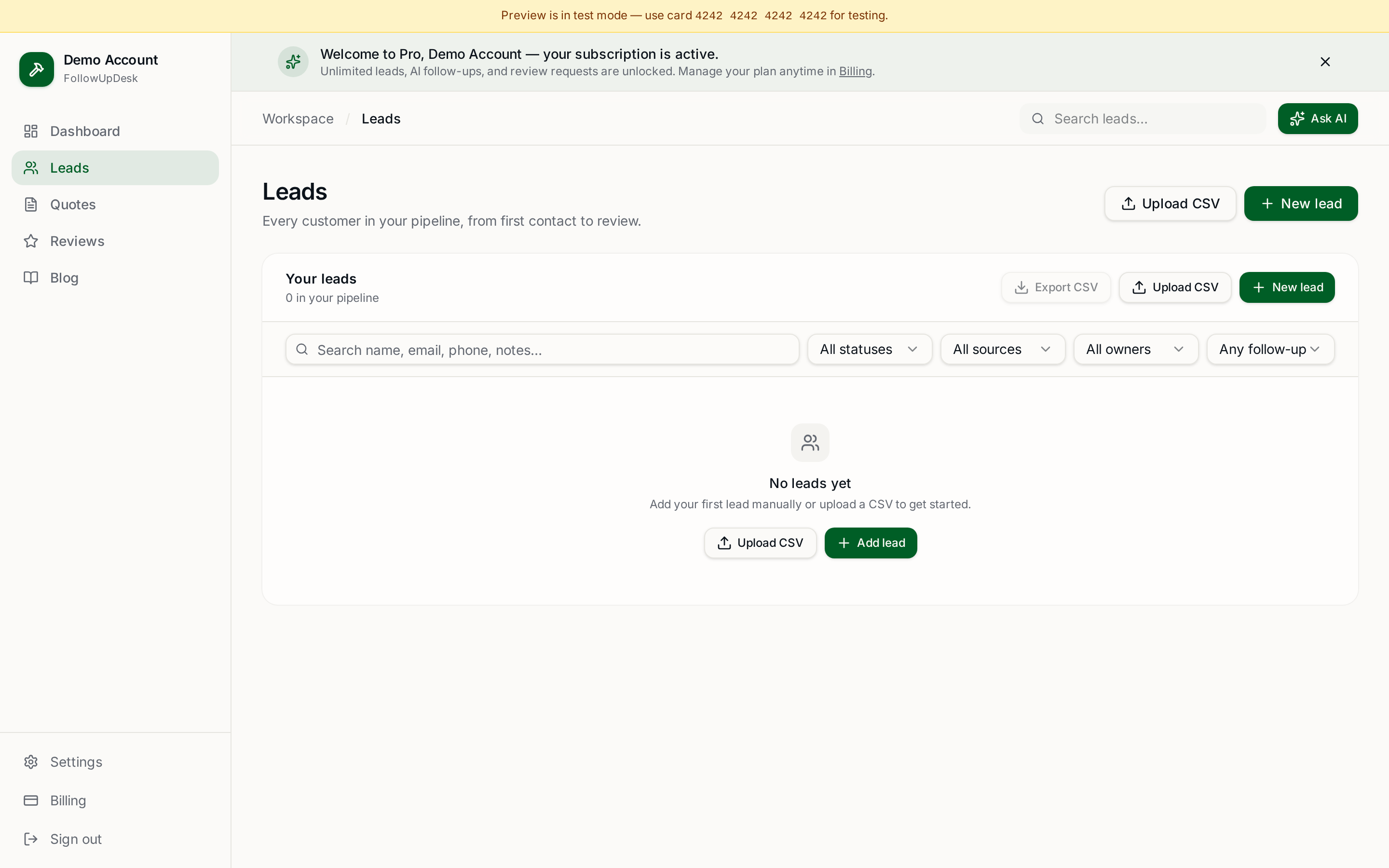
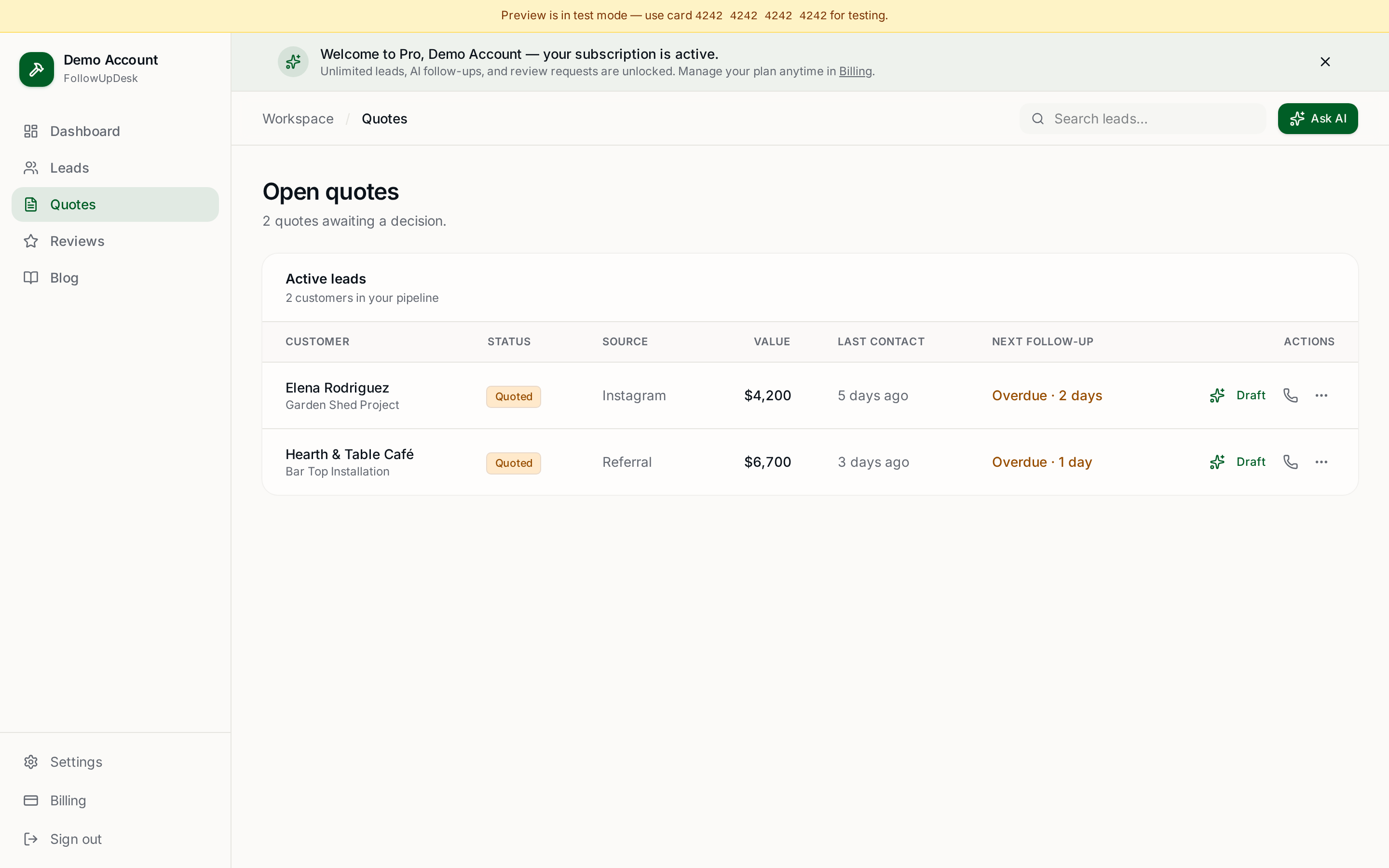
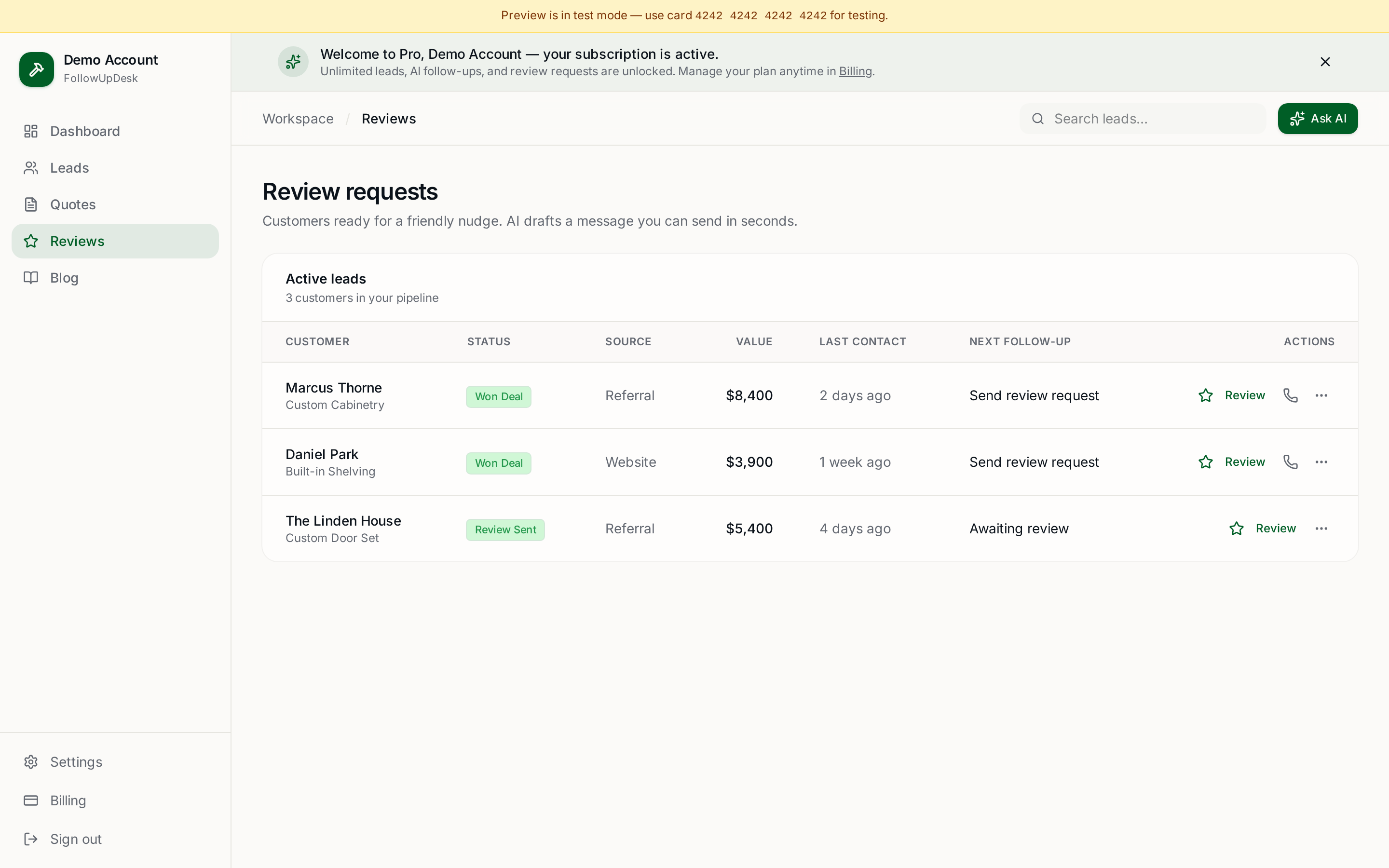
Manual asking dies the first week a job runs long. Automation means the request fires when the job is marked complete, whether or not anyone remembered. That is what review request software for contractors does — included in FollowUpDesk at $29/month flat.
Need wording first? Use the free Review Request Generator, or copy the review request email template.
What good looks like
A shop doing 12 jobs a month with automated requests typically adds 4–7 Google reviews a month. Inside a year, that is the difference between being the crew with 9 reviews and the crew with 70 — and homeowners overwhelmingly call the second one.
Deeper reading: how to ask for a review, how to get 5-star reviews, and review requests that actually work.
Create your account — $29/month and turn review requests on for every completed job.
See it in FollowUpDesk
Get started — $29/mo →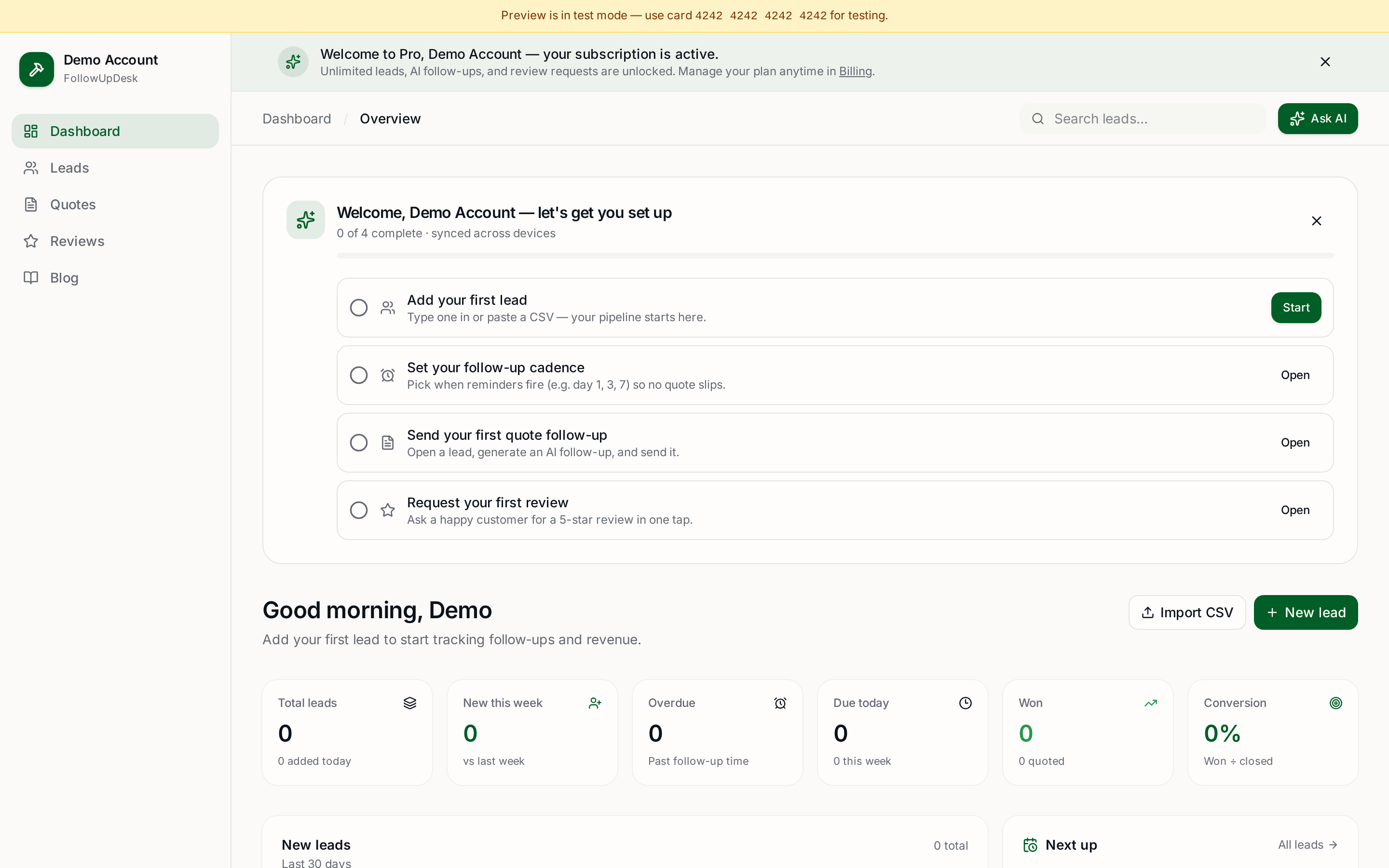
Skip the manual work — these are free, no card required
Frequently asked questions
When should a contractor ask for a review?▾
The day the job is finished, ideally at final walkthrough while the customer is looking at the completed work. Response rates drop sharply after about 72 hours.
How do you automate review requests?▾
Mark the job complete in your follow-up tool and let it send the request automatically, with one reminder a few days later. FollowUpDesk includes automated review requests at $29/month flat for unlimited users.
Is it against Google's rules to ask for reviews?▾
No — asking is allowed. What is not allowed is incentivizing reviews, filtering so only happy customers are asked, or posting reviews on a customer's behalf.
How many reviews does a contractor need?▾
Enough to look active and current: a steady trickle of recent reviews beats a large pile from three years ago. Four to seven a month keeps you visible in local search.
Should I respond to negative reviews?▾
Yes, calmly and briefly, with an offer to make it right offline. Readers judge your response more than the complaint itself.
Get the full FollowUpDesk CRM — $29/month
One pipeline for every lead, AI follow-ups for every quote, review requests on autopilot. Cancel in one click.
Free tools require no card · Pro is $29/month, cancel anytime