How Do Contractors Organize Leads From Texts, Calls and Email?
Your leads arrive in five places and live in none. Here's a simple system for getting every text, missed call, DM and web form into one list you can actually work.
Most contractors don't have a lead problem. They have a lead-location problem. A quote request comes in by text on Tuesday, a missed call Wednesday, a Facebook message Thursday and a web form Friday — and by Monday nobody knows which ones were answered.
The rule that fixes 80% of it
Every lead goes into one place within the same day it arrives, no matter which channel it came from. That's it. Whether the one place is a CRM or a notebook matters less than the fact that there's only one.
A capture routine that survives a busy week
- End of each day, sweep your channels in the same order: missed calls, texts, email, social DMs, web forms.
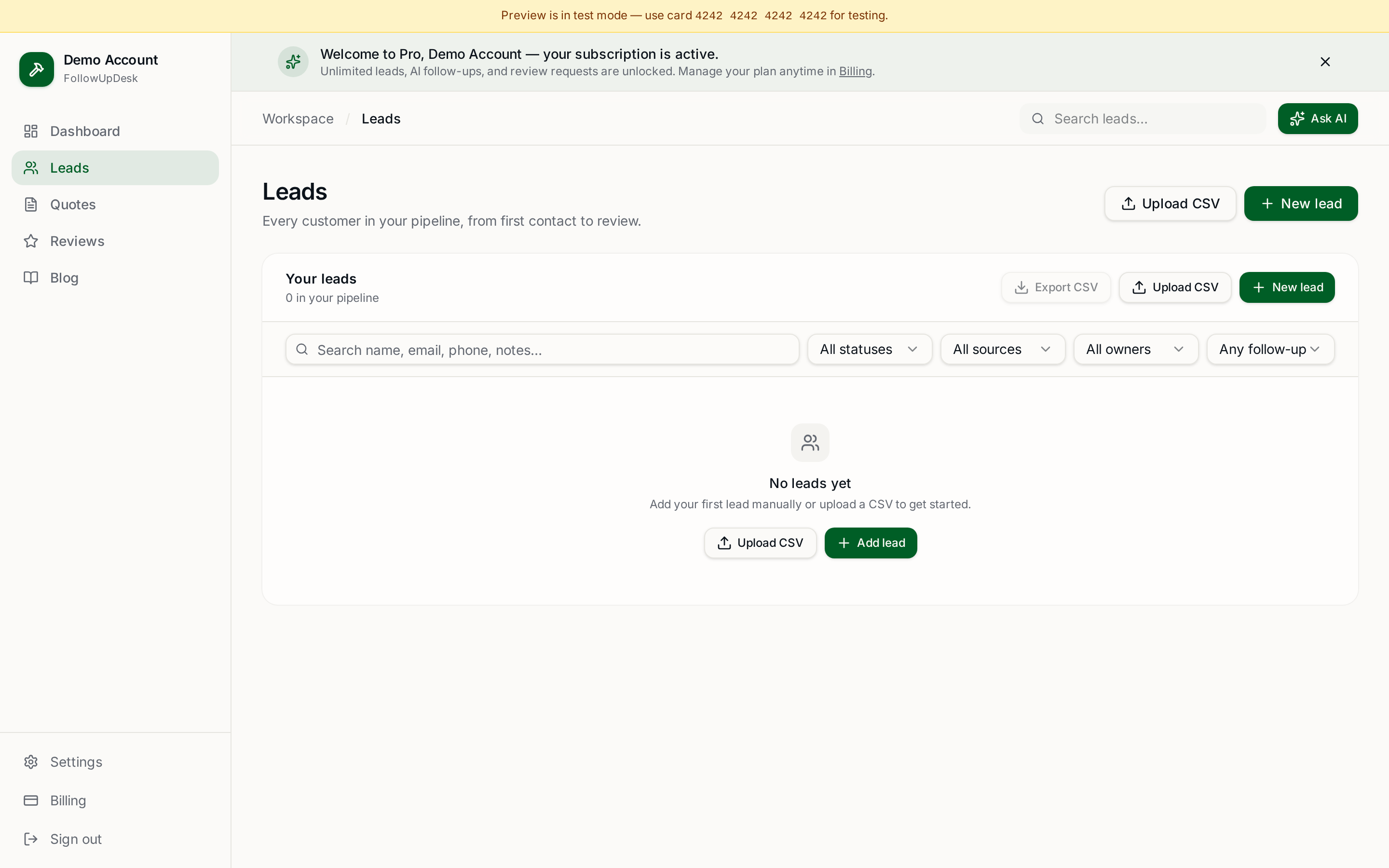
- Add each new lead with four fields only: name, phone, what they want, where it came from.
- Set the next action and date immediately — call back, site visit, send quote.
- Anything already answered gets marked so it doesn't get chased twice.
Four fields is deliberate. Long forms are why capture systems get abandoned by week three.
Where each channel leaks
| Channel | Typical leak | Fix |
|---|---|---|
| Missed calls | No callback record | Log the number the same day |
| Texts | Buried under crew messages | Sweep daily, add to pipeline |
| Email quote requests | Read, then forgotten | Reply, then log next action |
| Social DMs | Only visible on one phone | One person owns the inbox |
| Web forms | Go to an unread address | Forward to your working inbox |
Then track the stage, not the conversation
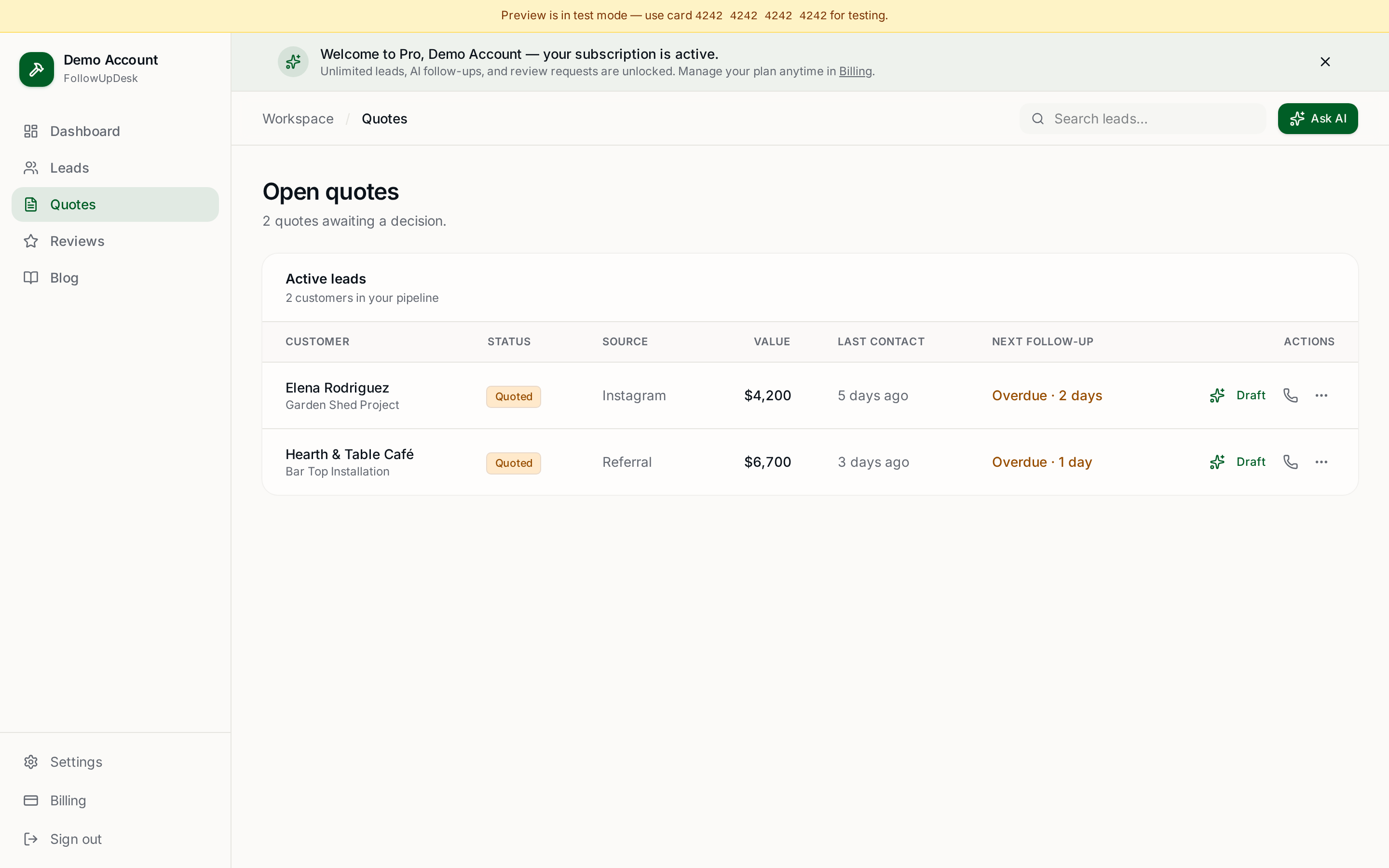
Once a lead is captured, you only need to know which of four stages it's in: new, quoted, following up, closed. Trying to log every message is what makes contractors quit CRMs. Log the stage and the next date; the conversation lives in your phone.
Where software helps
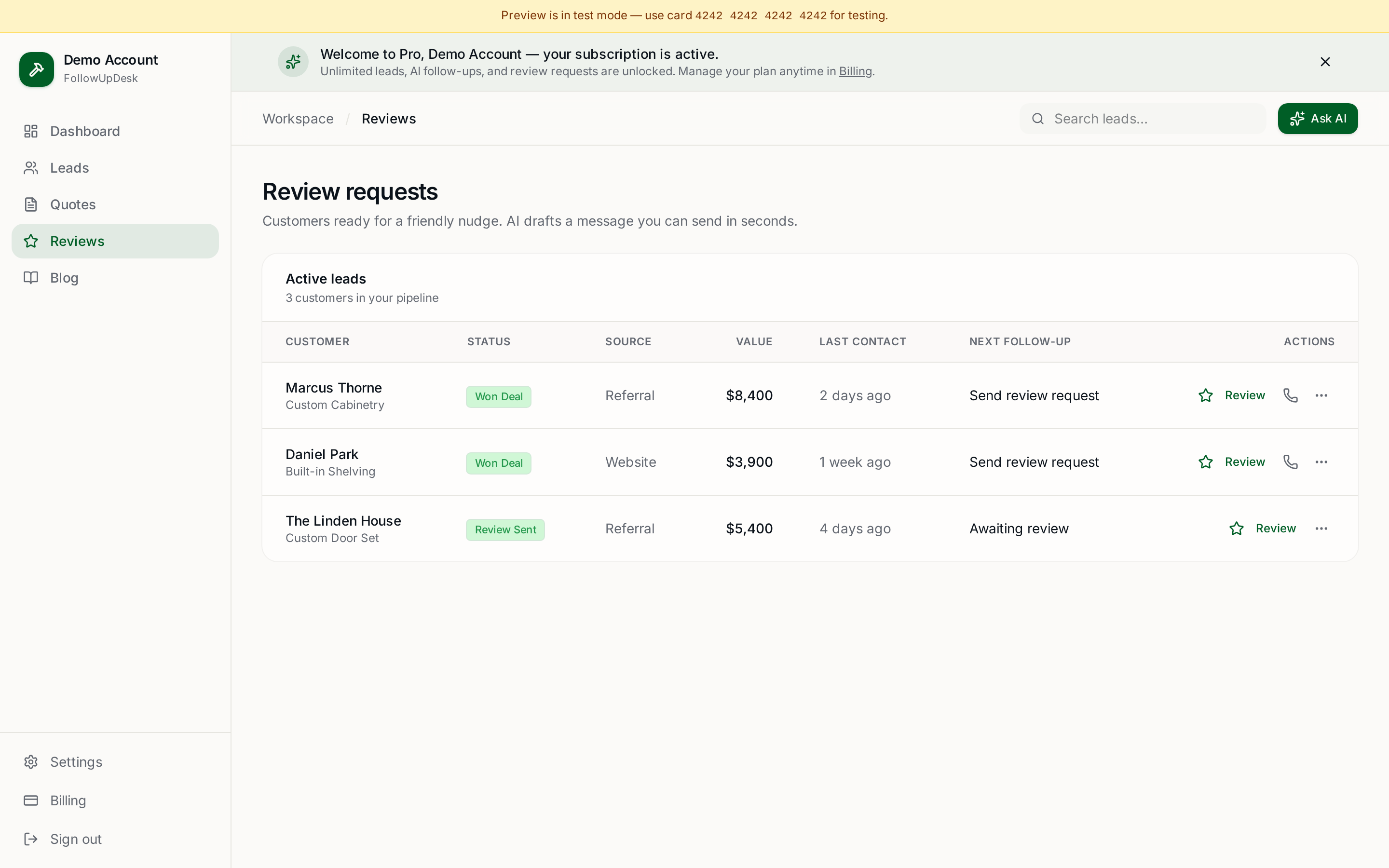
The value isn't storage — it's the daily list of who's owed a response. FollowUpDesk keeps every lead and quote in one pipeline, flags the ones overdue for contact, and drafts the follow-up message so responding takes seconds instead of ten minutes. $29/month flat, unlimited leads.
Related: lead tracking for contractors · how to organize contractor leads in one place · open quote tracking.
See it in FollowUpDesk
Get started — $29/mo →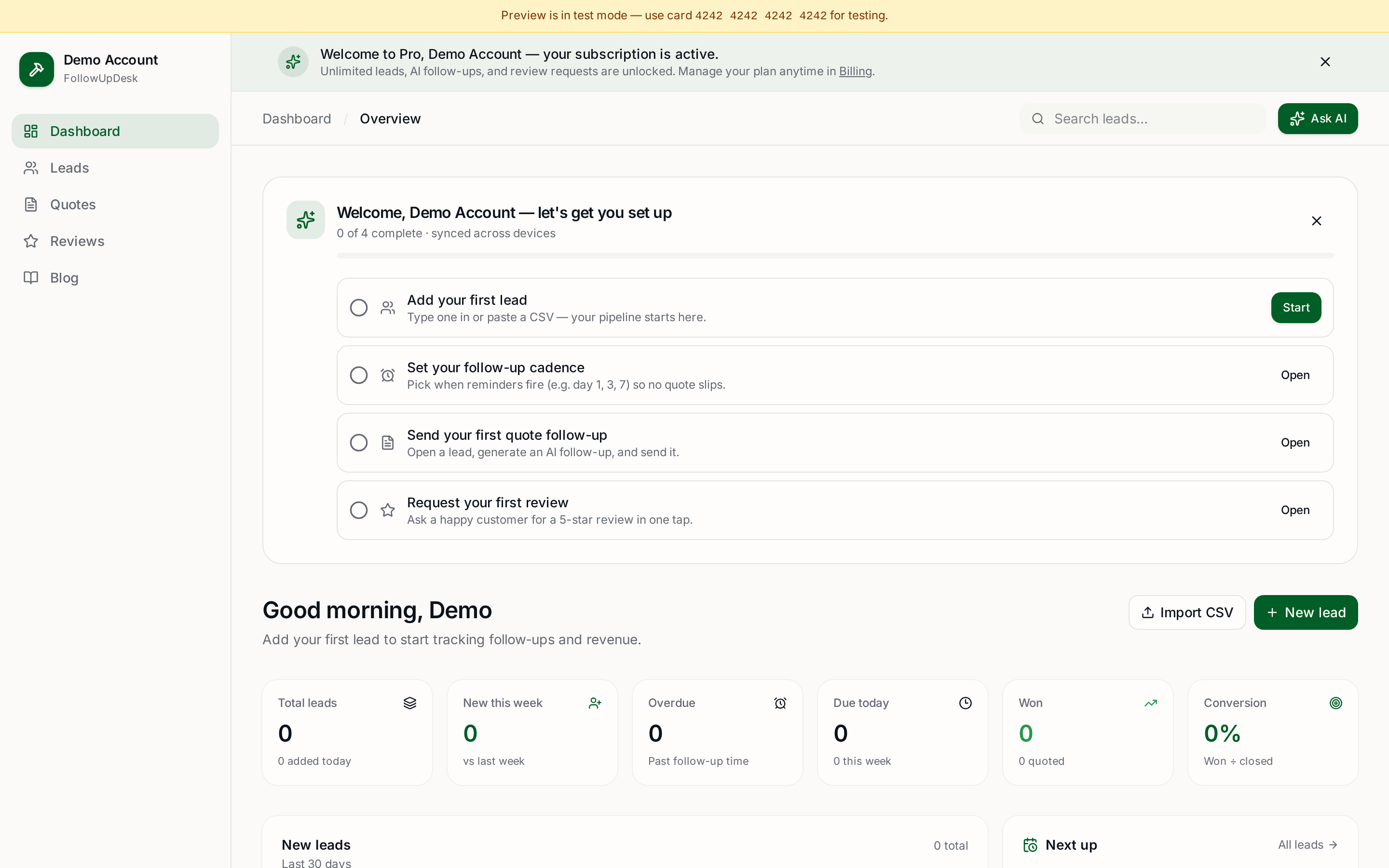
Skip the manual work — these are free, no card required
Frequently asked questions
How do contractors organize leads from texts, calls and email?▾
Sweep every channel once a day and add each new lead to one list with four fields: name, phone, what they want, and where it came from. Then set a next action and date immediately.
Do I need a CRM to track contractor leads?▾
Not at low volume — a single notebook or spreadsheet works up to roughly ten open leads. Past that, you need something that tells you who is overdue for a reply.
What's the most common way contractors lose leads?▾
Missed calls and texts that are read but never logged. The lead was never in a list, so it was never worked.
How often should I check for new leads?▾
Daily at minimum. Reply speed is the single biggest factor in whether a lead converts, so same-day contact should be the standard.
Get the full FollowUpDesk CRM — $29/month
One pipeline for every lead, AI follow-ups for every quote, review requests on autopilot. Cancel in one click.
Free tools require no card · Pro is $29/month, cancel anytime