How to organise contractor leads in one place
Calls, texts, emails, website forms, referrals and Facebook messages — here's how to get every contractor lead into one list with a clear next action.
Contractor leads come from almost anywhere. A homeowner might call, text, email, submit your website form, message you on Facebook, find you on Google, get your number from a friend, or ring after seeing your truck.
The problem usually isn't generating leads. The problem is keeping track of them. When leads are spread across phones, notebooks, spreadsheets and inboxes, opportunities get forgotten.
Start with one lead list
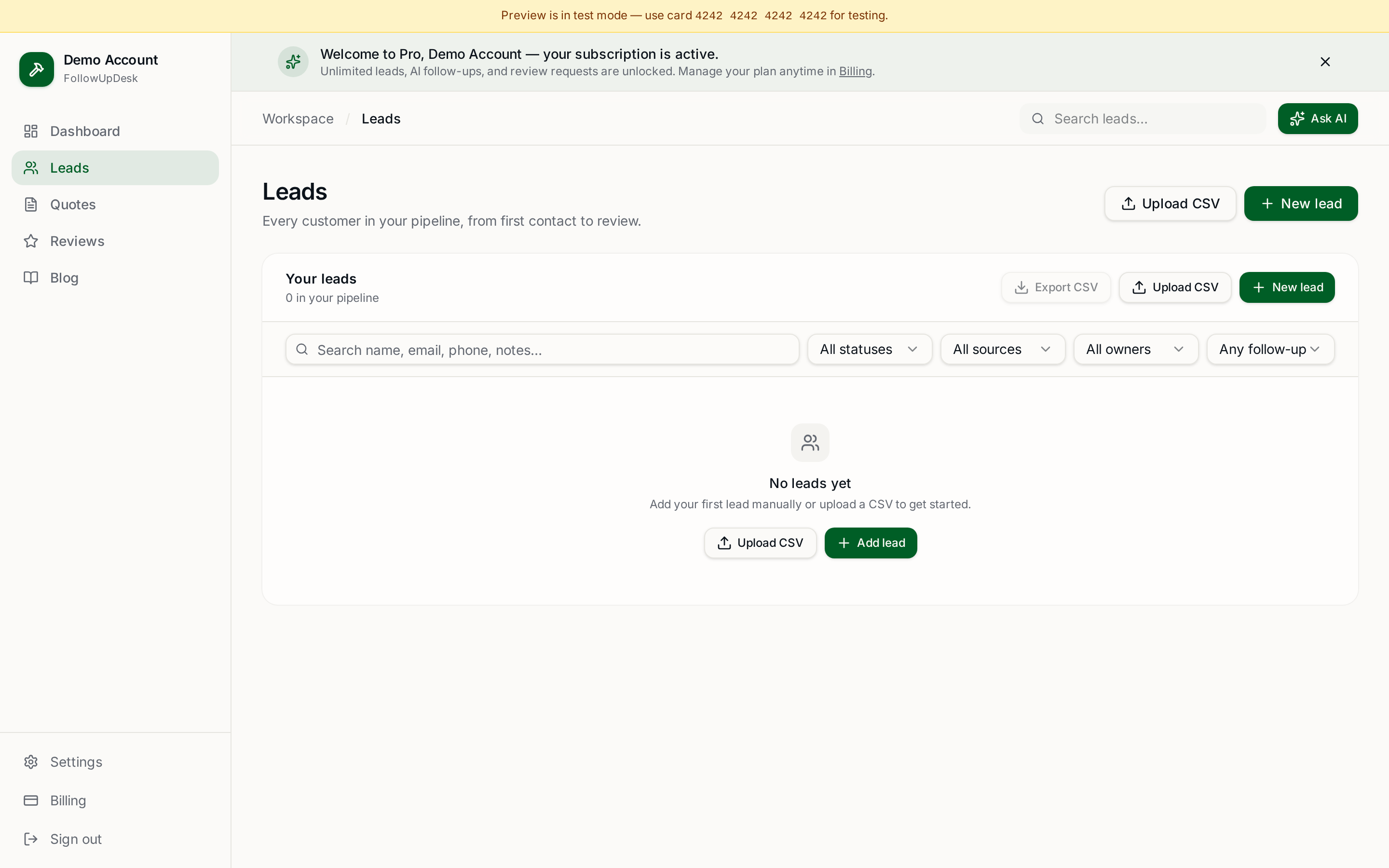
Every new inquiry should end up in one central system. At minimum, record the customer name, contact details, job type, lead source, estimated job value, date received, current status and next action.
The last field may be the most important. A lead without a next action is easy to forget.
Use simple lead stages
Contractors don't need a complicated sales funnel. A workable set of stages:
- New — you haven't contacted the customer yet.
- Contacted — you've spoken and understand the project.
- Estimate needed — you need to inspect the job or prepare a quote.
- Quote sent — the customer has the estimate.
- Follow-up — the quote is open and needs attention.
- Won — the customer accepted.
- Lost — they chose another option or the project stopped.
That structure alone makes your pipeline readable at a glance.
Don't rely on your phone's contacts
Your phone tells you who someone is. It doesn't tell you what they wanted, what you quoted, when you last spoke, how much the job is worth, or when you should follow up. That information belongs in a lead management system.
What about spreadsheets?
Spreadsheets work well when you're starting out. A simple sheet with customer, job, value, status and next follow-up date covers the basics — a roof at $12,000 marked quote sent, a painting job at $4,500 marked new, a remodel at $25,000 due for follow-up today.
The challenge is remembering to keep it updated, and spreadsheets never remind you. If you're weighing the two approaches, see spreadsheet vs CRM for contractors.
Using a contractor CRM
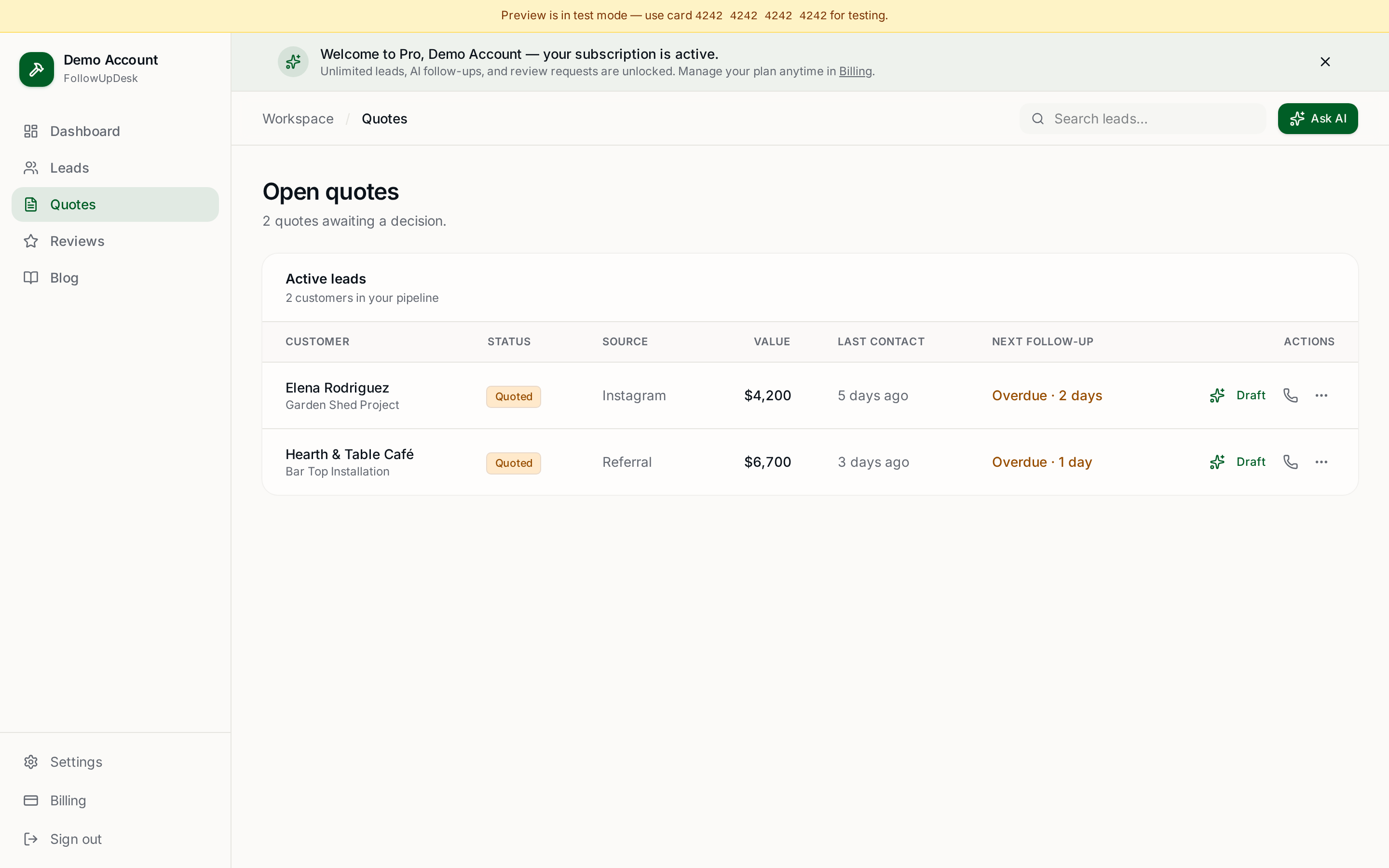
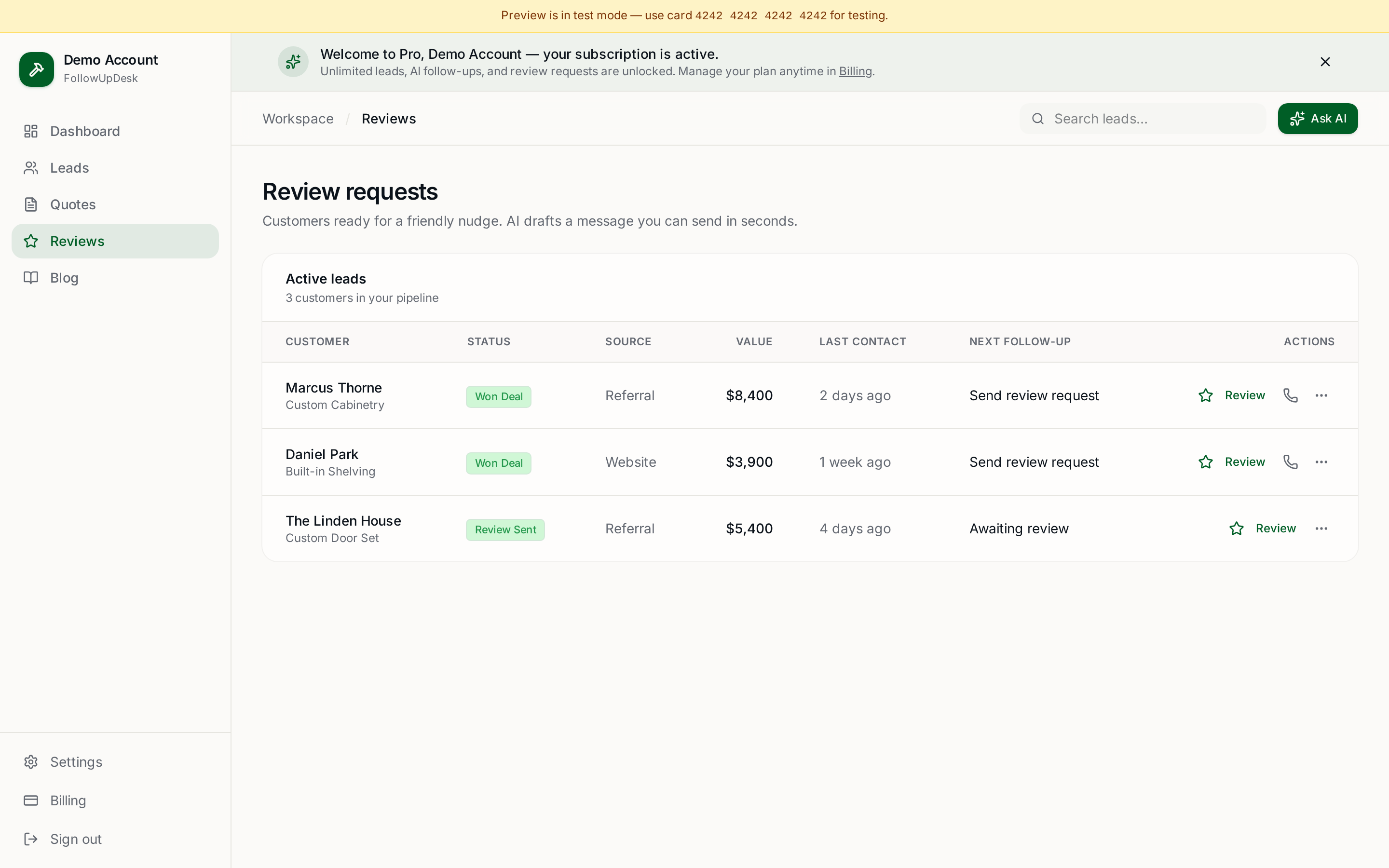
A contractor CRM gives you a dedicated home for leads, customers, quotes and follow-ups. FollowUpDesk is designed around exactly this workflow, so instead of maintaining separate lists for leads and quotes you manage the pipeline and the follow-up activity in one place.
You can also see lead tracking for contractors for how the pipeline works day to day.
The most important rule
Stop asking "where did I save that customer's number?" and start asking "what leads need my attention today?" That's the difference between storing contacts and managing a sales pipeline.
See it in FollowUpDesk
Get started — $29/mo →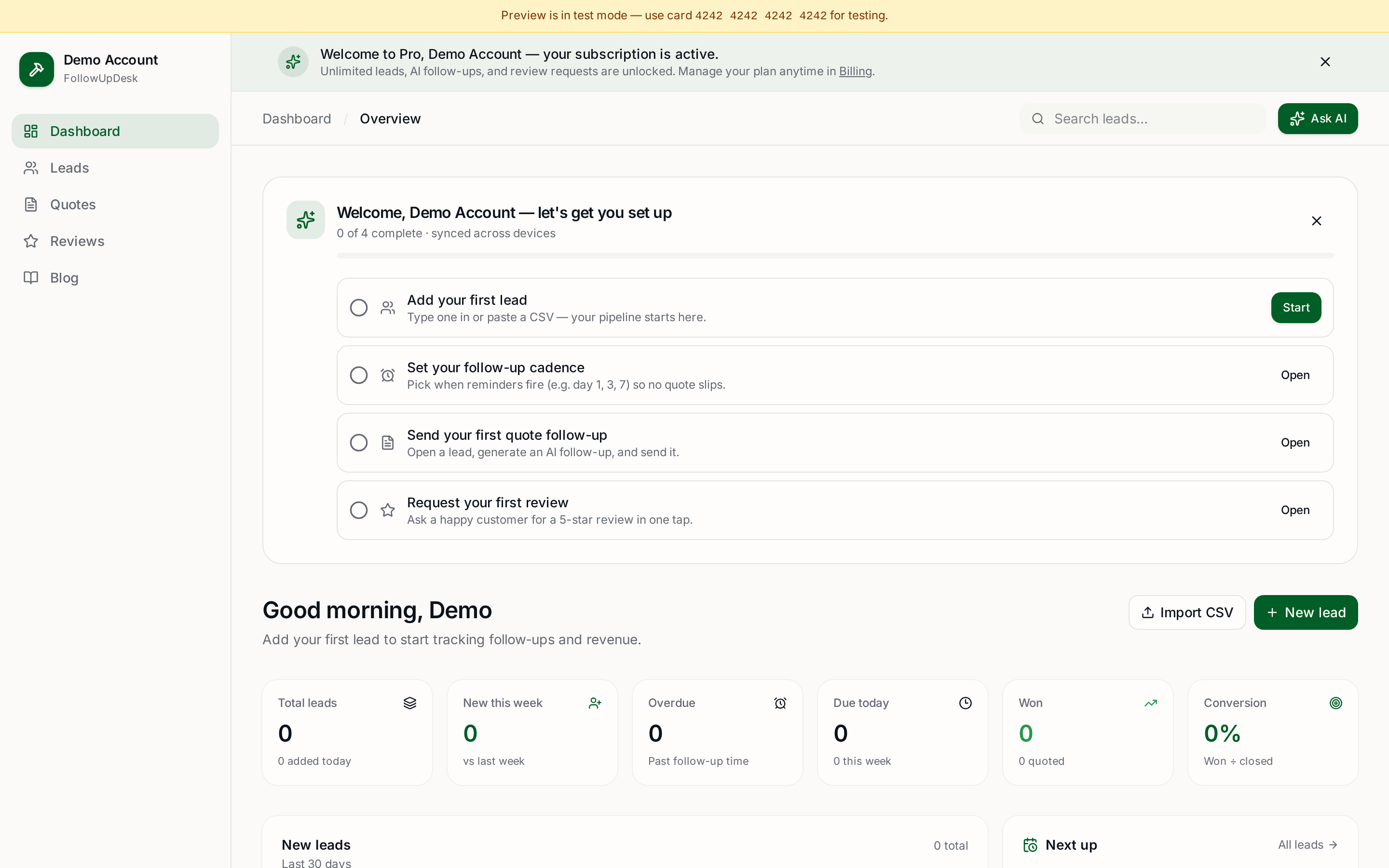
Skip the manual work — these are free, no card required
Frequently asked questions
How should contractors organise incoming leads?▾
Funnel every source into one list that records name, contact details, job type, source, value, date received, status and the next action for each lead.
What lead stages should a contractor use?▾
New, contacted, estimate needed, quote sent, follow-up, won and lost cover almost every residential trade pipeline without extra complexity.
Is a spreadsheet enough for tracking contractor leads?▾
It can work at low volume, but spreadsheets never remind you. Once you send several quotes a week, missed follow-ups usually cost more than a CRM.
Why isn't my phone contact list enough?▾
Contacts store who someone is, not what they wanted, what you quoted, or when to follow up — the details that actually win the job.
Get the full FollowUpDesk CRM — $29/month
One pipeline for every lead, AI follow-ups for every quote, review requests on autopilot. Cancel in one click.
Free tools require no card · Pro is $29/month, cancel anytime