Can contractors use a CRM from their phone?
Why mobile CRM software matters for contractors, and which features you should be able to reach from a phone.
Yes — and mobile access is one of the most important features of a contractor CRM. Contractors spend much of the day away from a desk: visiting a job site, inspecting a property, meeting a customer, driving between projects, picking up materials or working on an installation.
You still need access to customer information.
What should a mobile contractor CRM allow?
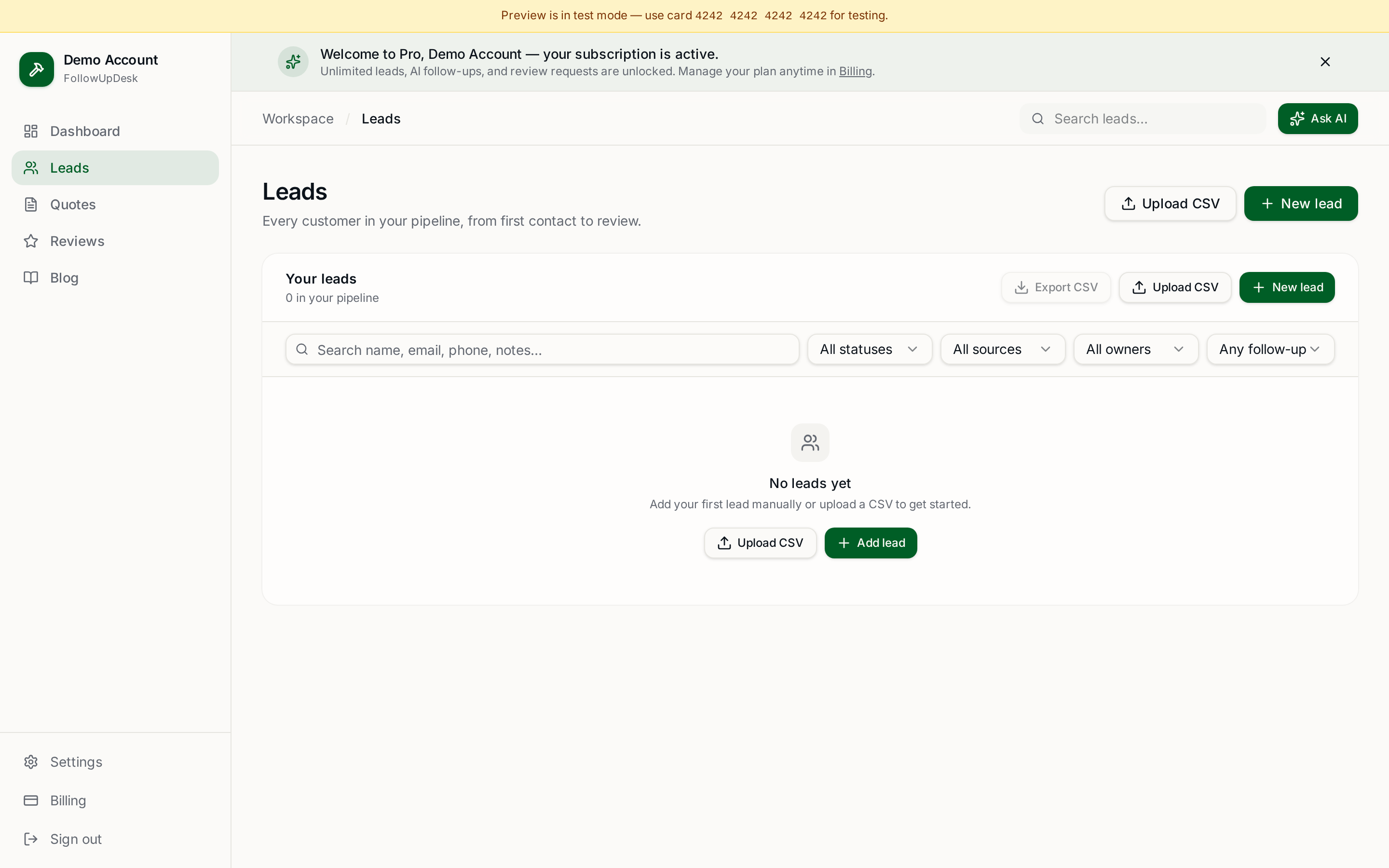
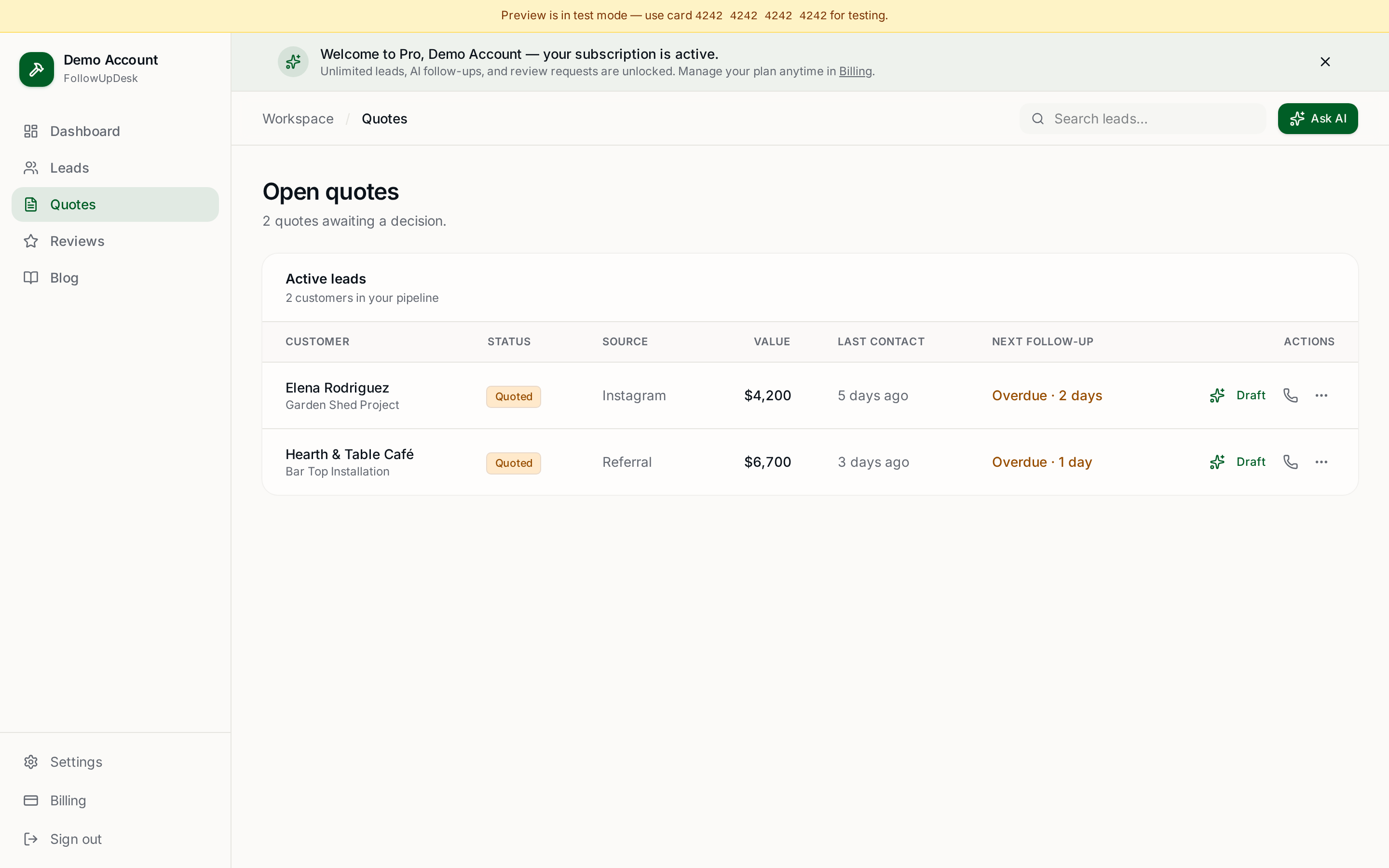
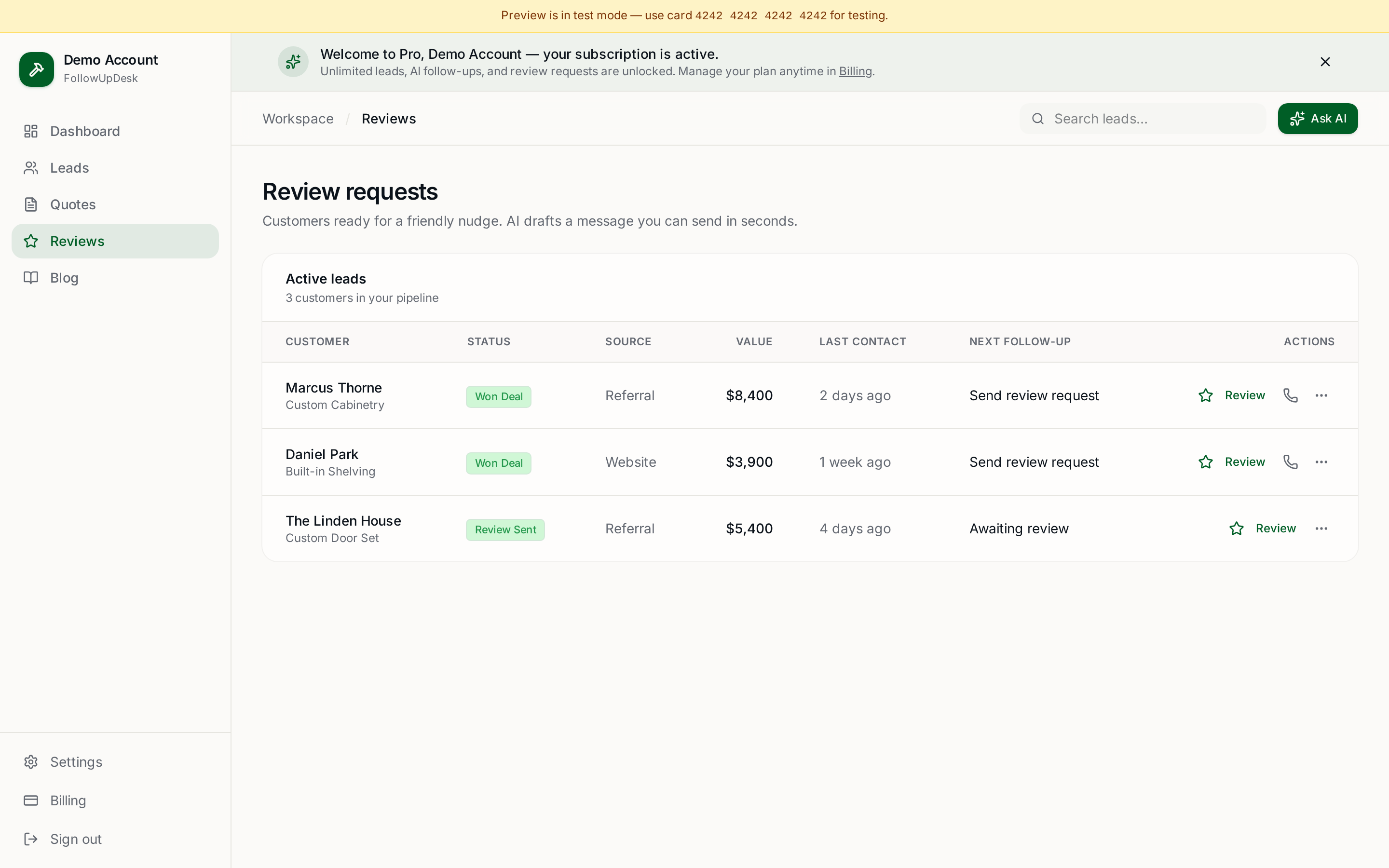
At minimum you should be able to view and add leads, update customer information, check quote status, add notes, see follow-up tasks, update pipeline stages and review customer history. You shouldn't have to wait until you're back at the office to update your CRM.
Why mobile access matters
Imagine standing in front of a potential customer who asks what you quoted their neighbour for the same type of project, or whether you already sent their estimate. Pulling that up in seconds saves time and makes your business look organised.
Mobile CRM vs mobile-friendly website
These aren't the same thing. A mobile CRM should be designed around the actions you actually need on site, making it easy to find, update and follow up without complicated navigation.
Where FollowUpDesk fits
FollowUpDesk works from mobile devices so contractors can manage leads, quotes and follow-up activity away from a desktop. Your sales pipeline doesn't stop when you leave the office. See the follow-up app overview.
What should you prioritise?
Don't just ask whether a CRM has a mobile version. Ask whether you can actually manage your leads and follow-ups quickly from your phone. That's the test that matters.
See it in FollowUpDesk
Get started — $29/mo →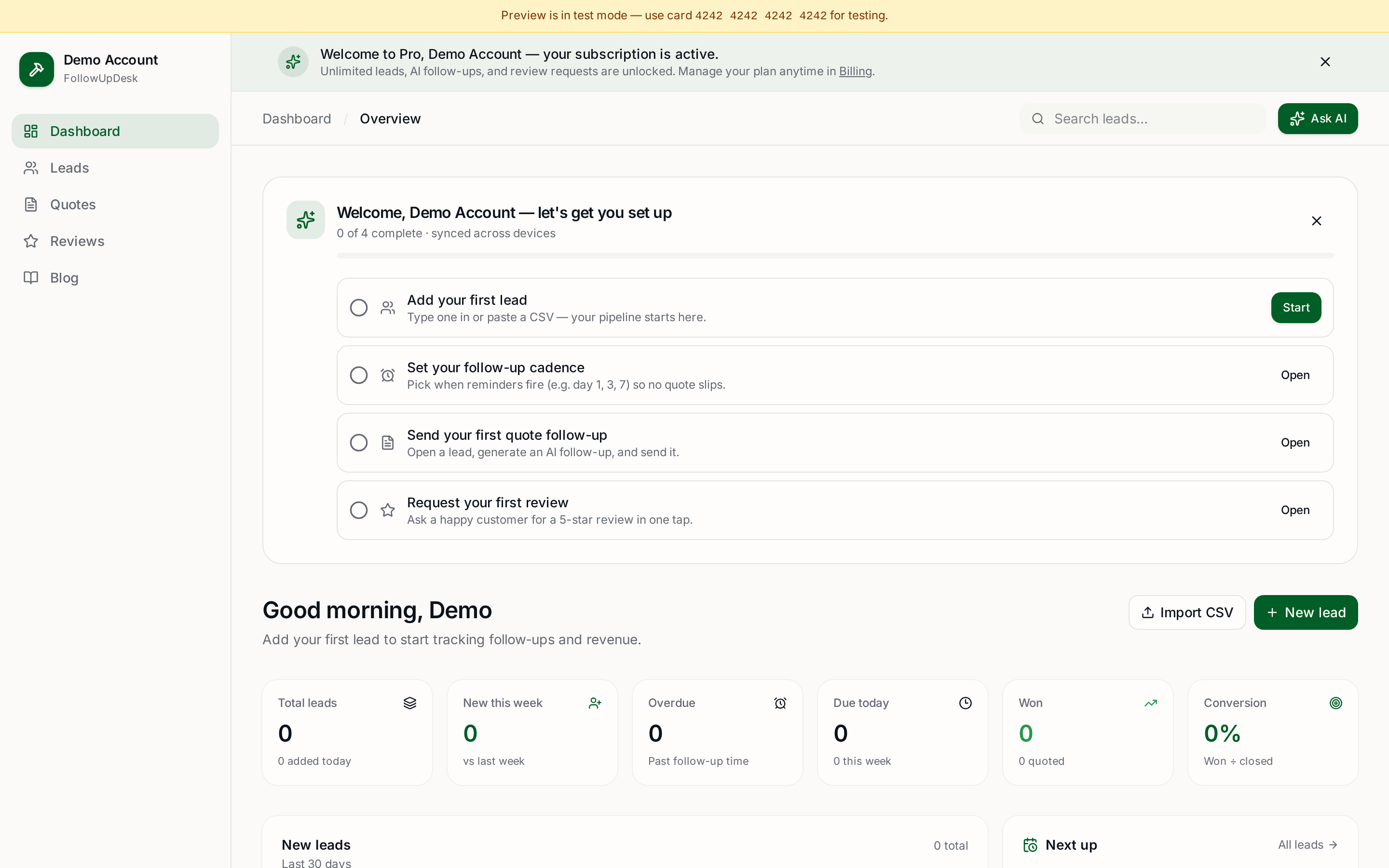
Skip the manual work — these are free, no card required
Frequently asked questions
Can contractors use a CRM from a phone?▾
Yes. A good contractor CRM works in a mobile browser so you can view leads, update quote status and add notes from a job site.
What should a contractor be able to do on mobile?▾
View and add leads, update customer details, check quote status, add notes, see follow-up tasks and move pipeline stages.
Is a mobile-friendly CRM the same as a mobile CRM?▾
No. A mobile-friendly site merely resizes; a mobile CRM is designed around the few actions you need quickly while working.
Does FollowUpDesk need an app download?▾
No. It runs in your phone's browser, so there's nothing to install and it's available on any device you sign in with.
Get the full FollowUpDesk CRM — $29/month
One pipeline for every lead, AI follow-ups for every quote, review requests on autopilot. Cancel in one click.
Free tools require no card · Pro is $29/month, cancel anytime