Can AI-written messages actually sound like your business voice?
Can AI write contractor follow-up messages that sound human? How to use AI without losing your tone, personality or professionalism.
When contractors first hear about AI-written follow-up messages, one concern comes up immediately: "is this going to sound like a robot?"
It can — if you simply give AI a generic instruction like "write a follow-up message to this customer." But AI-written messages don't have to sound generic. With the right context, AI helps contractors write faster while staying conversational, professional and consistent with how they normally communicate.
The key isn't letting AI replace your voice. It's giving AI enough information to use your voice.
Can AI actually write messages in your business's voice?
Yes, but the quality depends heavily on the information you give it. A useful AI follow-up message should know what type of business you run, what service you're providing, who the customer is, what happened during the previous interaction, whether an estimate has already gone out, how much time has passed, what you want the customer to do next and the tone you normally use.
Compare "write a follow-up message about an estimate" with: "write a short, friendly follow-up to a homeowner who received a painting estimate three days ago. Keep it conversational and helpful. Don't sound pushy. Ask whether they had any questions about the estimate."
The second instruction gives far more useful context, and the result is much more likely to sound like something a real contractor would send.
Why generic AI messages sound robotic
The problem usually isn't AI itself — it's lack of context. Generic AI output tends to include excessive politeness, unnecessary introductions, corporate language, long explanations, phrases the owner would never use, too many words and repetitive calls to action.
This sounds overly formal: "I hope this message finds you well. I wanted to take a moment to follow up regarding the estimate we previously provided and see if you had any questions or concerns."
A contractor would naturally say: "Hey John, just checking in on the estimate I sent over. Let me know if you have any questions." Shorter, clearer, conversational — that's the standard AI should hit.
How to make AI follow-up messages sound human
1. Give the AI context. Don't ask for a message without saying what happened. Feed it the customer name, service (roof replacement), estimate value ($12,500), when it was sent (3 days ago), the previous conversation ("customer is comparing two contractors") and your goal (check whether he has questions). Now it can write something relevant instead of a generic sales pitch.
2. Tell it what tone you want. "Professional" isn't enough. Say friendly, direct, casual, warm, short, confident, helpful, not pushy. Simple rules work well: "keep messages under 50 words, use simple language, no corporate phrases, sound like a local contractor texting a customer."
3. Keep the message short. A follow-up isn't a sales essay. The customer already knows who you are and already has the estimate — the job is to reopen the conversation. "Hey Sarah, just checking in on the kitchen estimate I sent over. Did you get a chance to look it over? Happy to answer any questions." That's enough.
4. Keep a human in the loop. AI drafts → you review → you send. That gives you speed without giving up control. If the AI writes "I wanted to circle back regarding your recent inquiry" and you'd say "hey, just checking in", change it — then feed that preference back into your instructions.
Can AI learn your business's tone?
It can work from examples and explicit style guidelines. For instance: friendly, short, no corporate language, no emojis unless appropriate, never pressure customers, use the customer's first name, ask one clear question, sound conversational, never say "circle back" or "touch base".
Guidelines like that dramatically change the output. The important part is that your business voice should be defined rather than assumed.
What should contractors use AI for?
Repetitive communication, mostly. New lead: "Thanks for reaching out about your bathroom remodel. When would be a good time to take a look?" Estimate follow-up: "Hey Mike, just checking in on the estimate I sent over. Any questions I can help with?" Older lead: "Hi Sarah, we spoke a few months ago about the patio project. Are you still thinking about getting it done?" Review request: "Thanks again for choosing us. If you were happy with the work, we'd really appreciate a quick Google review."
You still control the relationship. AI just removes the time spent figuring out what to write.
AI matters most at volume
Imagine 30 open estimates. Writing a genuinely different message for each one takes hours. Give AI the customer and quote context for each and you get 30 starting drafts, so you spend your time talking to customers instead of staring at a blank text box.
Should AI send messages automatically?
It depends. Routine "just checking in on the estimate" follow-ups automate well. But keep judgment in the loop for price objections, scope changes, project delays and questions about charges — those should come back to a person.
How FollowUpDesk uses AI for contractor follow-up
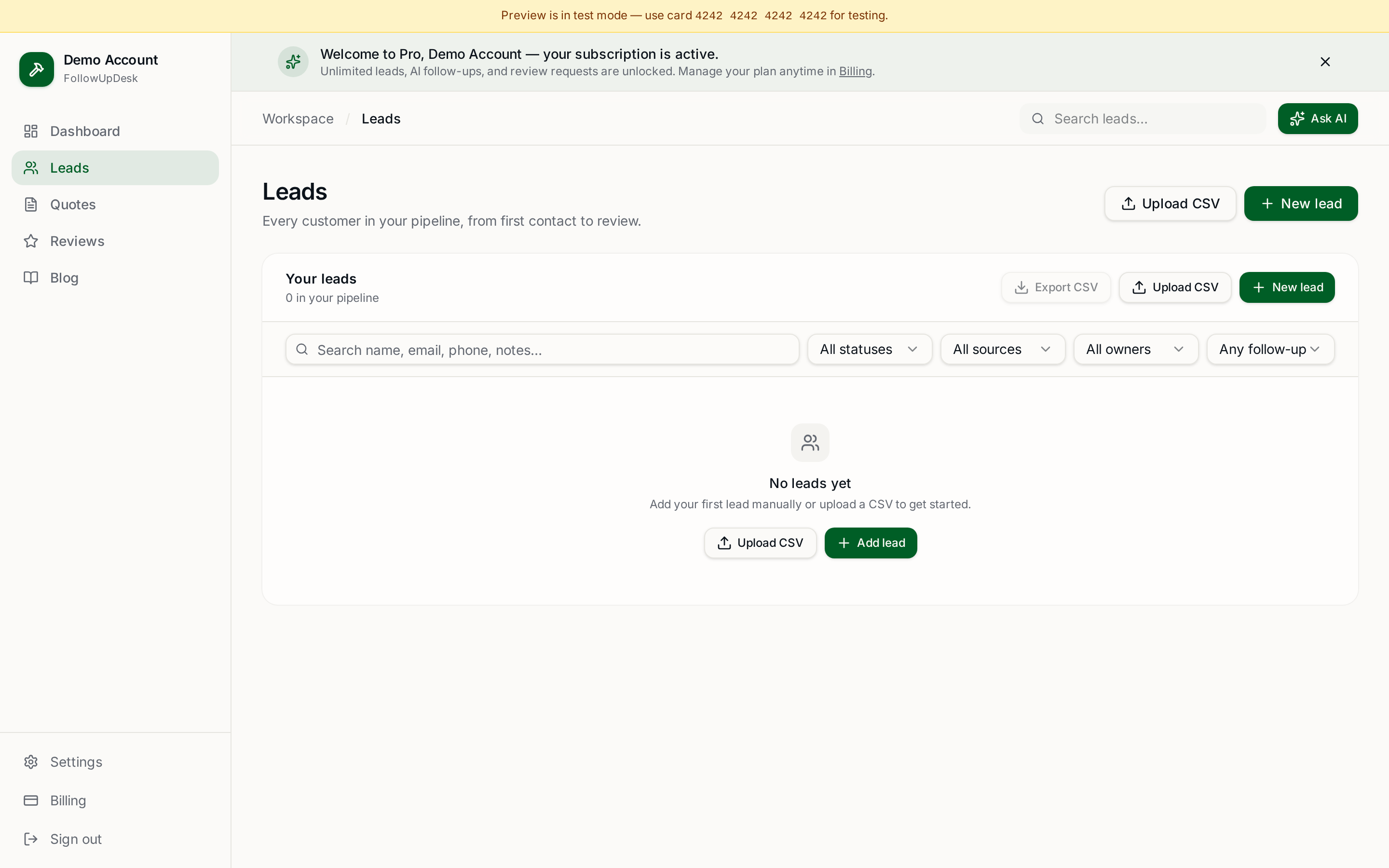
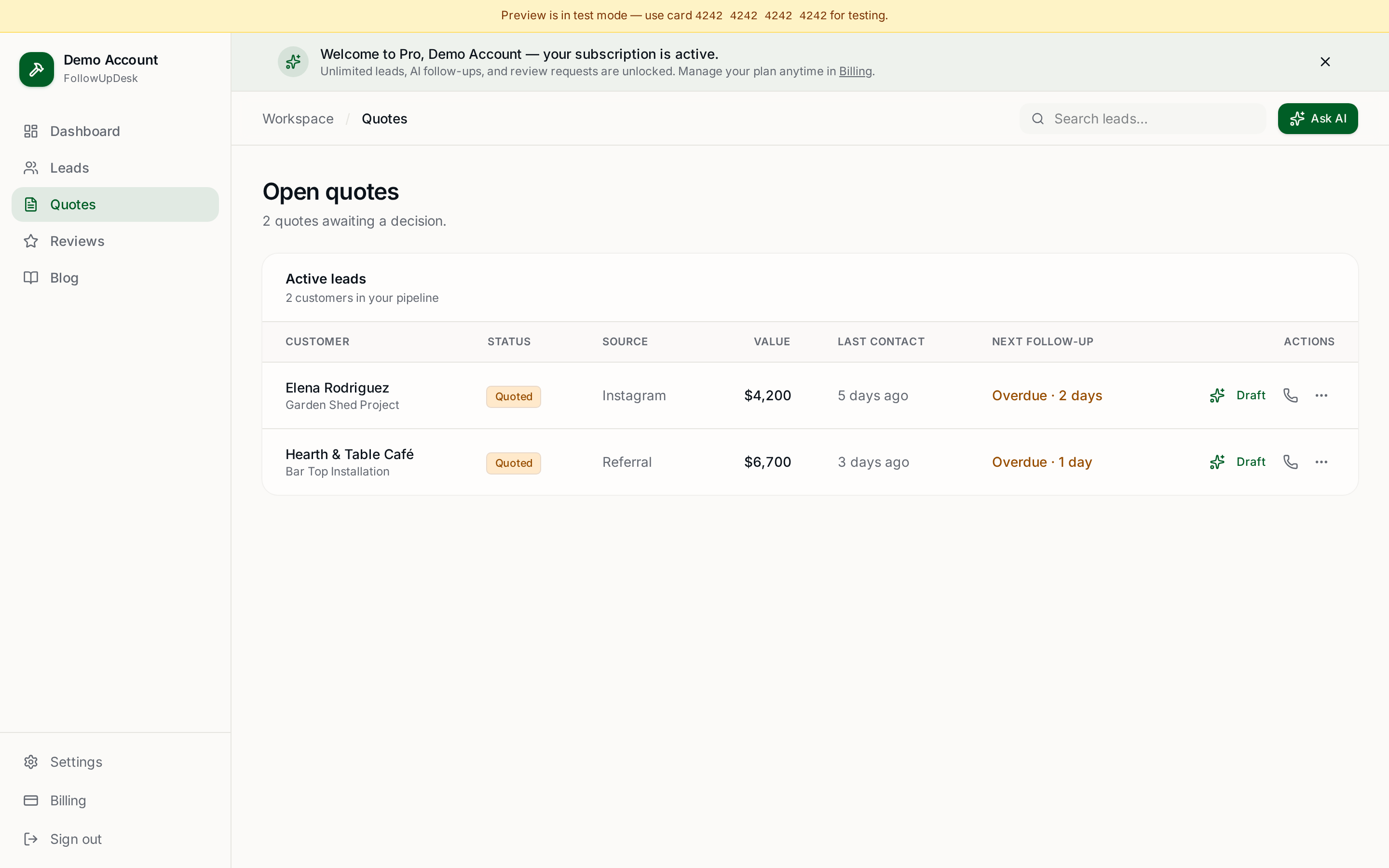
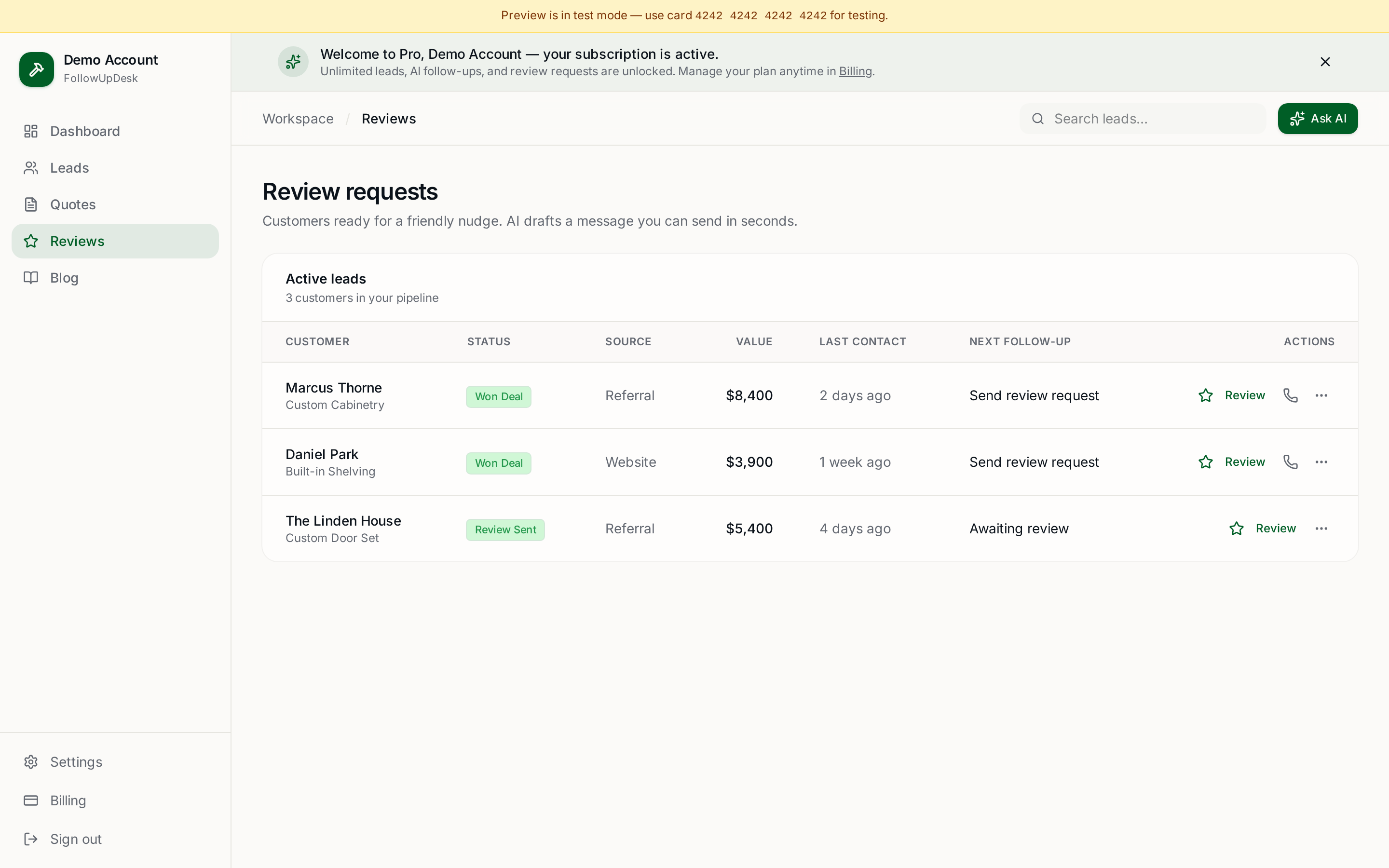
FollowUpDesk is built around exactly this problem: contractors have leads and estimates to chase but no time to write every message from scratch. It combines lead and quote tracking with AI-assisted follow-up messaging, so you can see which opportunities need attention and generate a personalised draft instead of starting from nothing.
Try the free quote follow-up generator, or read can AI write contractor follow-up messages.
The best AI message is one you'd actually send
Before sending, ask: "would I actually talk to a customer this way?" If not, edit it. AI should make your communication faster, not make your business sound less human.
The ideal workflow: lead → context → AI draft → quick review → send → track response. Speed from AI, personality and judgment from a real person.
See it in FollowUpDesk
Get started — $29/mo →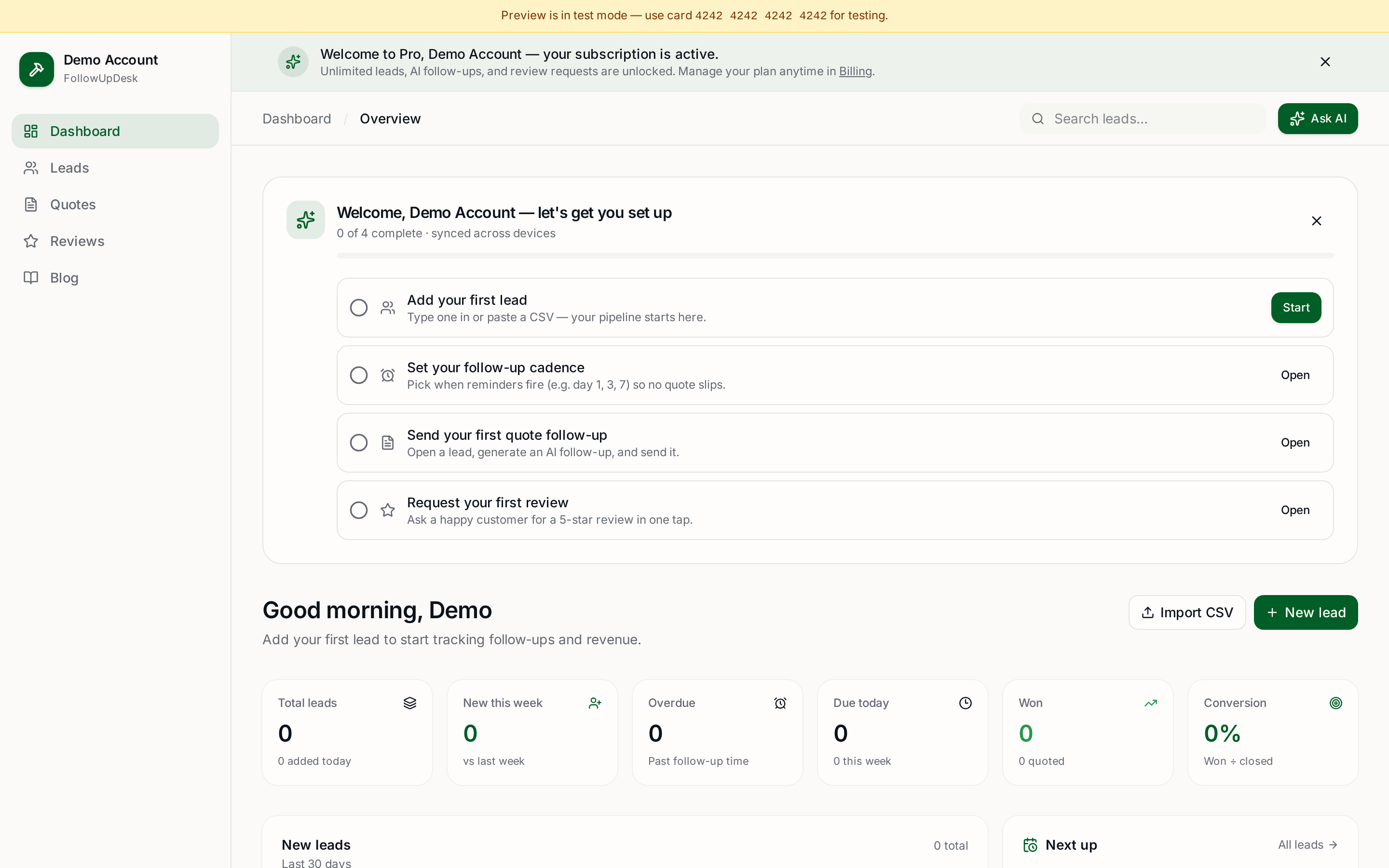
Skip the manual work — these are free, no card required
Frequently asked questions
Can AI write personalized contractor follow-up messages?▾
Yes. AI generates far more relevant messages when it has the customer, service, estimate, previous conversation and desired tone.
Will AI follow-up messages sound robotic?▾
They can if generated with generic instructions and no context. Specific details plus clear tone guidelines produce much more natural drafts.
Should contractors let AI send messages automatically?▾
Not always. Routine follow-ups automate well, but pricing objections, complaints, scope changes and unusual situations should be reviewed by a person.
Can AI follow-up messages use my company's tone?▾
Yes. Provide examples and style rules — short, friendly, direct, no corporate language — and the output matches your voice much more closely.
Is AI useful for following up on estimates?▾
Yes. AI drafts personalised messages for open estimates while your CRM tracks which customers still need attention.
What should an AI contractor follow-up message include?▾
A reference to the customer or project, a brief mention of the previous interaction or estimate, and an easy way for the customer to respond.
Get the full FollowUpDesk CRM — $29/month
One pipeline for every lead, AI follow-ups for every quote, review requests on autopilot. Cancel in one click.
Free tools require no card · Pro is $29/month, cancel anytime