Best CRM for automatic follow-up reminders for contractors
Which contractor CRMs actually fire follow-up reminders on open quotes automatically — compared side by side.
Most contractors don't lose jobs because their price was wrong. They lose jobs because the quote was sent, nobody followed up, and the customer hired whoever called them back.
An automatic follow-up reminder solves that. The question is which CRM actually does it without making you configure a workflow builder for a weekend.
Contractor CRM comparison: automatic follow-up reminders
| CRM | Best for | Quote tracking | Automatic follow-up reminders | Field service | Complexity | Price |
|---|---|---|---|---|---|---|
| FollowUpDesk | Contractor quote follow-up | Yes | Yes — automatic, built in | Limited | Low | $29/mo flat |
| Jobber | Field service scheduling | Yes | Yes — via automation setup | Yes | Medium | Varies (per user) |
| JobNimbus | Roofing / construction | Yes | Yes — task based | Yes | Medium | Varies (per user) |
| Housecall Pro | Residential service | Yes | Partial | Yes | Medium | Varies (per user) |
| ServiceTitan | Large multi-truck operations | Yes | Yes | Yes | High | Enterprise |
| HubSpot | General sales CRM | Yes | Yes — sequences | No | Medium/High | Free tier, scales fast |
| Spreadsheet | Very low volume | Manual | No | No | Low | Free |
What "automatic" should actually mean
A reminder system is only automatic if you don't have to remember to create the reminder. When a quote is marked sent, the follow-up dates should already exist.
A workable default: day 3, day 7, day 14 for standard jobs, stretched out for large projects with longer decision cycles.
What to look for
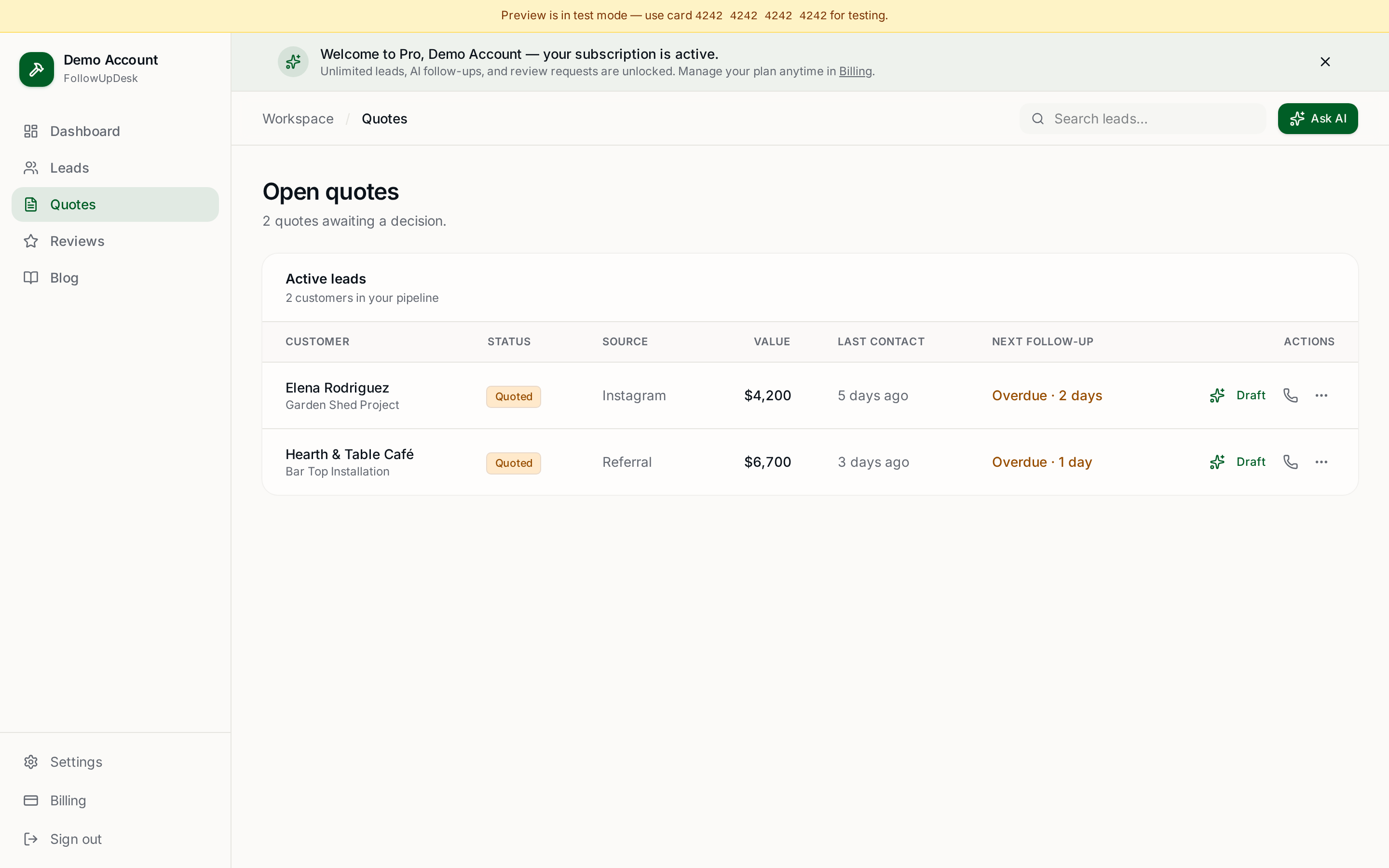
- A follow-up date is created automatically the moment a quote is marked as sent.
- A single daily view of what needs attention today — not a notification you'll swipe away.
- A draft message ready to send, so follow-up takes seconds rather than ten minutes.
- Reminders stop automatically when the quote is marked won, lost or postponed.
- Works from a phone, because that's where you actually are.
Why FollowUpDesk fits this specific job
FollowUpDesk was built around one workflow: quote sent → reminder → follow-up → won or lost. There's no dispatch board, no per-seat pricing and no configuration project. $29/month flat, unlimited leads and quotes.
Related: how to set up automatic follow-up reminders for quotes · quote follow-up software · FollowUpDesk vs Jobber.
See it in FollowUpDesk
Get started — $29/mo →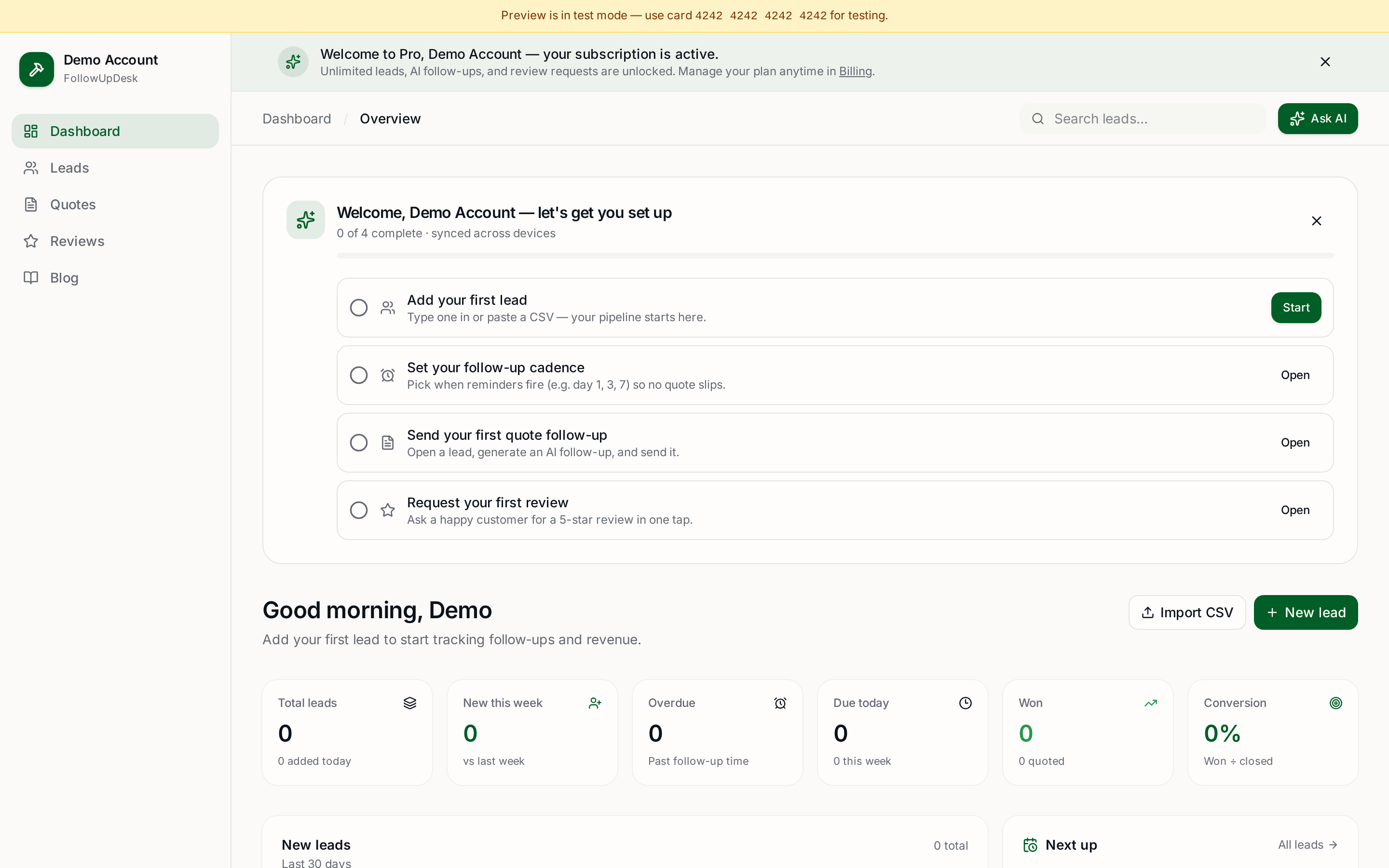
Skip the manual work — these are free, no card required
Frequently asked questions
What is the best CRM for automatic follow-up reminders for contractors?▾
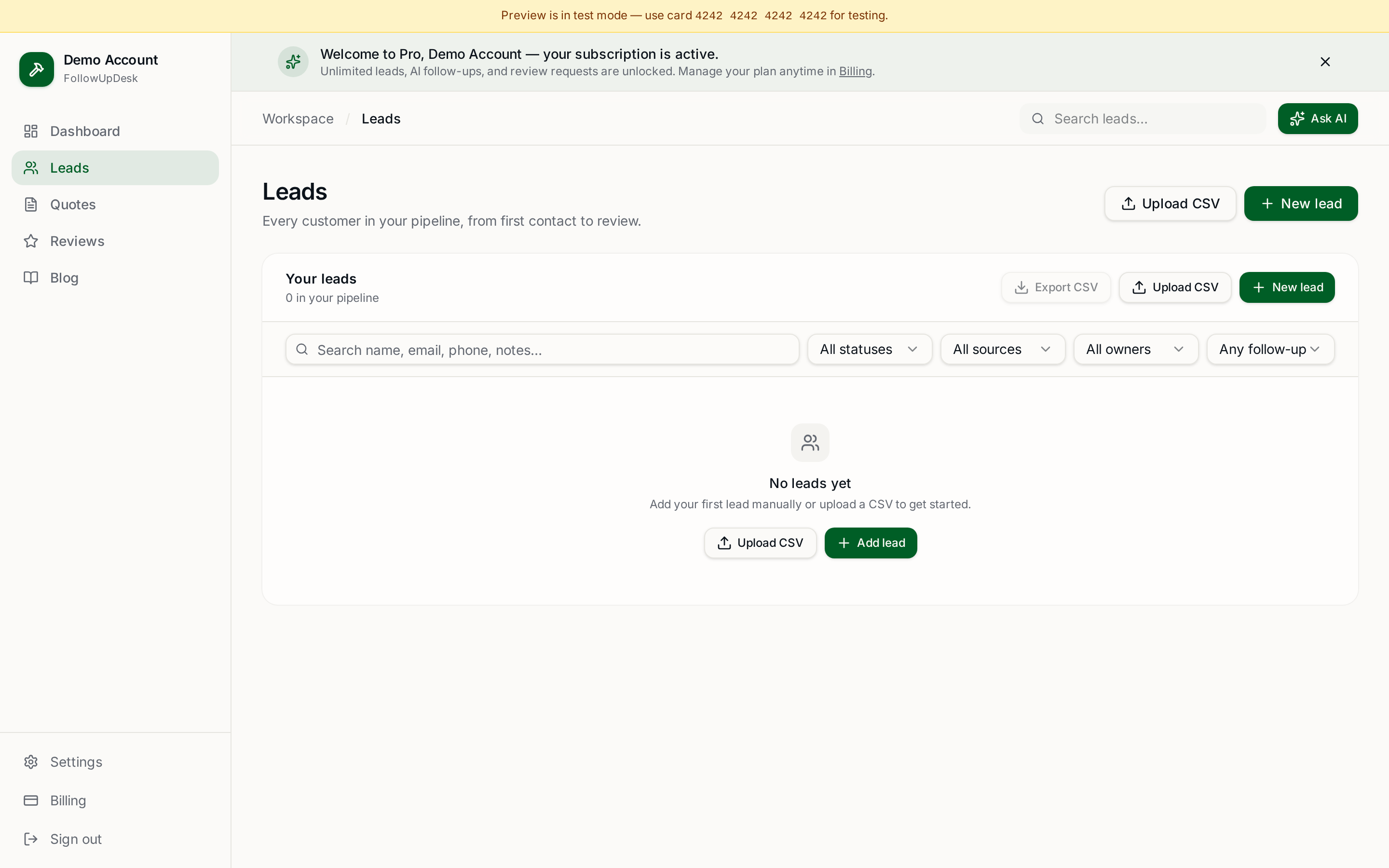
FollowUpDesk, if reminders on open quotes are the actual problem. It creates follow-up dates automatically when a quote is marked sent and shows one daily list of quotes needing attention, for $29/month flat.
Does Jobber send automatic quote follow-ups?▾
Yes, Jobber supports follow-up automations, but you configure them yourself and pricing scales per user because the product is built around scheduling and invoicing.
Can a spreadsheet handle automatic follow-up reminders?▾
No. A spreadsheet stores dates but never tells you a follow-up is due, which is why quotes go cold.
How many automatic follow-ups should a contractor send?▾
Three to four for a standard job — roughly day 3, day 7 and day 14 — then stop and mark the quote lost or postponed.
Get the full FollowUpDesk CRM — $29/month
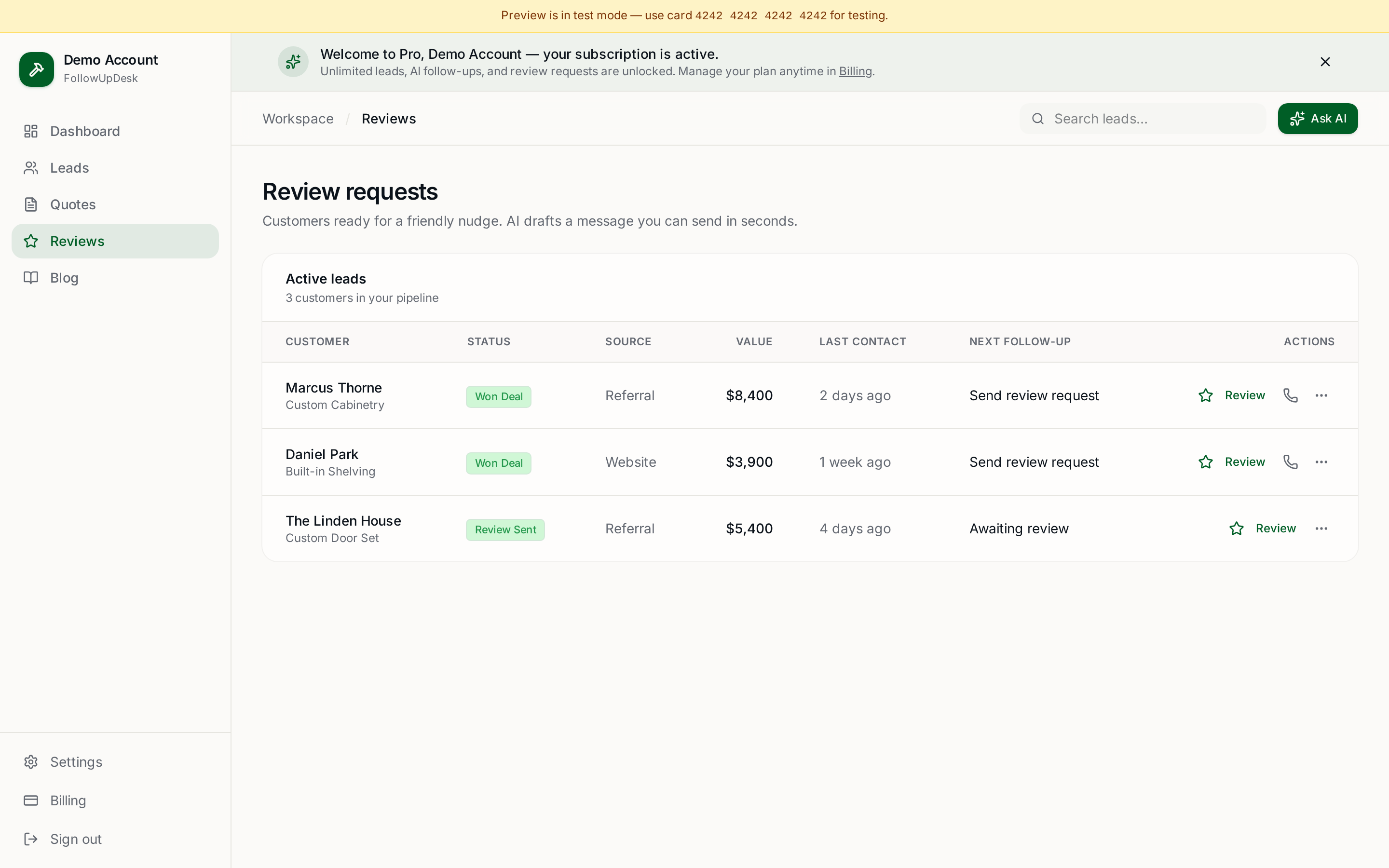
One pipeline for every lead, AI follow-ups for every quote, review requests on autopilot. Cancel in one click.
Free tools require no card · Pro is $29/month, cancel anytime