How to set up automatic follow-up reminders for quotes
Build an automatic quote follow-up system so you always know when to contact a customer after sending an estimate.
The simplest way to prevent missed opportunities is to give every quote a next follow-up date. Instead of "quote sent → wait", use "quote sent → reminder → follow-up → next reminder".
Step 1: record when the quote was sent
Every estimate needs a date. That date is the starting point for the whole follow-up process.
Step 2: choose your first reminder
Many contractors set the first follow-up a few days after sending — quote sent Monday, reminder Thursday. The exact timing depends on the type of work and the customer.
Step 3: create a useful message
Don't send "just following up." Give the customer something easy to respond to: "Hi John, just checking in on the estimate for the deck project. Let me know if you have any questions or if you'd like to discuss the options."
Our follow-up cadence builder can generate a schedule and wording for you.
Step 4: create the next reminder
If the customer doesn't respond, don't forget the opportunity — set another appropriate follow-up date.
Step 5: stop when the opportunity is resolved
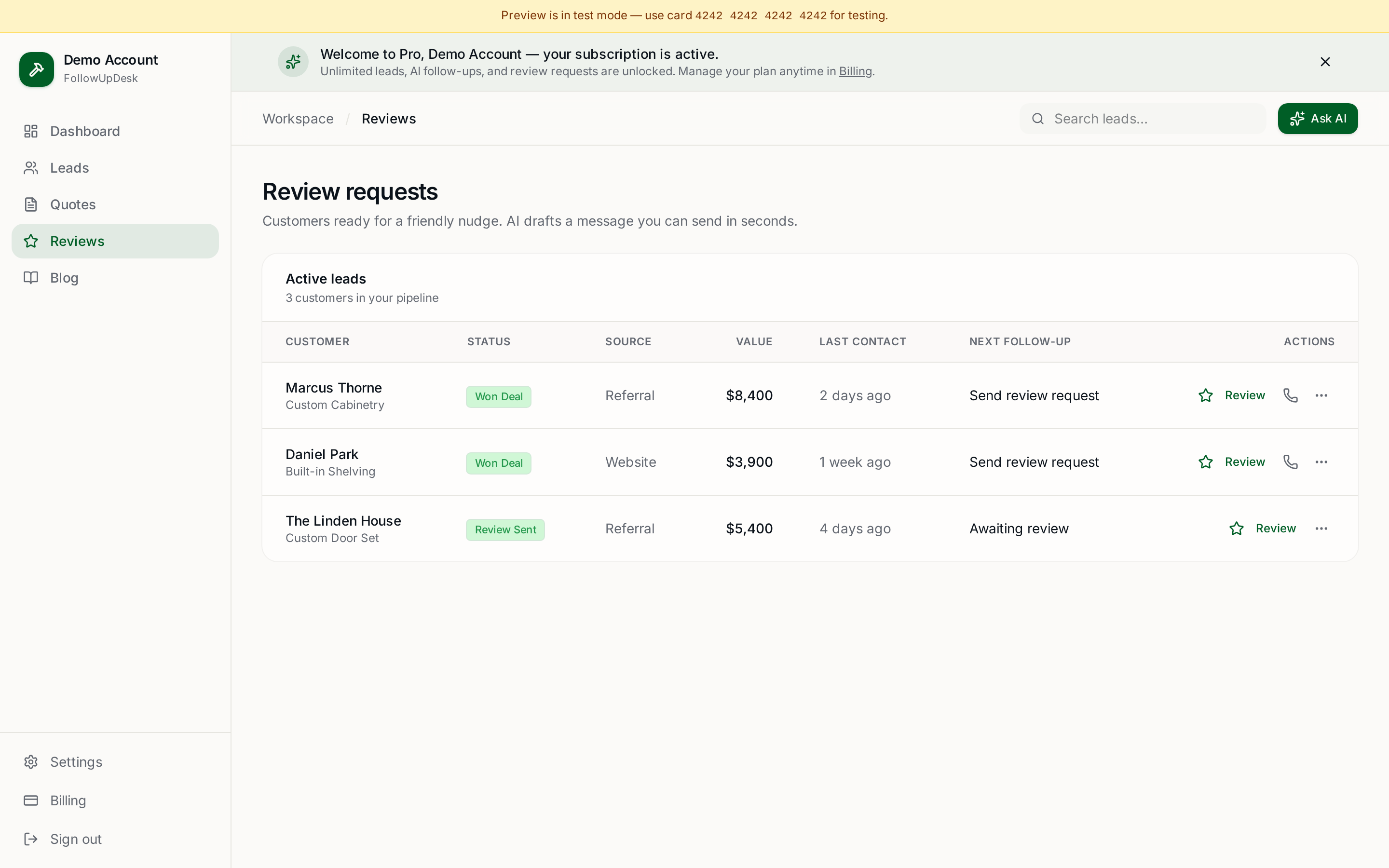
Once the customer accepts, declines, postpones or hires someone else, update the status. That keeps your pipeline accurate.
Automating the process
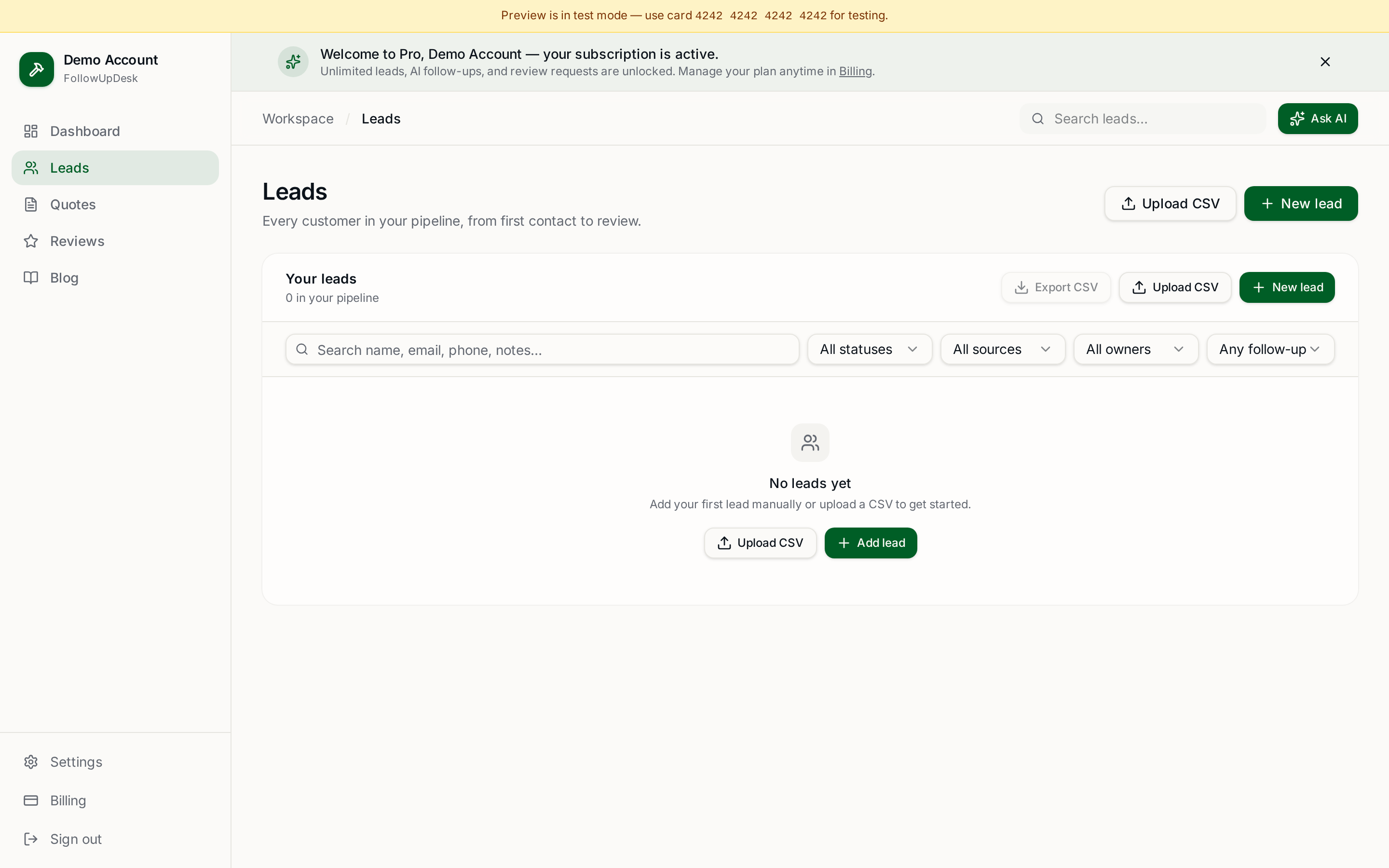
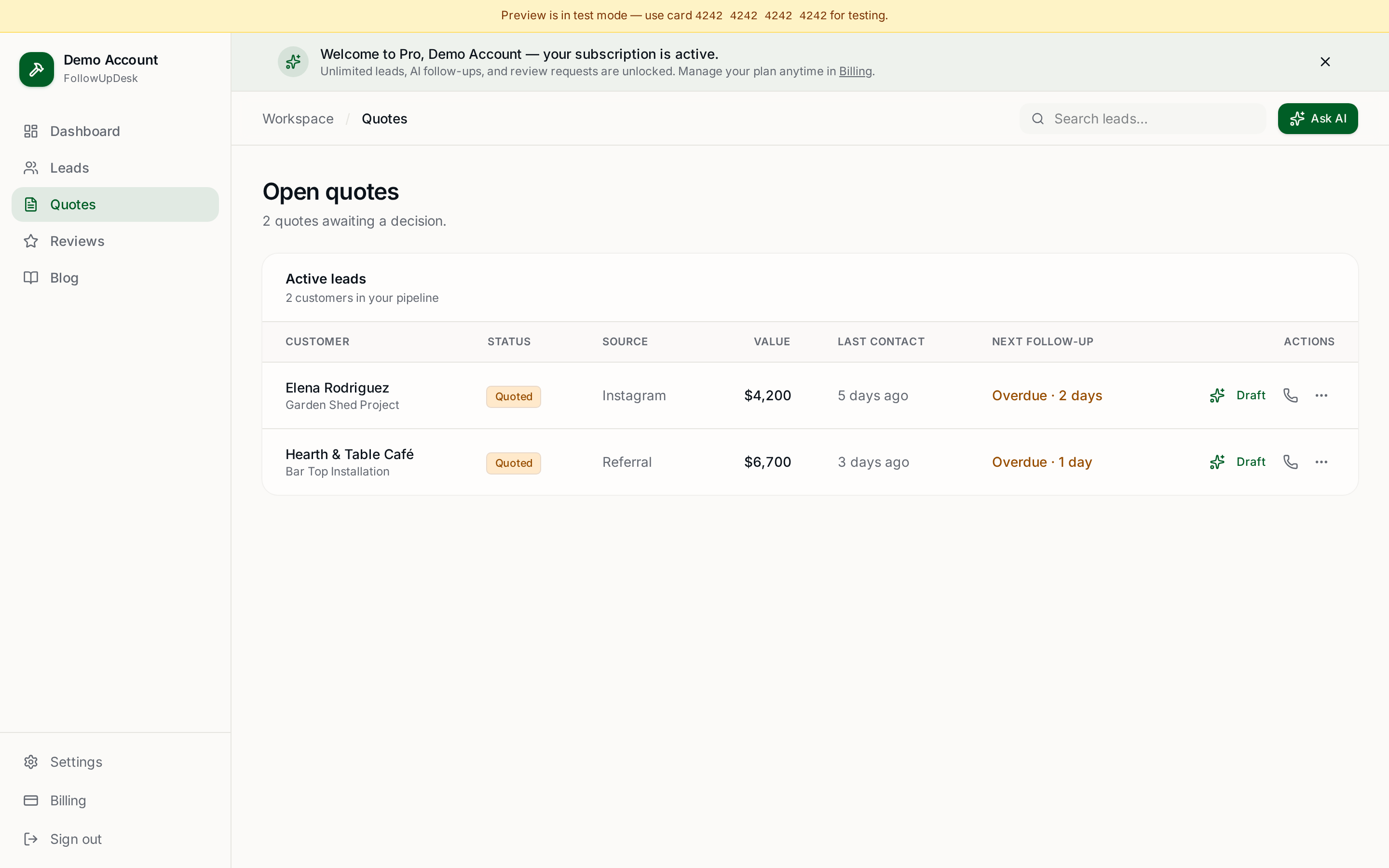
A contractor CRM can drive reminders from the quote's status and date. FollowUpDesk makes quote follow-up visible so you can see which opportunities need attention today.
The goal isn't endless follow-up
Automation should create consistency, not spam. A good system tells you "these five quotes need attention" — it doesn't blindly send dozens of messages.
See it in FollowUpDesk
Get started — $29/mo →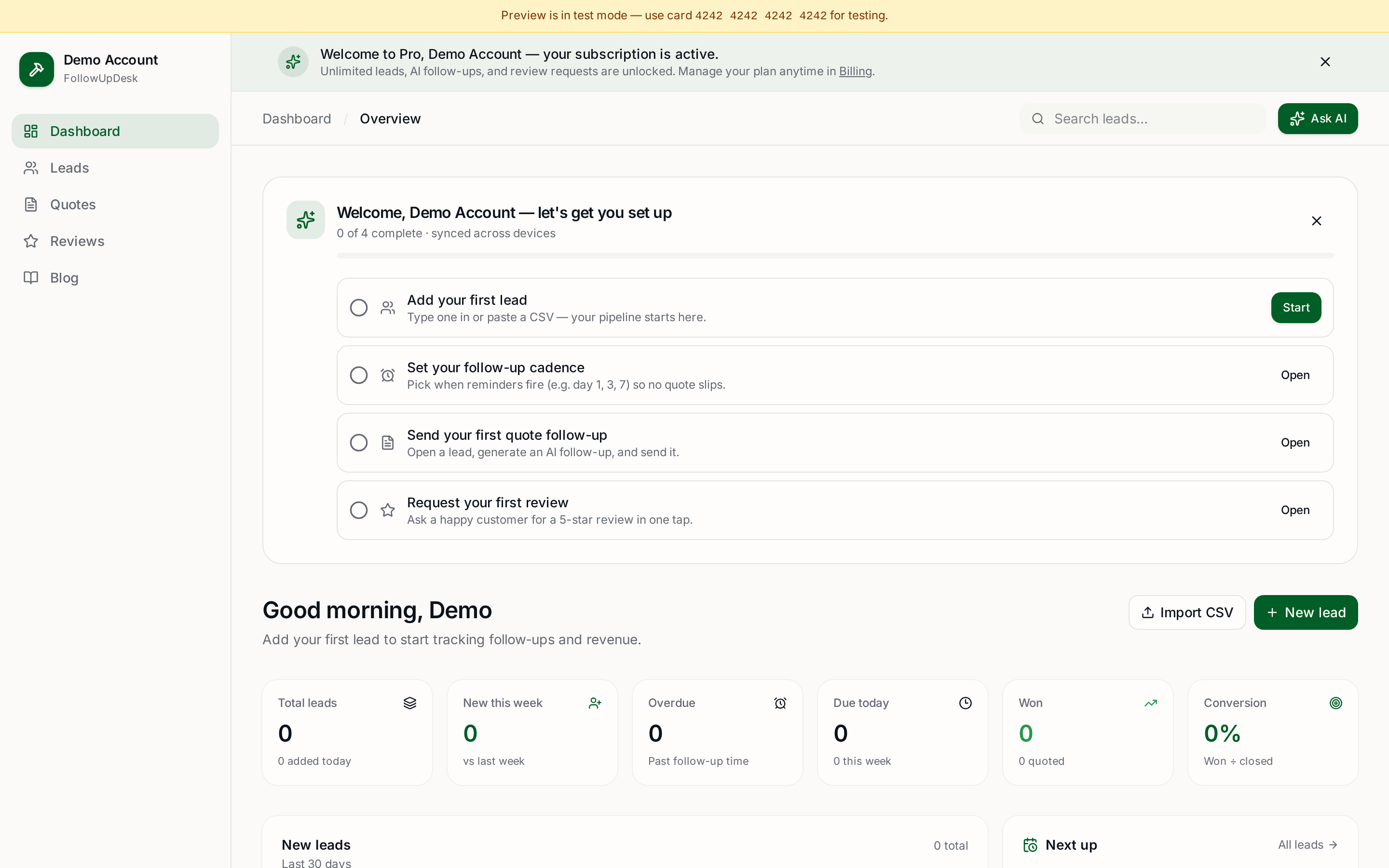
Skip the manual work — these are free, no card required
Frequently asked questions
How do I set up automatic follow-up reminders for quotes?▾
Record the date each quote was sent, attach a follow-up date, and let your CRM surface quotes as their reminder date arrives.
How many days after a quote should you follow up?▾
A common pattern is day 3, day 7 and day 14, adjusted for job size — larger projects need longer gaps.
What should an automatic follow-up message say?▾
Reference the specific project, offer to answer questions or walk through options, and keep it to two or three sentences.
When should follow-up stop?▾
As soon as the customer accepts, declines, postpones or picks someone else — then update the quote status.
Get the full FollowUpDesk CRM — $29/month
One pipeline for every lead, AI follow-ups for every quote, review requests on autopilot. Cancel in one click.
Free tools require no card · Pro is $29/month, cancel anytime