Quote tracking spreadsheet (free template + better alternative)
A free quote tracking spreadsheet template — columns, formulas, and when to graduate from sheets to a real follow-up system.
If you quote more than a handful of jobs a month, you need a quote tracking spreadsheet. Done right, it shows you exactly which open quotes need a nudge today and which leads have gone cold.
The 9 columns every quote tracker needs
- Date sent — when the quote went out.
- Customer name — first and last.
- Phone / email — at least one direct channel.
- Job description — one line, plain English.
- Quote amount — total, tax included.
- Status — Sent, Follow-up, Won, Lost.
- Expiry date — usually 14 or 30 days.
- Last contact — date of your most recent message.
- Next follow-up — the date you owe them a nudge.
The one formula that matters
In your Next follow-up column, use a simple IF: if Status is Sent, return Date Sent + 3 days; if Status is Follow-up, return Last Contact + 7 days; otherwise leave it blank. Sort the sheet by Next follow-up ascending and the top row is always the quote you should be touching today.
Where spreadsheets break
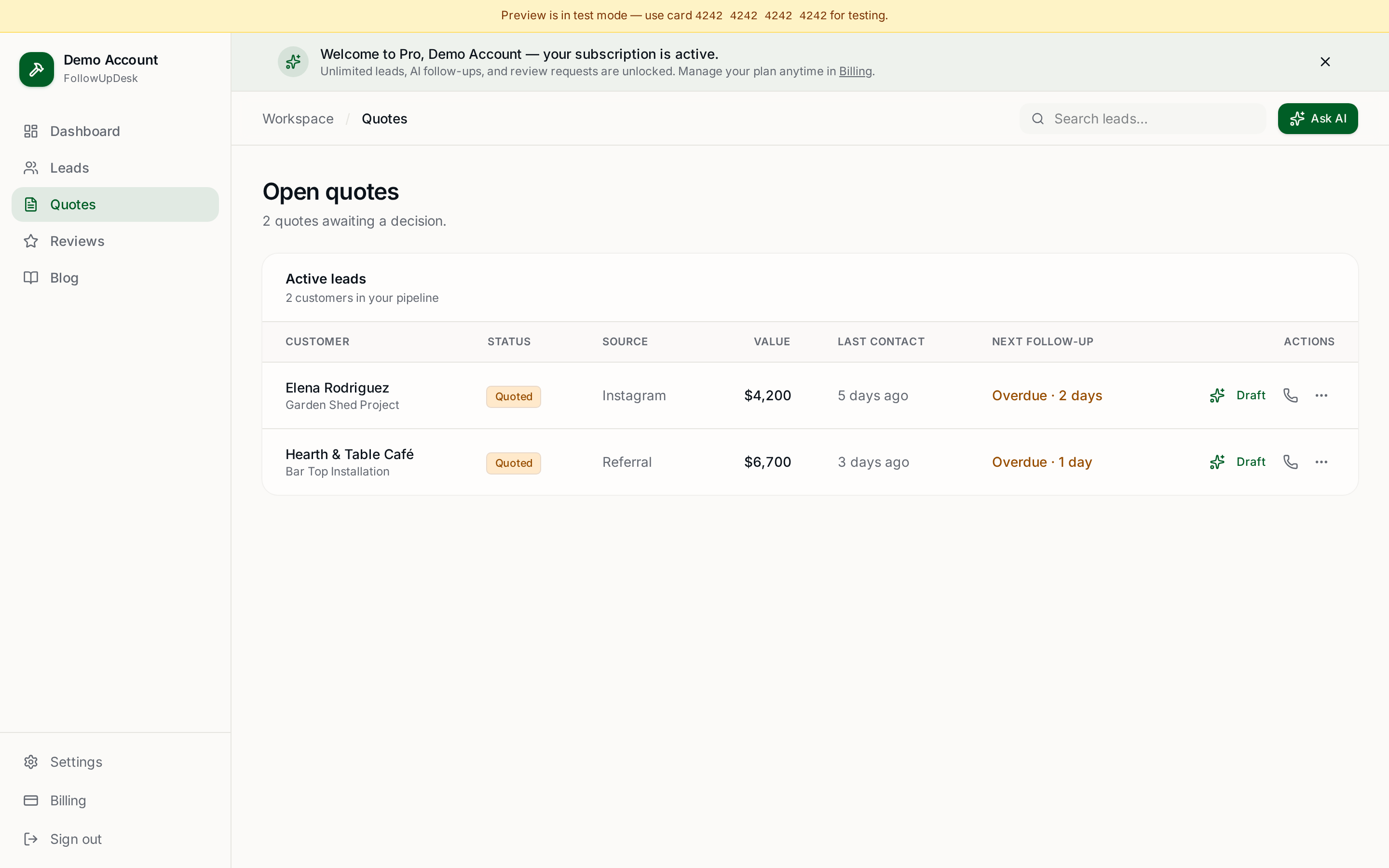
Spreadsheets work great until you hit ~30 open quotes. Then three things go wrong: nobody updates Last contact, the Next follow-up dates drift, and overdue quotes silently scroll off the top of the screen. You lose revenue without ever seeing it leave.
Graduate when sheets start lying
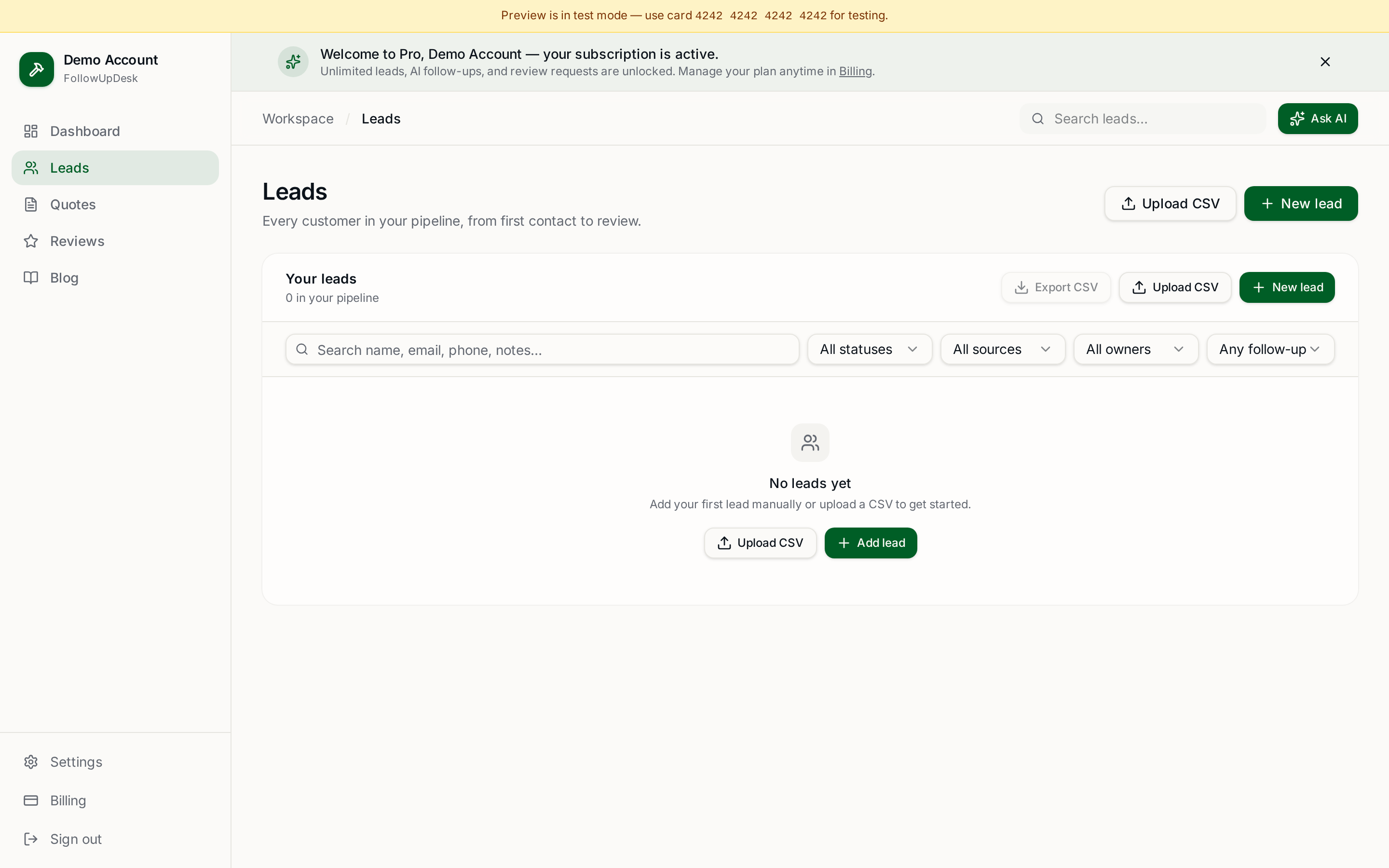
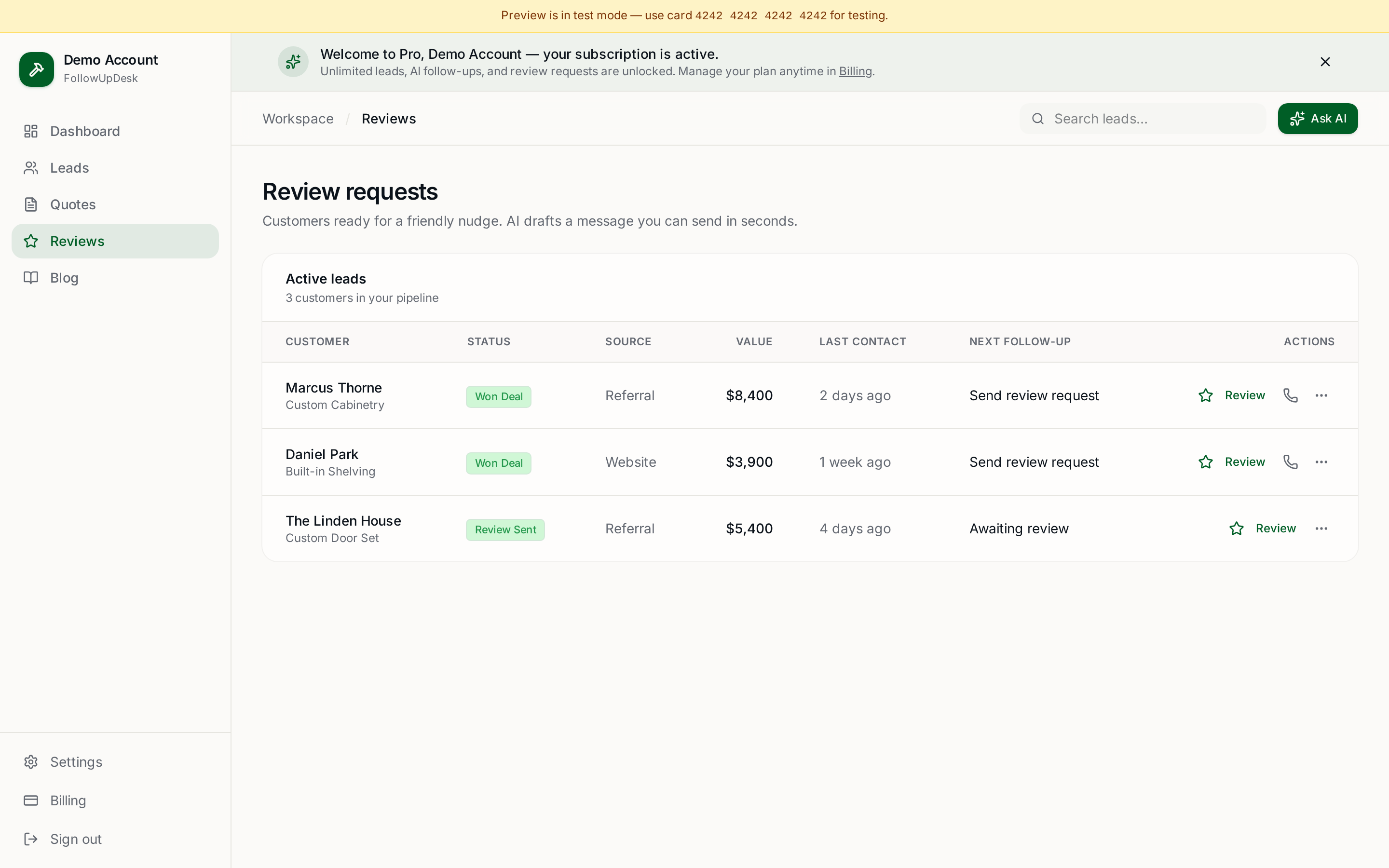
Using a spreadsheet? Upload it into FollowUpDesk and see overdue follow-ups automatically. Same columns, same data — but the dashboard does the sorting, the reminders, and the win/lost math for you. Try it at /auth for $29/month.
See it in FollowUpDesk
Get started — $29/mo →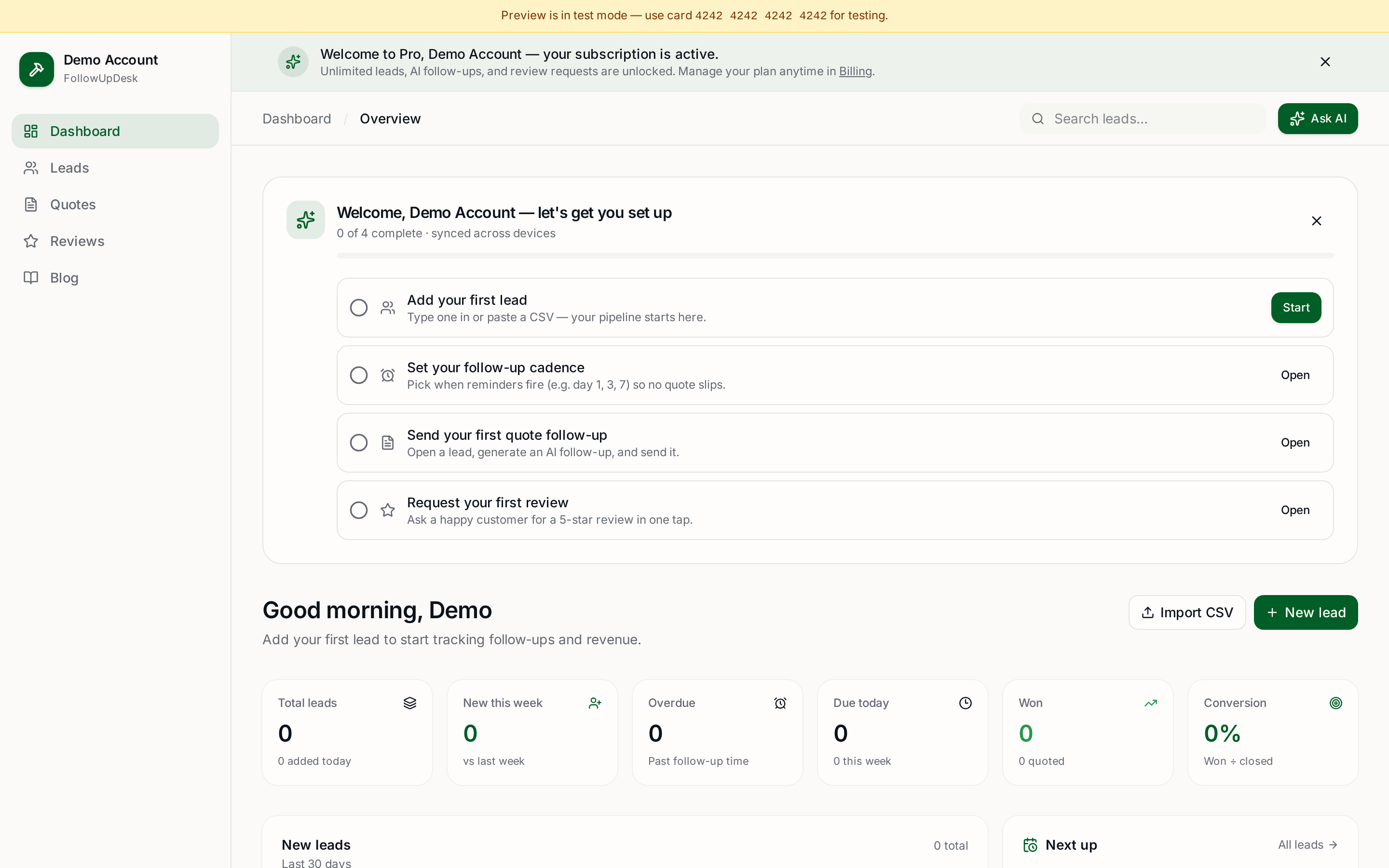
Skip the manual work — these are free, no card required
Get the full FollowUpDesk CRM — $29/month
One pipeline for every lead, AI follow-ups for every quote, review requests on autopilot. Cancel in one click.
Free tools require no card · Pro is $29/month, cancel anytime