How to move contractor leads from a spreadsheet to a CRM
A practical migration guide for contractors moving existing leads out of spreadsheets without losing customer information.
Many contractors start with a spreadsheet, and that's perfectly reasonable — it's inexpensive, familiar and easy to create. Eventually the business has hundreds of rows of customers, phone numbers, emails, estimates, job values, notes and statuses. At that point, moving to a CRM makes sense.
Start by cleaning the spreadsheet
Before importing anything, remove duplicate customers, outdated leads, blank rows, incorrect phone numbers and unnecessary columns. The cleaner the spreadsheet, the easier the migration.
Identify your important fields
Map name to customer, phone to phone, email to email, project to job, quote to quote value, status to lead status and next contact to follow-up date. You don't need to move every column — only migrate information you'll actually use.
Don't forget old leads
Your spreadsheet probably contains old opportunities that were never properly closed. Instead of deleting them, separate them into active, won, lost and follow-up later. That preserves useful history you can re-quote from.
Importing contractor leads
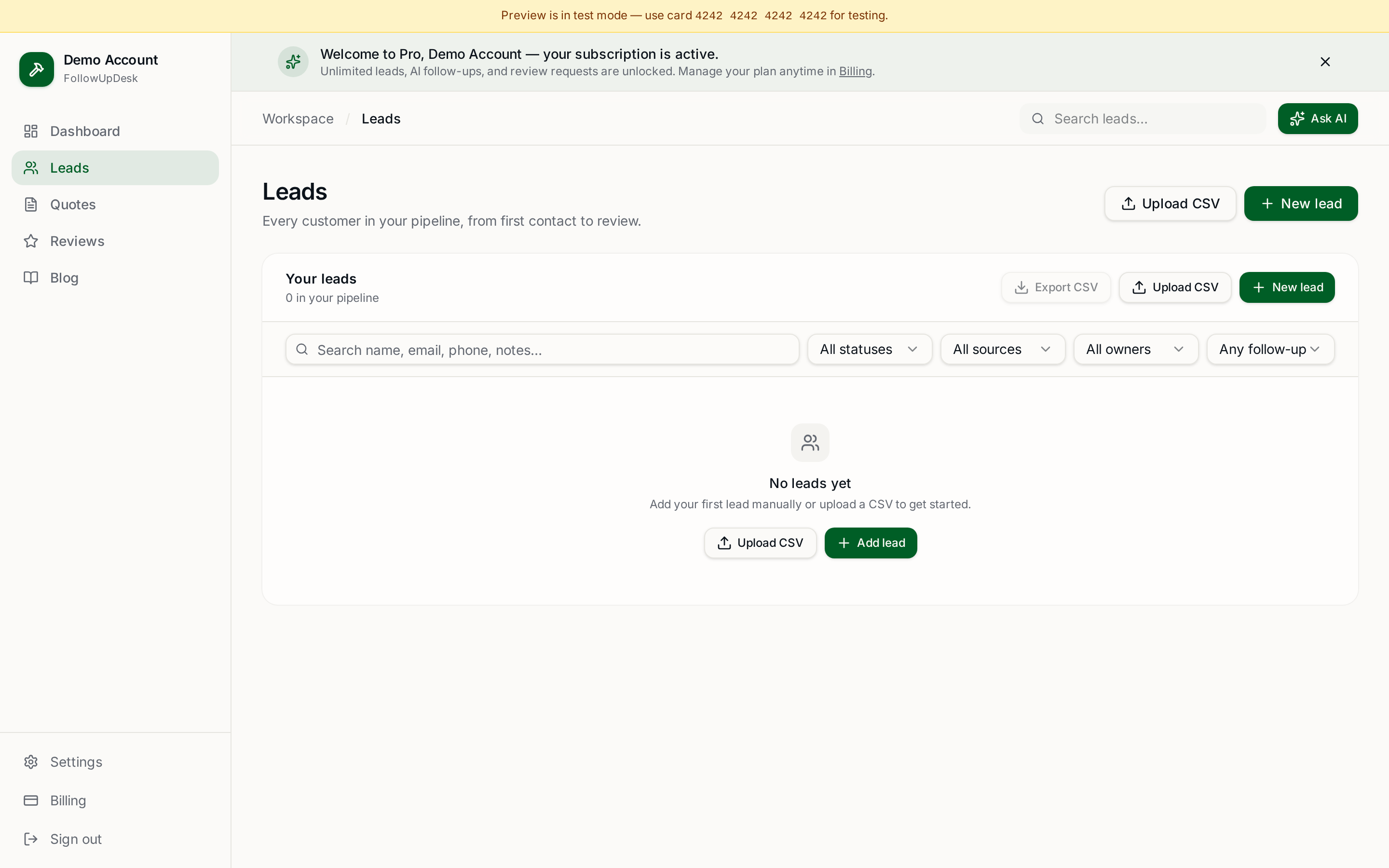
A CRM with CSV import makes this straightforward. FollowUpDesk supports importing existing lead and customer data, so you can leave spreadsheets behind without retyping every contact.
What happens after migration?
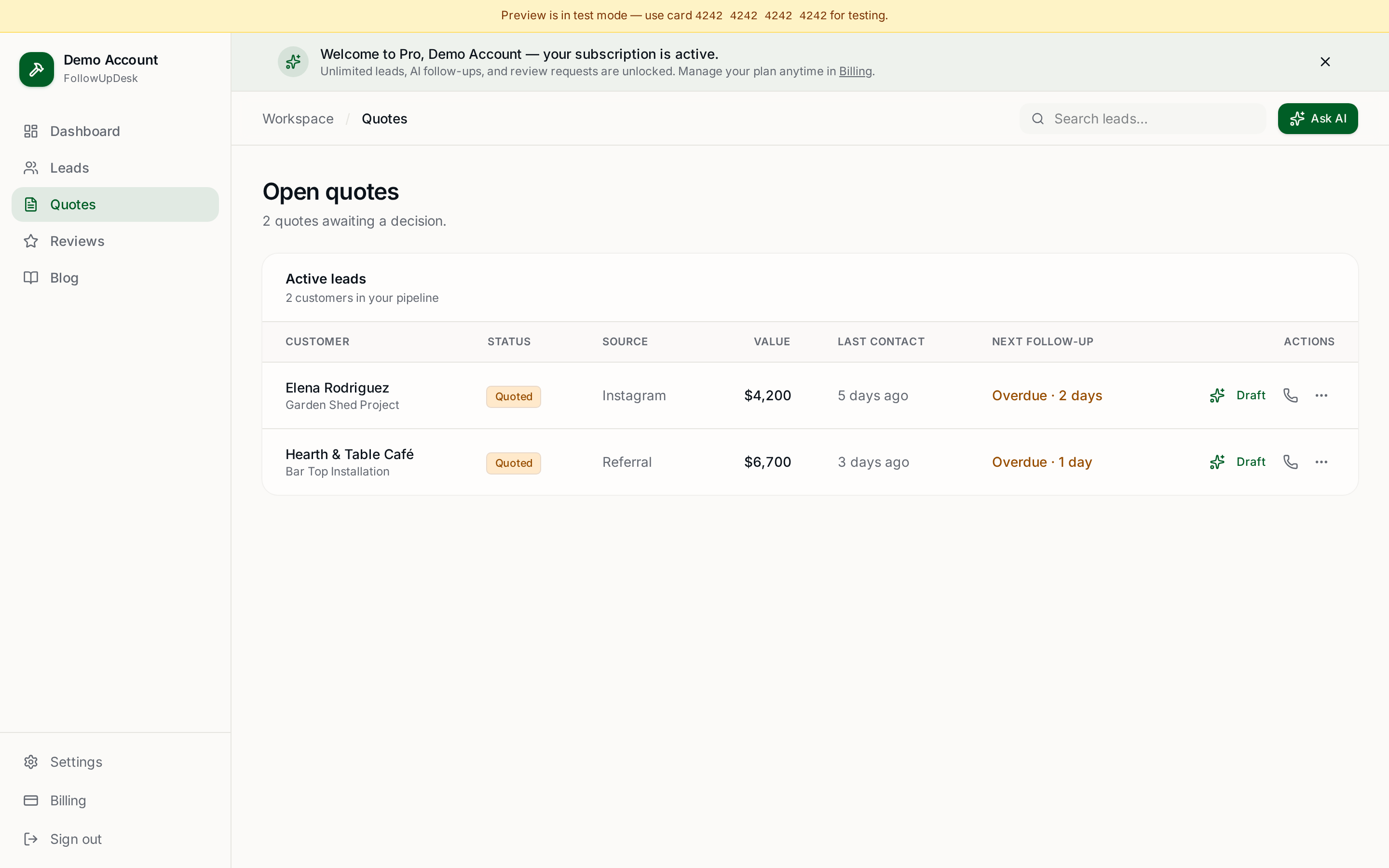
Once your data is in the CRM, set up a simple workflow: new lead → contact → estimate → quote → follow-up → won or lost. The objective isn't merely moving your spreadsheet — it's creating a better process. See spreadsheet vs CRM for contractors.
See it in FollowUpDesk
Get started — $29/mo →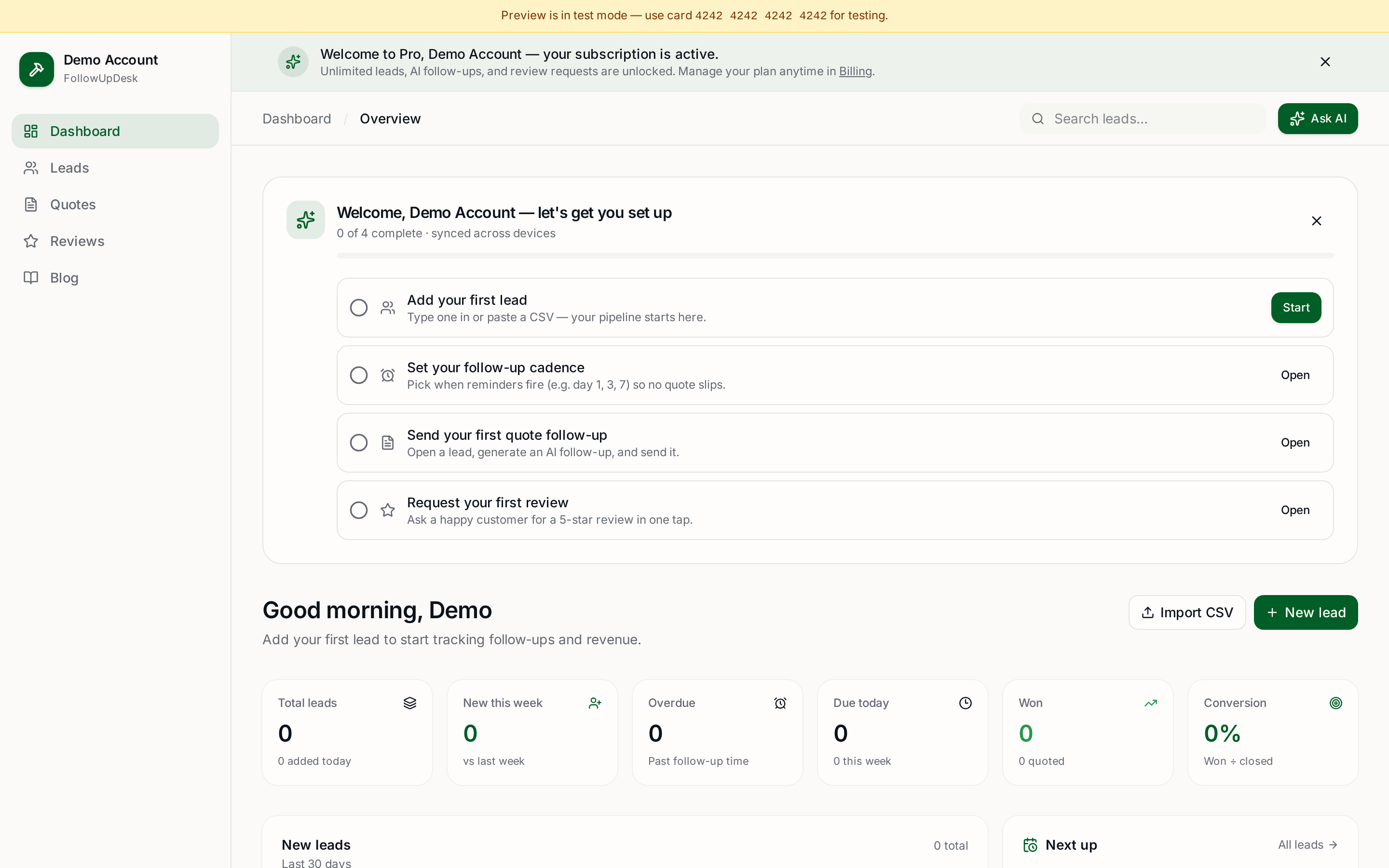
Skip the manual work — these are free, no card required
Frequently asked questions
How do I move contractor leads from a spreadsheet to a CRM?▾
Clean the sheet, map only the columns you use, export to CSV, then import it into the CRM and set a follow-up date on every open quote.
Should I import old or lost leads?▾
Yes, but separate them as won, lost or follow-up later. Old quotes are one of the cheapest sources of new work.
Will I lose data moving off a spreadsheet?▾
Not if you keep the original file as a backup and import a CSV copy. Verify a handful of records after import.
Does FollowUpDesk support CSV import?▾
Yes. You can import existing lead and customer data instead of entering contacts manually.
Get the full FollowUpDesk CRM — $29/month
One pipeline for every lead, AI follow-ups for every quote, review requests on autopilot. Cancel in one click.
Free tools require no card · Pro is $29/month, cancel anytime