Lawn care scheduling software: what to look for (and what to skip)
Route optimization is sexy. What actually saves you 6 hours a week is automated follow-up on missed visits and instant rescheduling when it rains.
Most 'lawn care scheduling software' reviews focus on route optimization and drag-and-drop calendars. Those are nice. But after talking to dozens of lawn care operators, the real time-savers are less glamorous: automatic rescheduling on rain days, instant SMS to customers when an ETA changes, and a follow-up that goes out the moment a recurring customer cancels.
What actually saves time
- Recurring visit auto-creation. Set 'every 7 days, May–Oct,' and the system creates every visit, sends every reminder, and never forgets a stop.
- Rain-day reschedule with one tap. Tap 'push 1 day,' all customers get an SMS, calendar shifts, route stays the same.
- 'On the way' SMS. When a customer knows you're 20 minutes out, missed visits drop by 70%.
- Auto-invoice on completion. Visit marked done = invoice in their inbox = paid 4 days sooner on average.
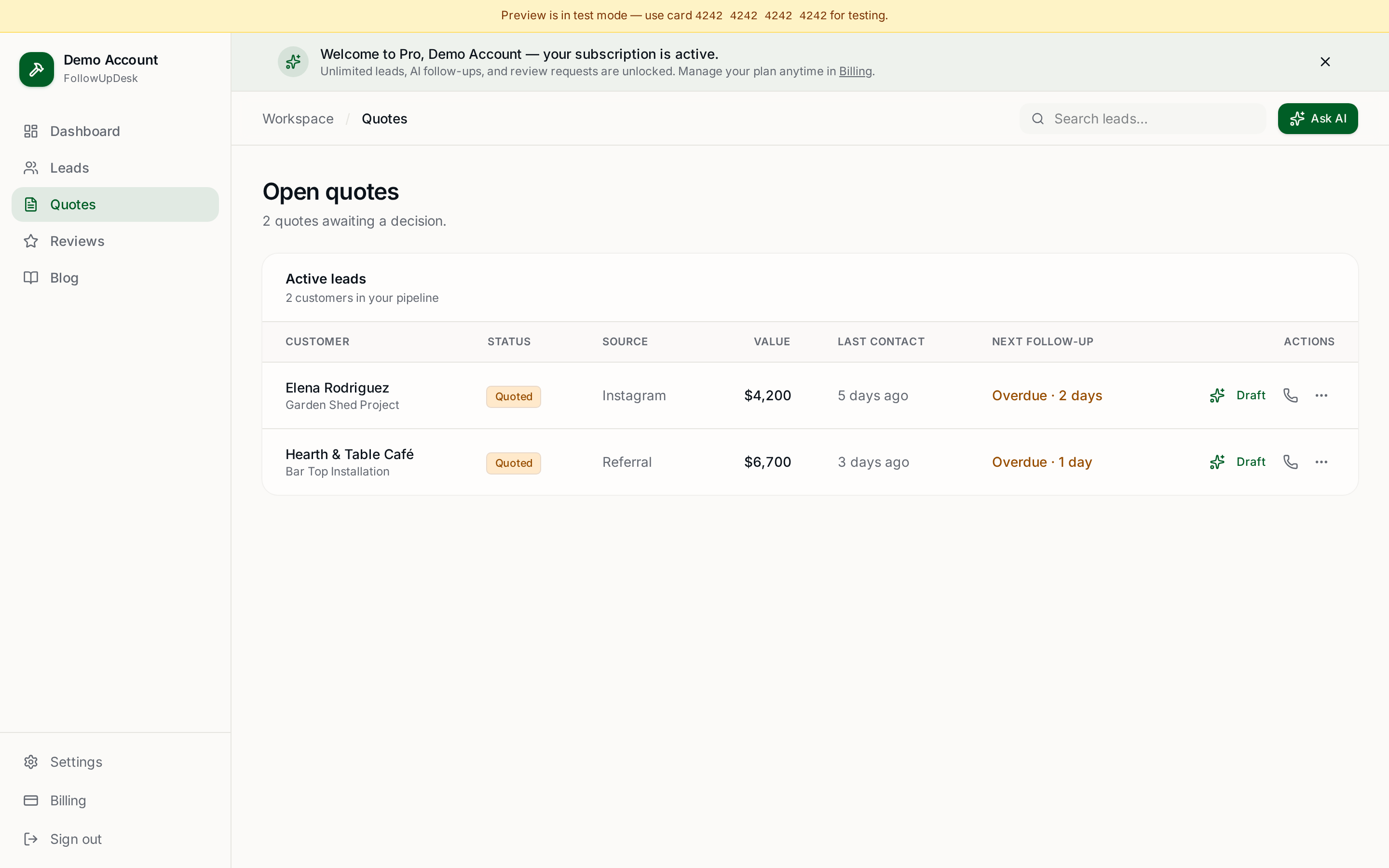
- Follow-up on cancellations. A canceled recurring customer who gets a friendly 2-week follow-up has a ~30% reactivation rate.
What to skip
Drone-based route optimization. AI-predicted grass growth. 14-day onboarding programs. None of these are why your competitor is making more money than you.
The piece most lawn care software misses
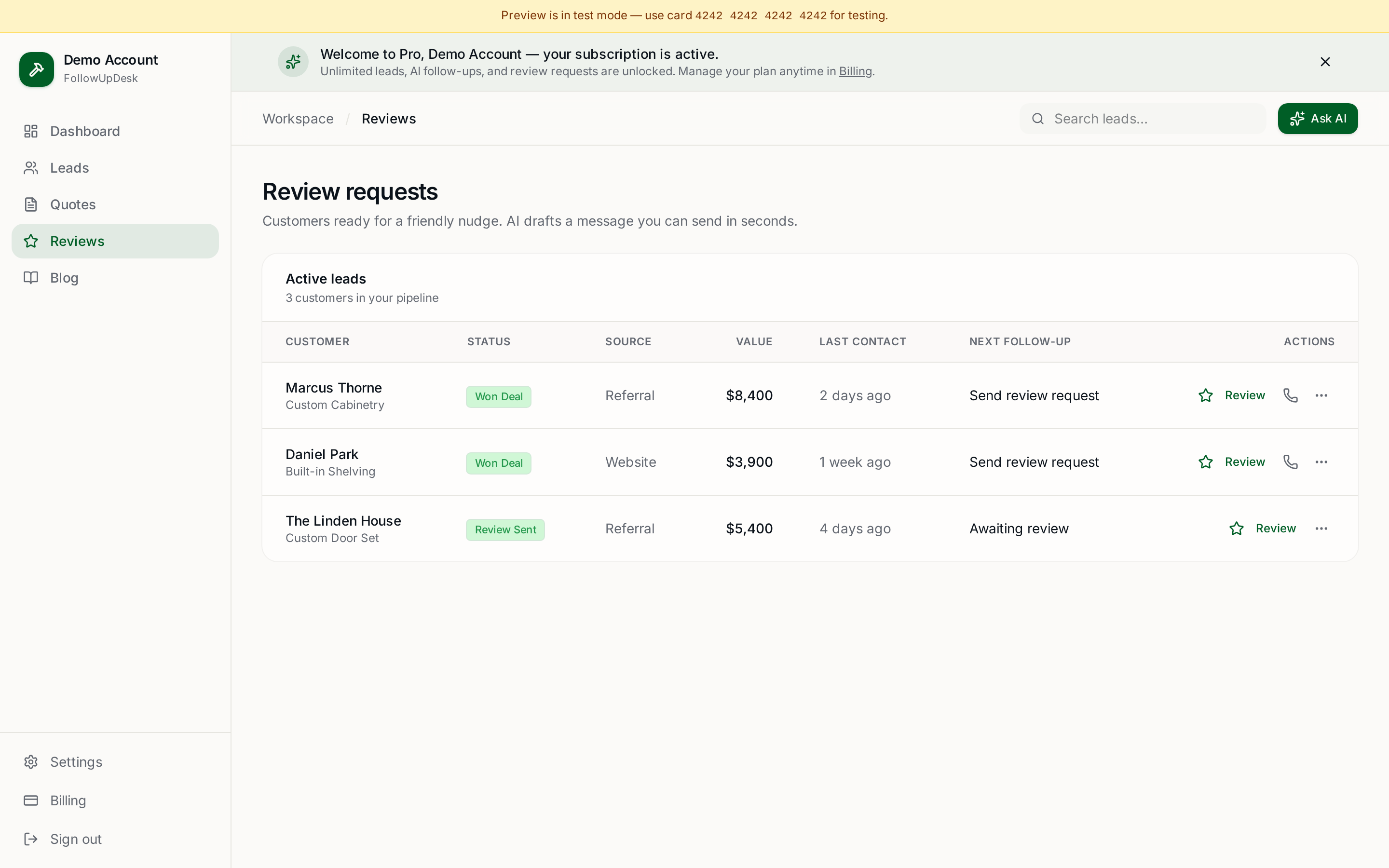
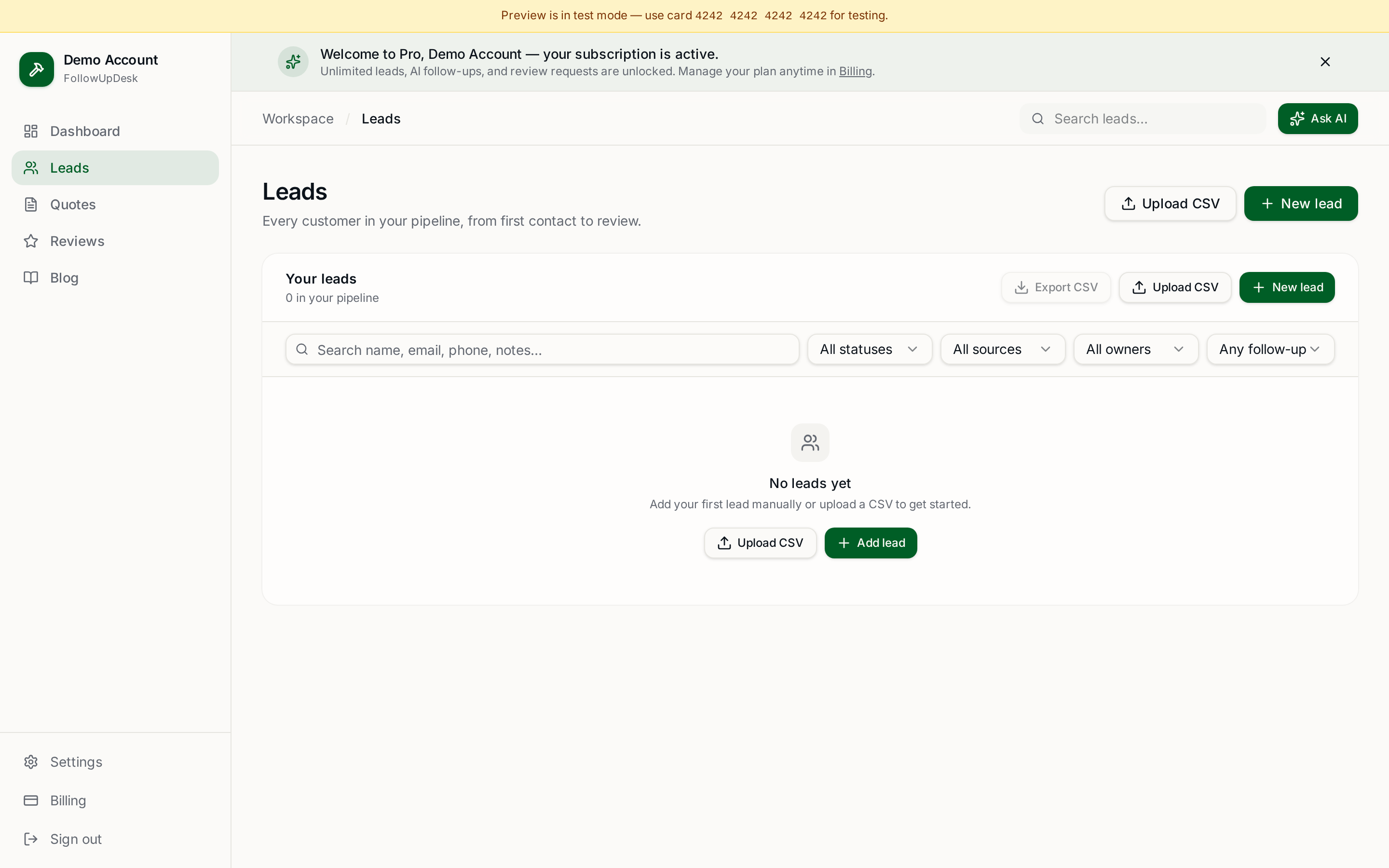
Once a visit is done, what happens? In most software, nothing. The customer doesn't get a review request. The estimate for the upsell (aeration, leaf cleanup, fall fertilizer) doesn't get sent. The seasonal renewal reminder doesn't fire.
FollowUpDesk plugs that gap — every completed job triggers the right next message, automatically.
Pricing reality check
If you're paying more than $50/month per business (not per user) for lawn care software, you're paying for dispatch features built for 10-truck operations. A solo or 2-3 person crew gets 90% of the value from $25–$30/month.
See FollowUpDesk's landscaper plan → — flat $29/month, no per-user fees.
Related: landscaping business software · CRM for landscapers · follow-up software for landscapers.
See it in FollowUpDesk
Get started — $29/mo →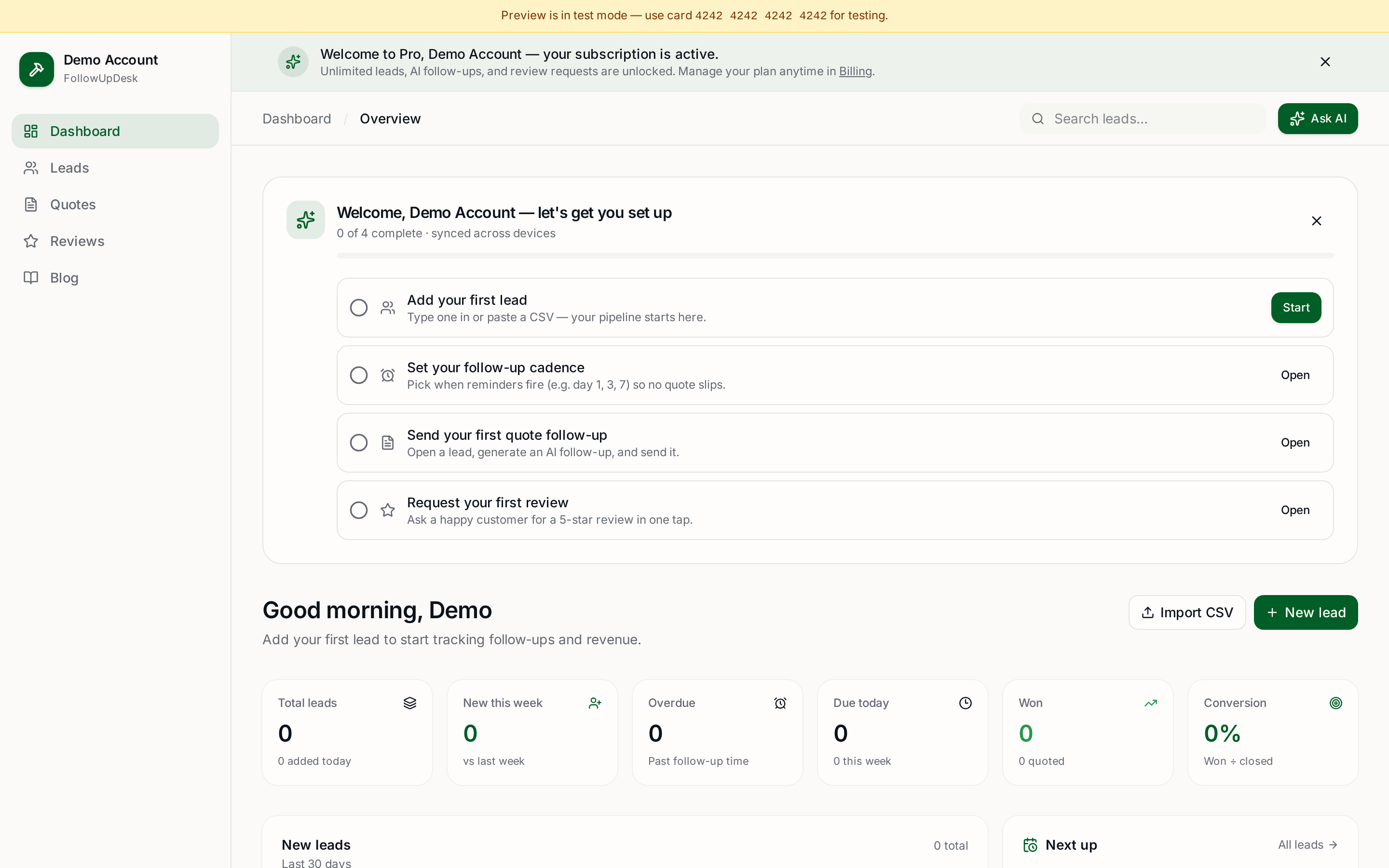
Skip the manual work — these are free, no card required
Frequently asked questions
What is the best scheduling software for lawn care businesses?▾
For solo and small crews, FollowUpDesk handles the recurring schedule, customer reminders, and post-visit follow-ups in one $29/month plan. For larger operations needing crew dispatch and time tracking, Jobber or LMN have more depth at $70+/month.
Do I need lawn care software or will a regular calendar work?▾
A calendar tracks the visit. Lawn care software handles everything around the visit — reminders, ETAs, invoicing on completion, review requests, upsell follow-ups. The time savings come from the around-the-visit work, not the calendar itself.
How much does lawn care scheduling software cost?▾
Range is $25–$200/month depending on features and crew size. Solo operators rarely need to spend over $35/month. Beware per-user pricing once you add a helper — costs can double overnight.
Get the full FollowUpDesk CRM — $29/month
One pipeline for every lead, AI follow-ups for every quote, review requests on autopilot. Cancel in one click.
Free tools require no card · Pro is $29/month, cancel anytime