How to track sales leads without a CRM (5 methods that work)
You don't need a CRM to track leads. Here are five honest methods — from notebooks to lightweight tools — ranked by effort and results.
Not every small business needs a CRM. Some owners track leads beautifully with a notebook. Others lose thousands in a $200/month enterprise system they never learned to use. The question isn't whether you have a CRM — it's whether you have a reliable way to follow up.
This guide covers five methods for tracking sales leads without a CRM, ordered from lowest to highest effort. Each works for a specific stage of business. Pick the one that matches where you are now, not where you think you should be.
Method 1: The notebook (best for 1–5 leads a week)
A physical notebook is the original lead tracker. Write the name, job, date, and follow-up date. Cross it out when the deal closes. It works because it's frictionless — no apps, no loading screens, no sync issues.
Limitations: No search, no shared access, no automatic reminders. If you forget to check the notebook, leads die silently. Best for solo operators with a reliable daily habit.
Method 2: Phone contacts + reminders (best for 5–10 leads a week)
Save the lead as a contact, add notes in the contact card, and set a phone reminder for the follow-up date. This method leverages tools you already use and check constantly.
Pro tip: Use a consistent naming convention. 'Smith — Kitchen quote — 6/15' is searchable later. 'John' is not.
Limitations: No pipeline view, no revenue tracking, no team sharing. At around ten active leads, the contact list becomes a mess.
Method 3: Spreadsheet (best for 10–30 leads a week)
A Google Sheet with 8–10 columns is the most common non-CRM lead tracker for small businesses. Date in, name, contact, job, quote amount, status, last contact, next follow-up. Sort by next follow-up and the top row is who you message today.
Pro tip: Add conditional formatting so anything past-due turns red. It's a primitive follow-up dashboard, but it works.
Limitations: No automatic reminders, poor mobile experience, and the data dies the moment you stop updating it. Most spreadsheet trackers fail not because the sheet is bad, but because the habit breaks.
Method 4: Trello or Notion (best for visual thinkers)
Trello boards with columns for New, Quoted, Follow-up, Won, and Lost give you a visual pipeline. Drag cards as leads progress. Add due dates for follow-ups.
Limitations: Trello doesn't send follow-up messages. Notion doesn't remind you. Both require you to build the system, maintain it, and manually check what's due. They're project tools adapted to sales, not purpose-built for follow-ups.
Method 5: A follow-up tool instead of a CRM (best for 20+ leads or team use)
At a certain scale, the manual methods break. You need a shared view, automatic reminders, and help writing the follow-up message. But you still don't need a full CRM.
A lightweight follow-up tool gives you:
- A follow-up dashboard that sorts overdue leads to the top automatically.
- AI-drafted messages so you send follow-ups in 30 seconds, not 15 minutes of staring at a screen.
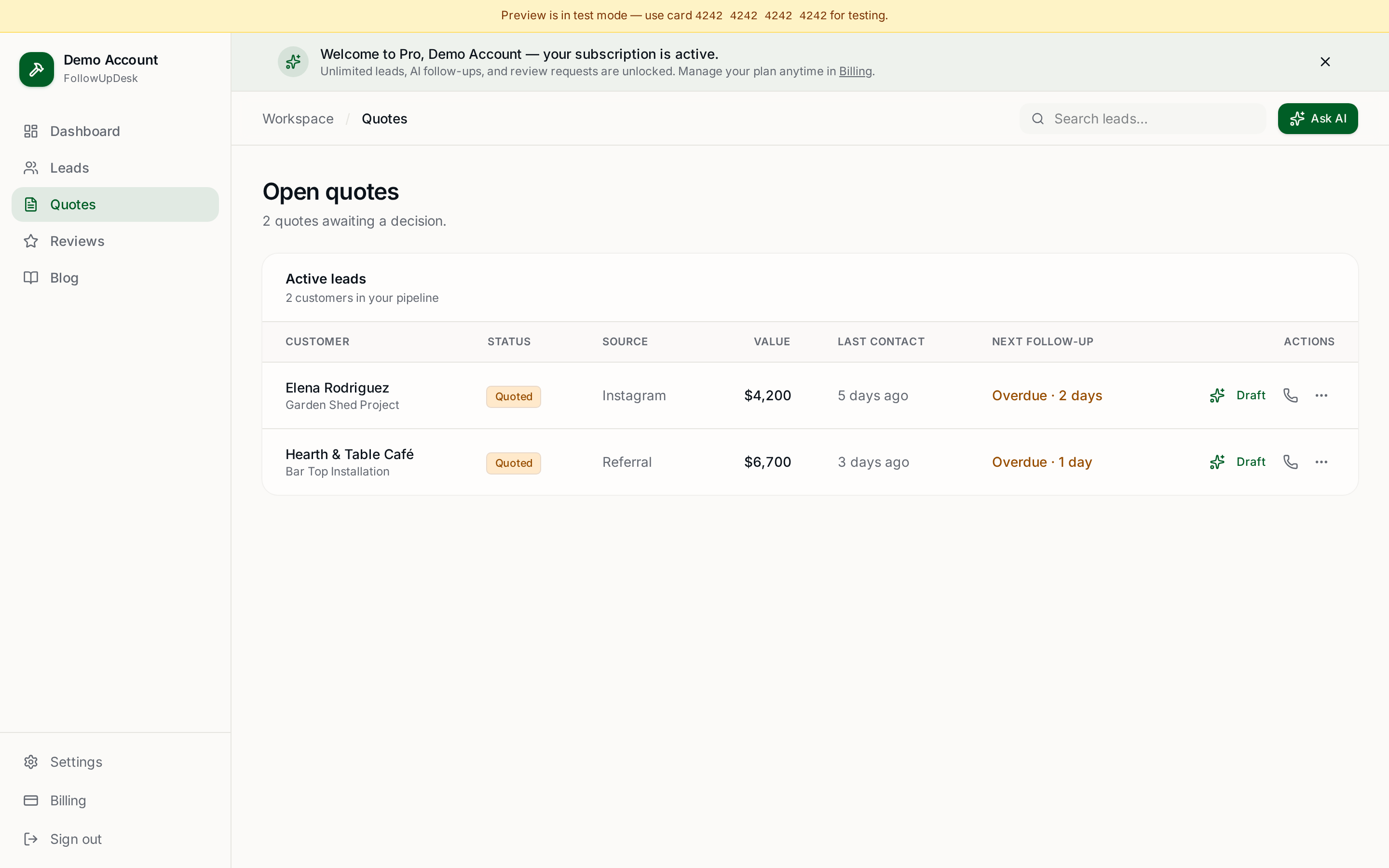
- Quote tracking that shows open quotes and money waiting without building a report.
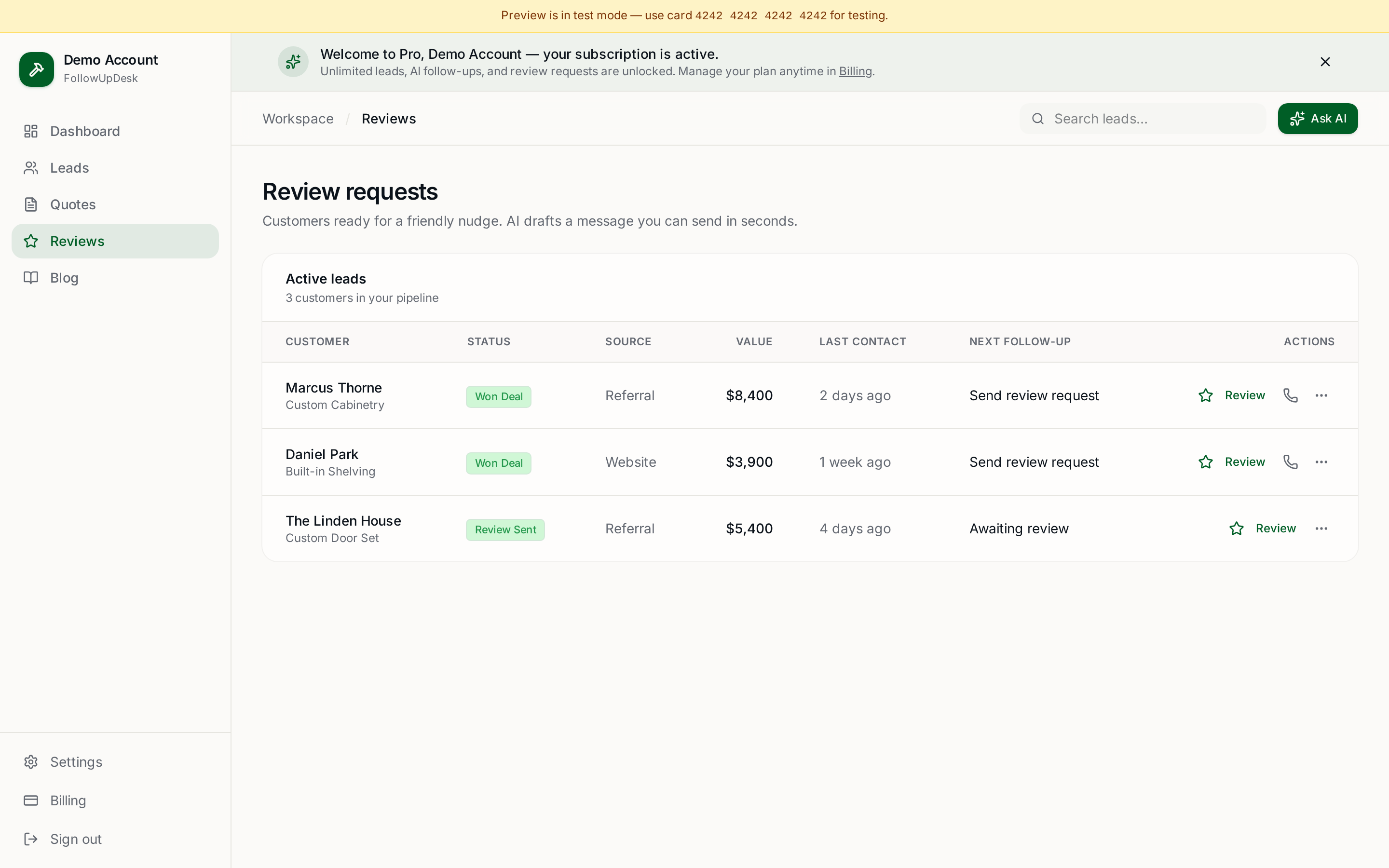
- Review requests that fire when a job closes, so you never forget to ask.
This is what FollowUpDesk does — and it's $29/month flat, not $50+ per user like most CRMs.
Which method is right for you?
| Leads/week | Best method | Why |
|---|---|---|
| 1–5 | Notebook or phone | Lowest friction, you already check both daily. |
| 5–10 | Phone reminders | Automated nudges without building a system. |
| 10–30 | Spreadsheet | Structured data, sortable, shareable. |
| 20+ or team | Follow-up tool | Automation + shared view without CRM complexity. |
The honest truth
The best lead tracker is the one you actually check every day. A perfect system you ignore is worse than a messy notebook you open every morning. Start with the lowest-effort option that fits your volume, and upgrade only when the pain becomes real.
When that pain hits — missed follow-ups, lost quotes, team confusion — don't default to a CRM. Default to a tool built for follow-ups. Lighter than a CRM, better than a spreadsheet.
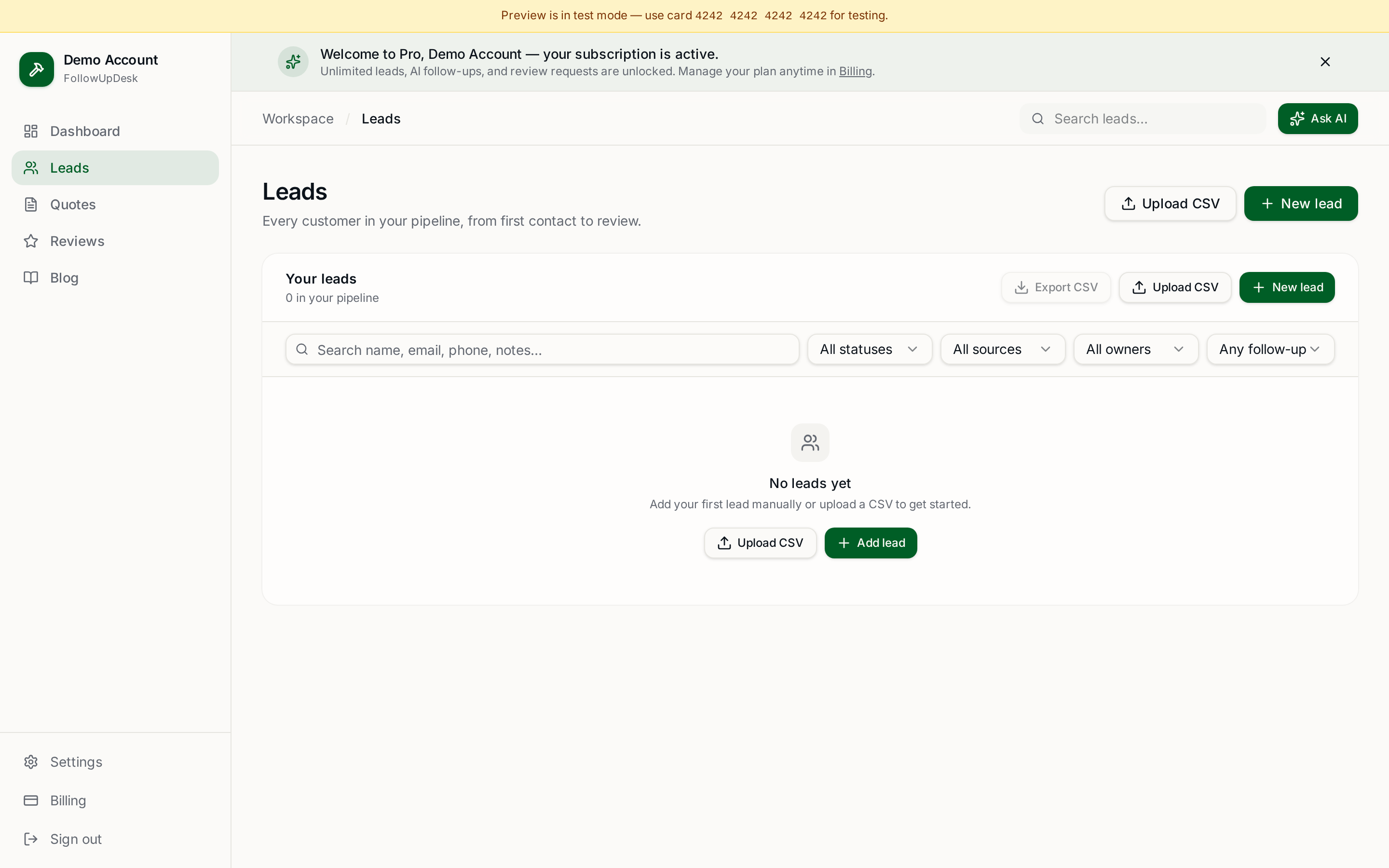
Using a spreadsheet? Upload it into FollowUpDesk and see overdue follow-ups automatically. It's the natural next step when your current method starts cracking. Start at /auth — $29/month.
See it in FollowUpDesk
Get started — $29/mo →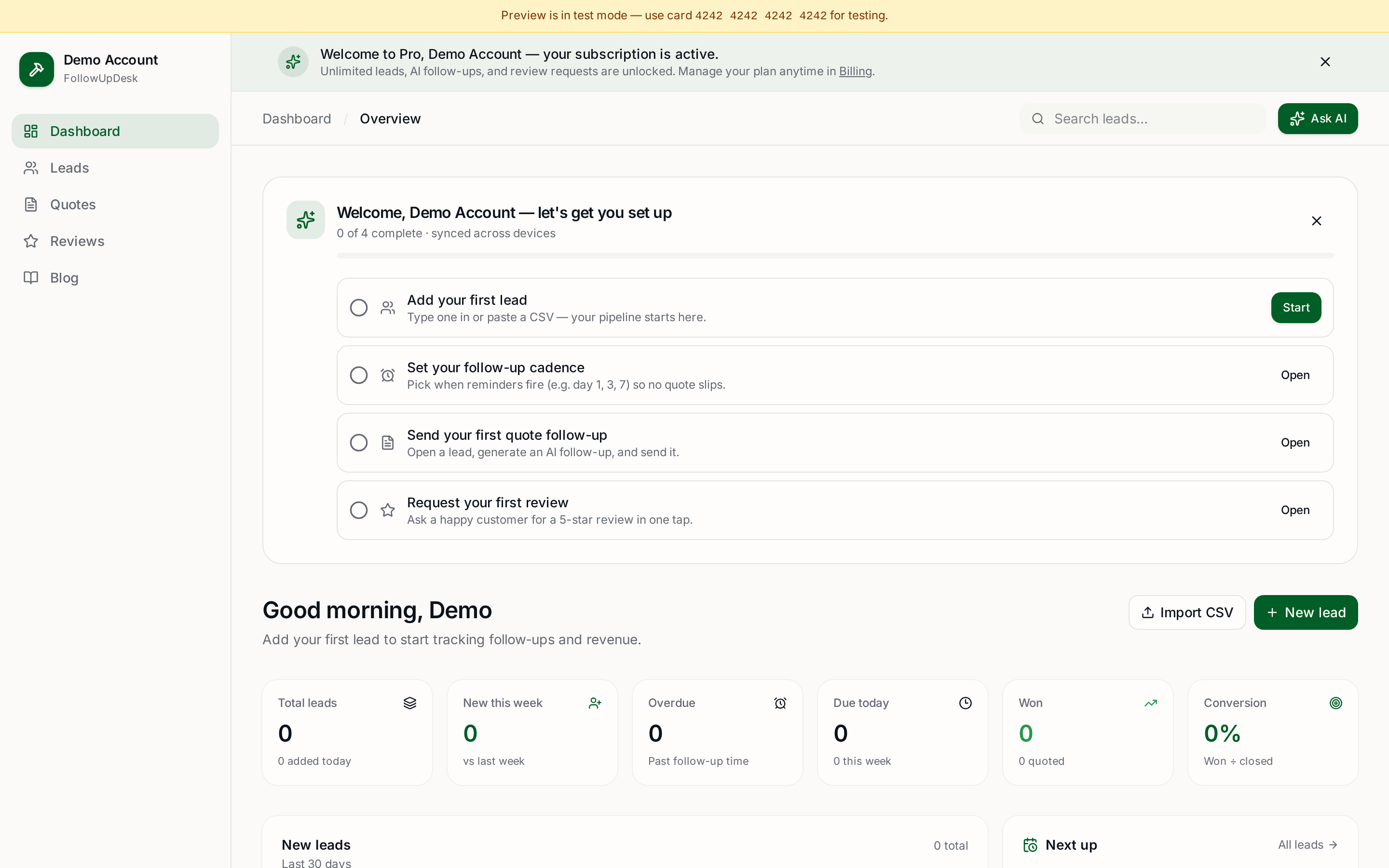
Skip the manual work — these are free, no card required
Get the full FollowUpDesk CRM — $29/month
One pipeline for every lead, AI follow-ups for every quote, review requests on autopilot. Cancel in one click.
Free tools require no card · Pro is $29/month, cancel anytime