How to track contractor quotes and estimates
The four numbers every contractor should know about their open quotes, a simple quote tracker layout, and what should happen after you hit send.
Every contractor should know four numbers: how many quotes are currently open, how much those quotes are worth, which quotes need follow-up today, and how much revenue you actually won this month.
Without those numbers, it's difficult to know whether your pipeline is healthy.
The basic contractor quote tracker
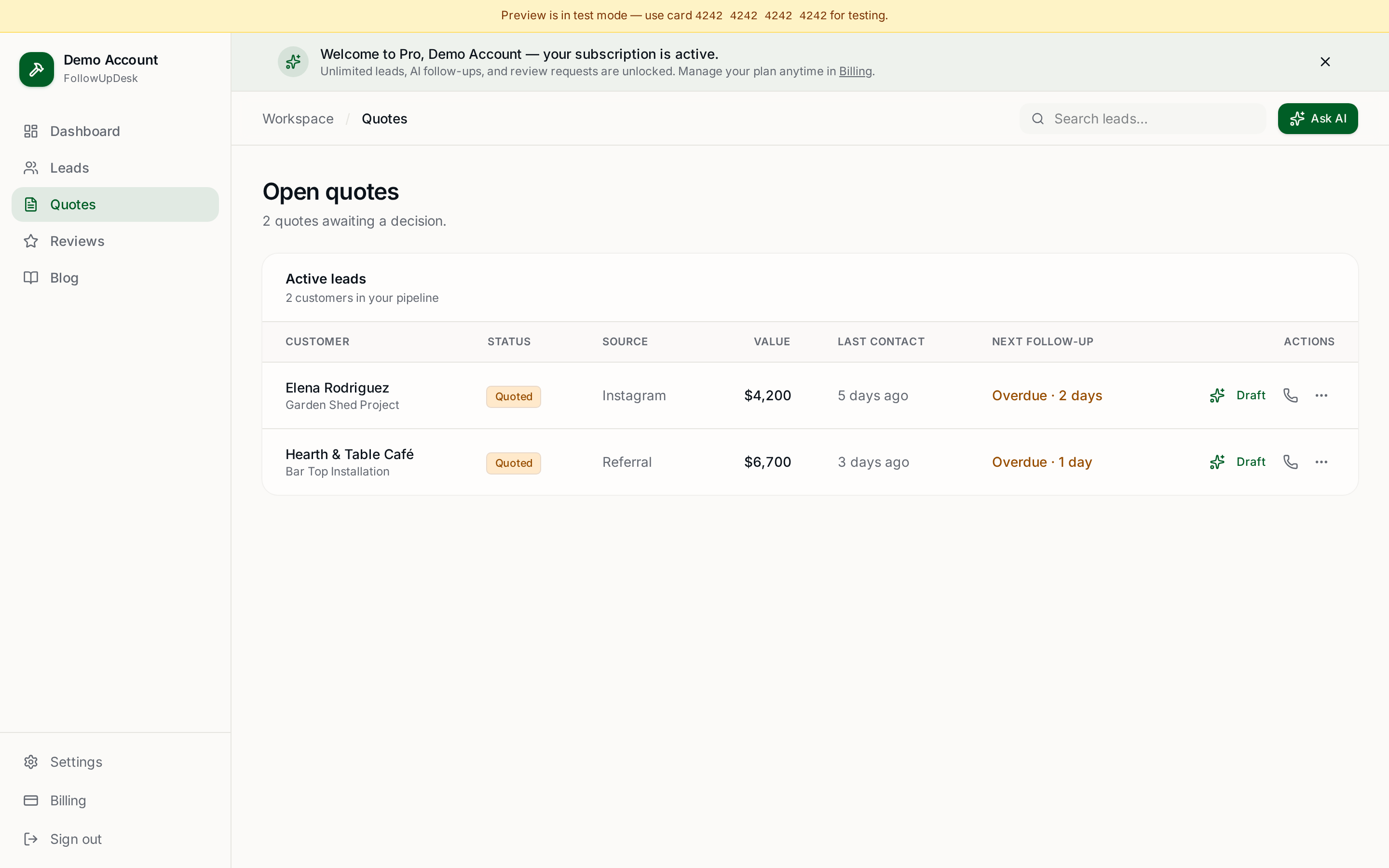
At minimum, record the customer, phone or email, job type, quote amount, date sent, last contact, next follow-up, status, notes, and won/lost.
A tracker might read: Sarah, $8,500, sent Aug 28, follow up Sept 2, open. Mike, $3,200, sent Aug 29, follow up Sept 3, open. James, $14,000, sent Aug 20, follow up today, open. Lisa, $2,100, sent Aug 15, won.
The important column is Next Follow-Up. A quote without a next action is very easy to forget.
Should you use a spreadsheet?
If you only have a few quotes, absolutely. A spreadsheet is better than keeping everything in your head.
But once you're managing dozens of opportunities, you'll want automated reminders and a dashboard that surfaces overdue quotes without you reading every row.
What should happen after sending a quote?
A simple cadence: send the quote on day 0, a friendly check-in on day 3, a "do you have questions?" message on day 7, an objection-and-timing message on day 14, and a final re-engagement around day 30.
The exact timing should depend on the type and value of the job. A $2,000 repair moves faster than a $60,000 remodel.
How FollowUpDesk handles quote tracking
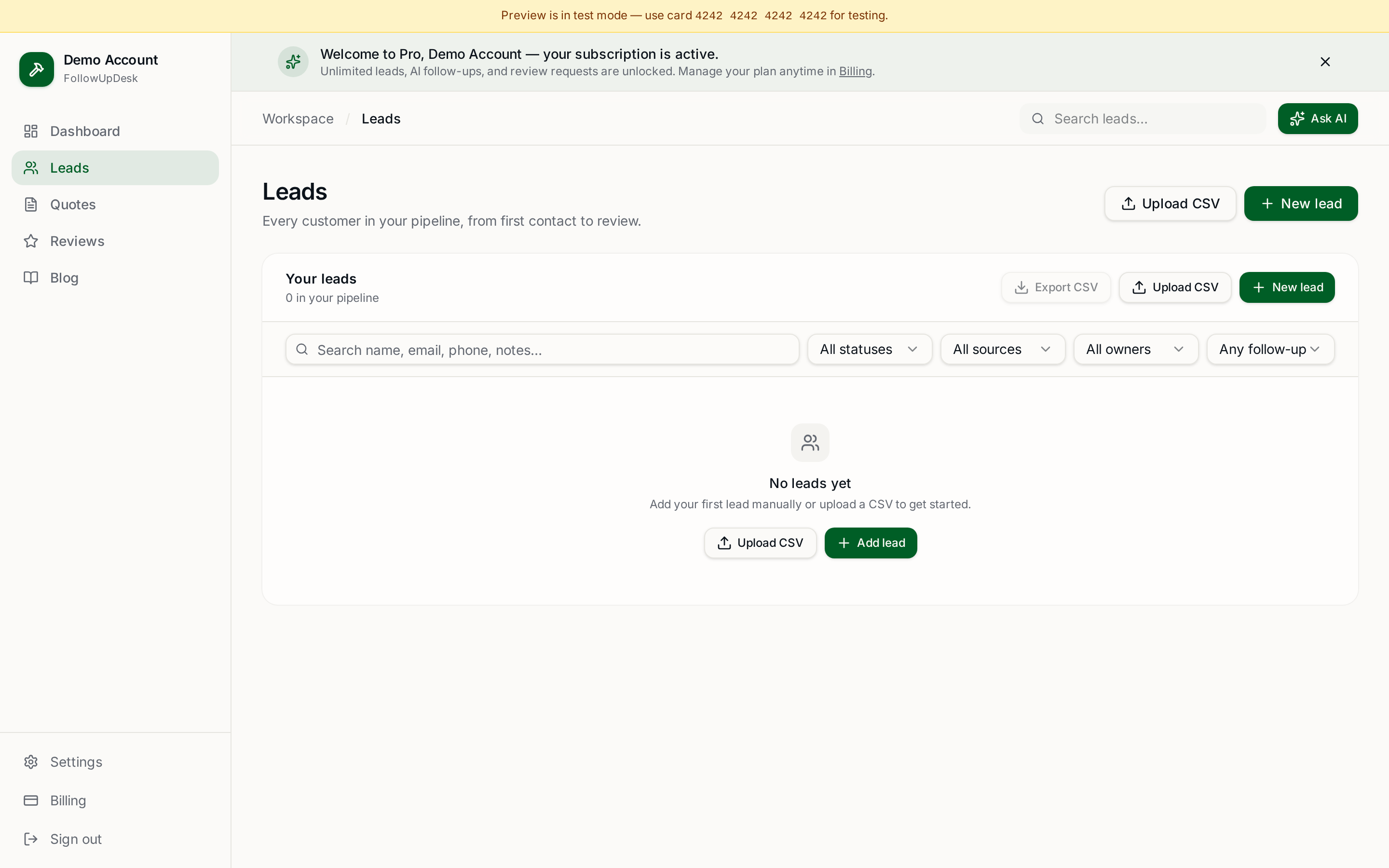
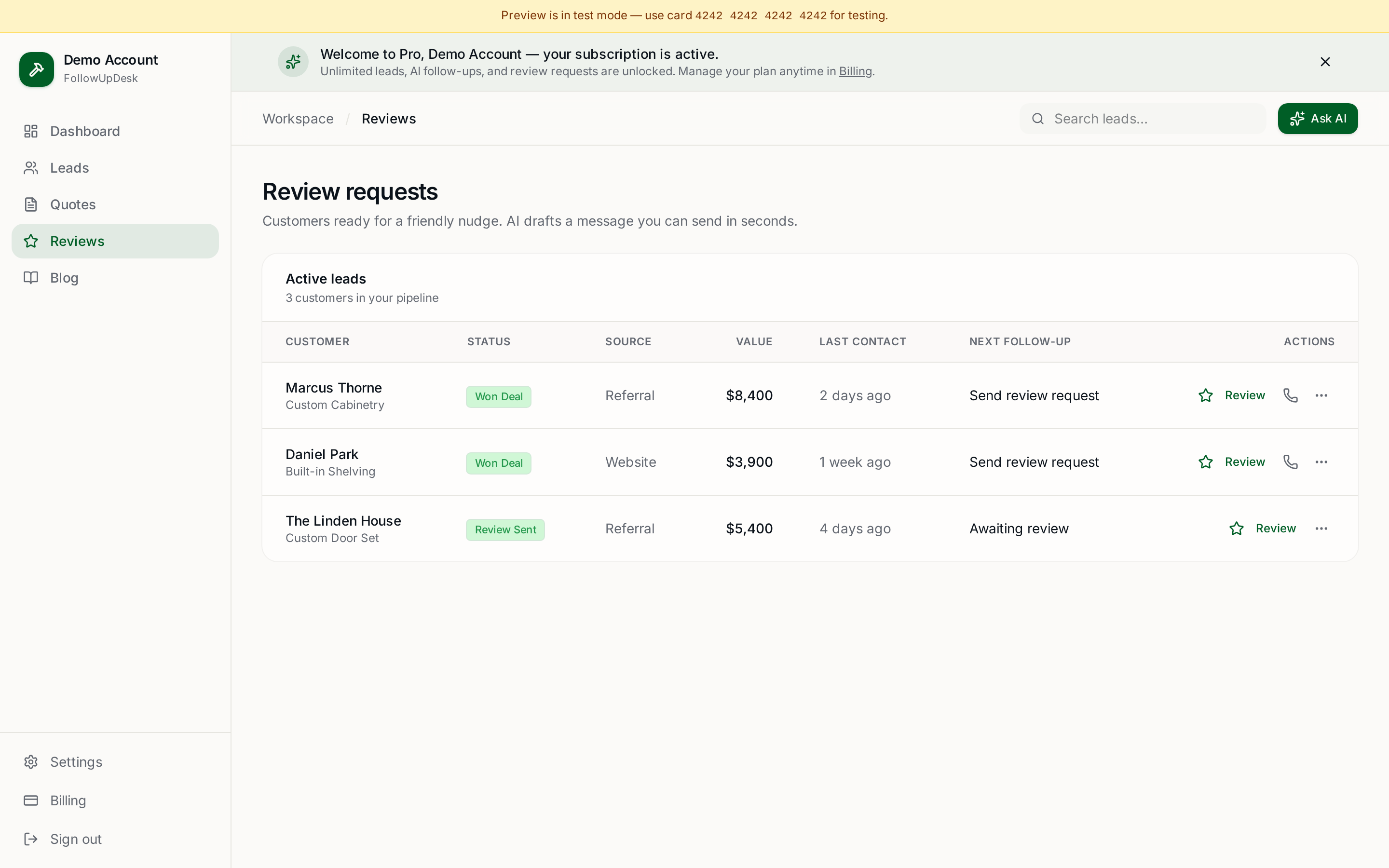
FollowUpDesk puts open quotes into a dedicated pipeline and surfaces the follow-ups that need attention today. It also drafts follow-up messages with AI and shows your total open quote value.
The important part
A quote tracker isn't really about organizing data. It's about answering one question: what money is waiting for me to follow up? That's the number contractors should see every morning.
See it in FollowUpDesk
Get started — $29/mo →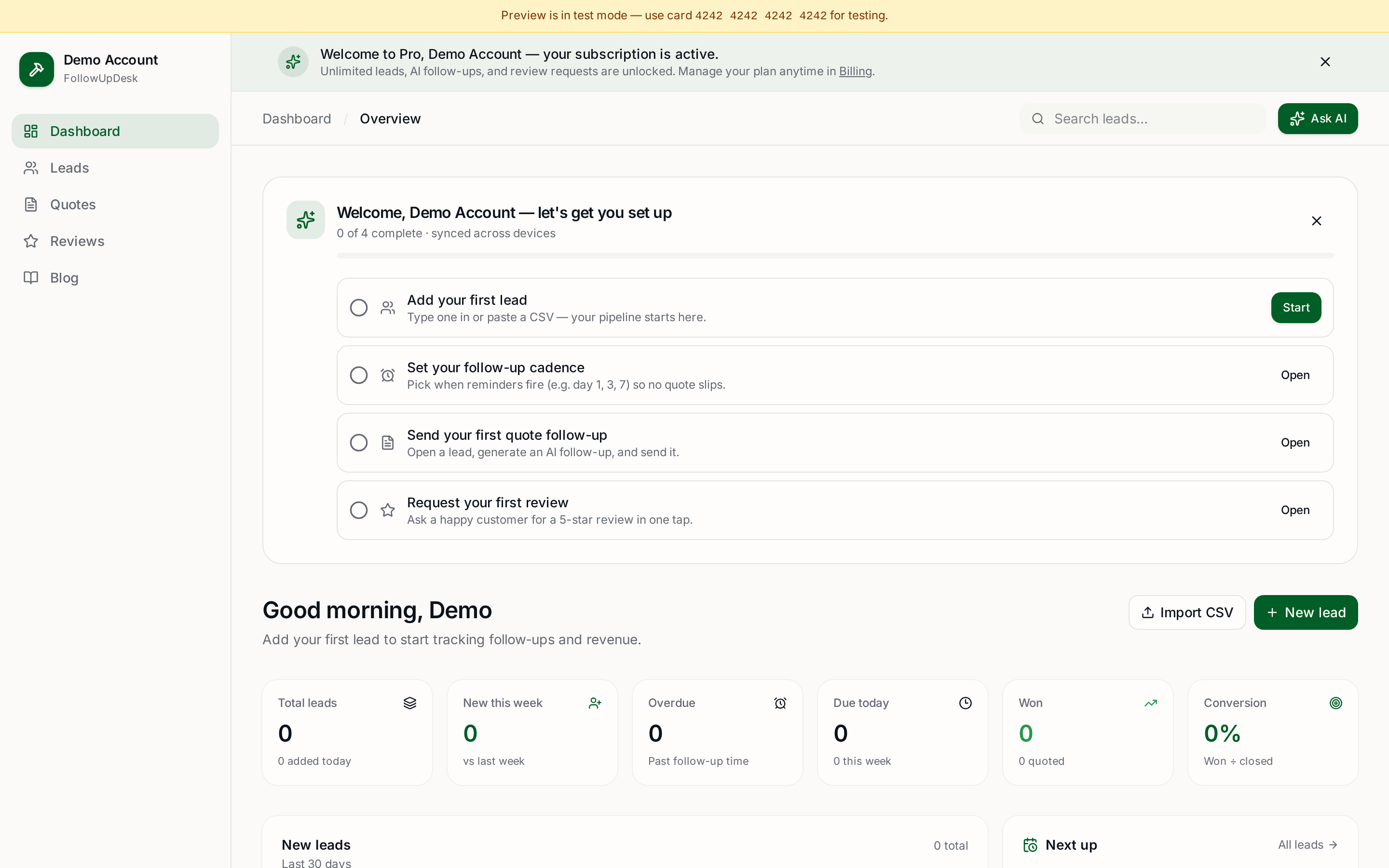
Skip the manual work — these are free, no card required
Frequently asked questions
How should contractors track open quotes?▾
Record customer, job type, amount, date sent, last contact, next follow-up and status for every estimate. The next-follow-up field is what keeps quotes from being forgotten.
What numbers should a contractor know about their pipeline?▾
How many quotes are open, what they're worth in total, which ones need follow-up today, and how much revenue you actually won this month.
Is a spreadsheet good enough for tracking estimates?▾
For a handful of quotes, yes. Once you're managing dozens, automated reminders and a dashboard that surfaces overdue quotes save more time than the spreadsheet costs.
How does FollowUpDesk track quotes?▾
Open quotes sit in a dedicated pipeline with due follow-ups surfaced automatically, plus AI-drafted follow-up messages and a running total of open quote value.
Get the full FollowUpDesk CRM — $29/month
One pipeline for every lead, AI follow-ups for every quote, review requests on autopilot. Cancel in one click.
Free tools require no card · Pro is $29/month, cancel anytime