How contractors can get more Google reviews
How to request Google reviews consistently after completing jobs — without manually chasing every customer.
For many contractors, the hardest part of getting Google reviews isn't providing good service. It's remembering to ask.
A customer may be extremely happy with your work and still never leave a review simply because nobody asked. The solution is to make review requests part of your normal customer workflow.
Ask at the right time
The best time to request a review is right after you've delivered a successful experience — after completing a roofing project, finishing a painting job, completing landscaping work, a successful repair, or a remodelling project.
The customer has just experienced the value of your service. That's when a review request makes sense.
Make the request easy
Don't send customers a complicated explanation. A simple message is often enough: "Hi Sarah, thanks again for choosing us for your bathroom renovation. If you're happy with the work, we'd really appreciate a quick Google review. Here's the link: [review link]"
The easier you make it, the more likely the customer is to complete it. Our review request email template has more variations.
Don't wait six months
If a customer finishes a project today, asking for a review six months later is less natural. Build the request into your workflow: job completed → review request → reminder. That turns reviews into a repeatable process.
Why reviews matter for contractors
Reviews help potential customers evaluate a contractor before contacting them. A homeowner comparing three roofing companies looks at the number of reviews, average rating, how recent they are, the written experiences, photos and how the business responds.
Reviews aren't a replacement for excellent service, but they provide valuable social proof.
Can review requests be automated?
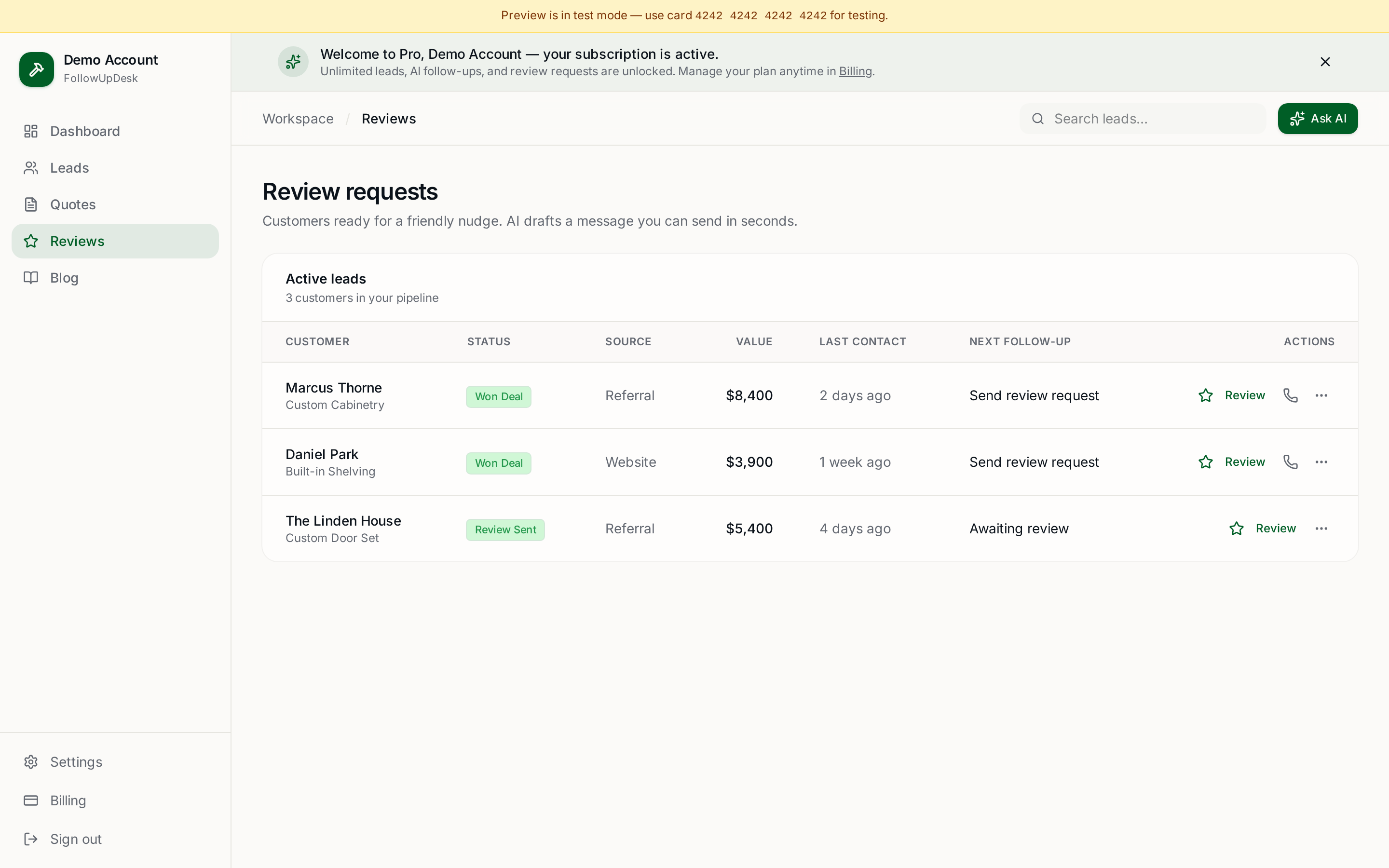
Yes. A CRM can trigger or remind you to request a review once a customer reaches a particular stage, which removes the need to remember every customer manually.
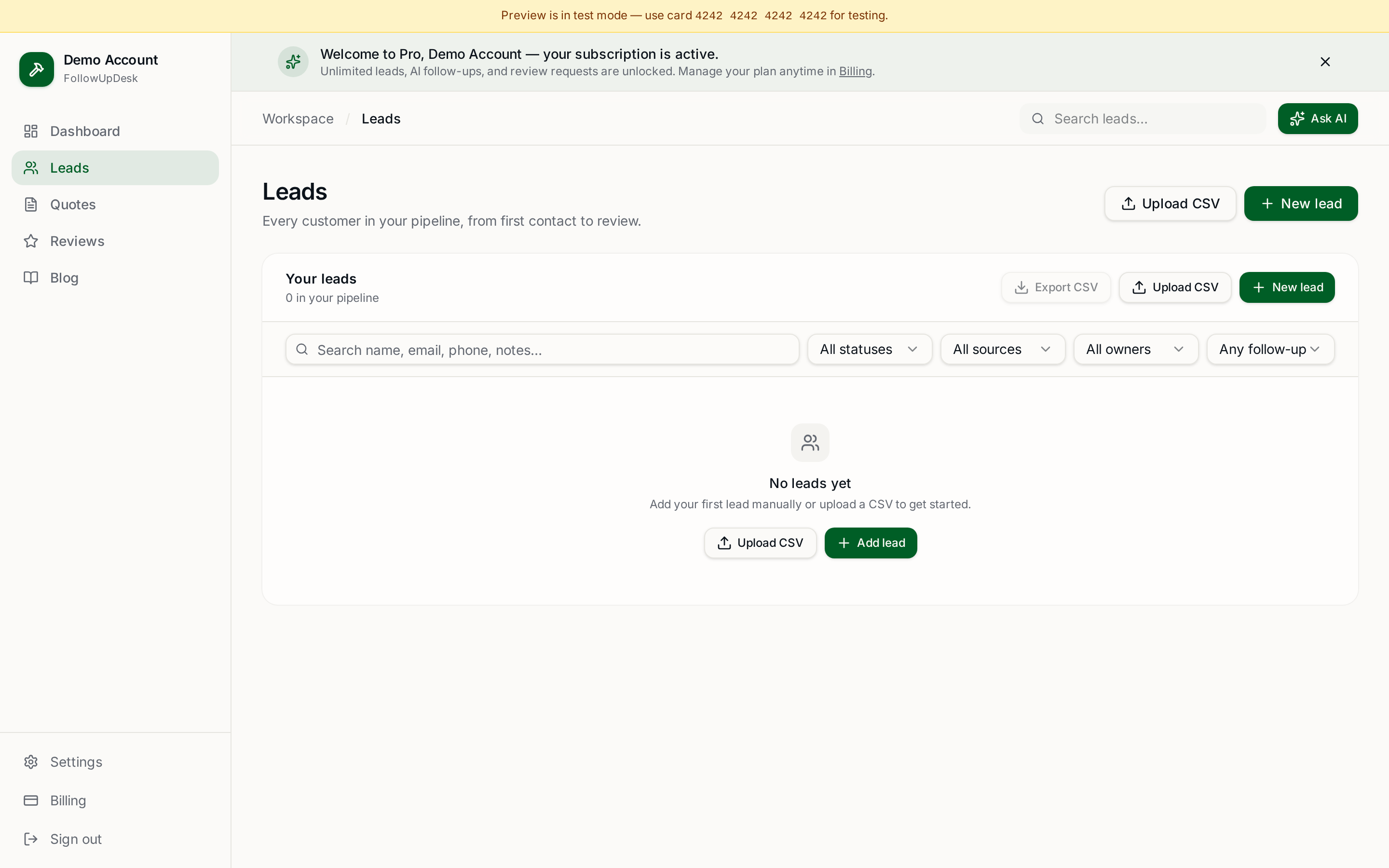
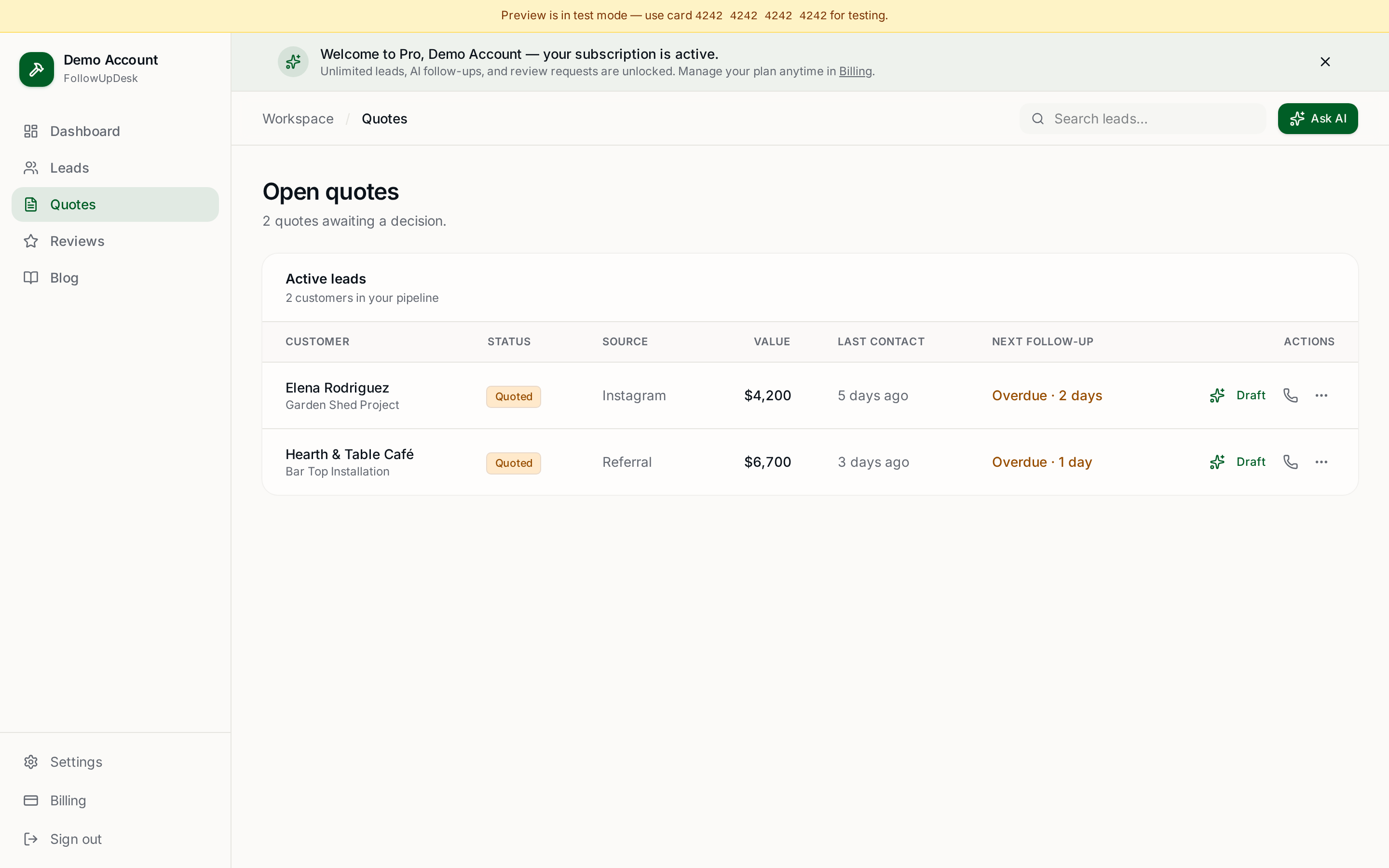
FollowUpDesk includes customer review request functionality alongside lead and quote management, so reviews become part of your normal follow-up process. See review request software for contractors.
The important rule
Never make review requests complicated. A successful process is: complete the job → ask → make it easy → follow up appropriately. The goal is to make asking for reviews a normal part of running the business.
See it in FollowUpDesk
Get started — $29/mo →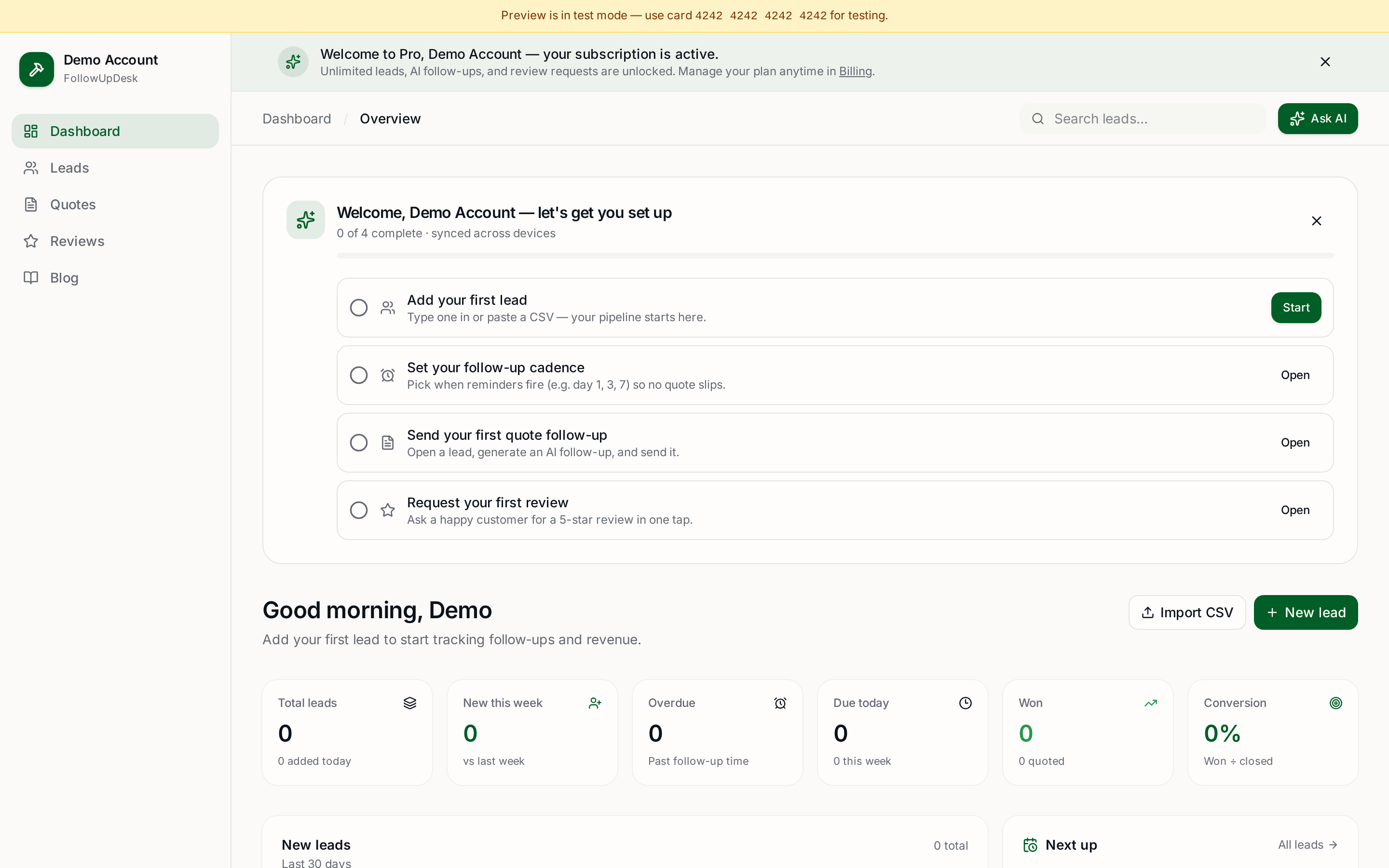
Skip the manual work — these are free, no card required
Frequently asked questions
When should a contractor ask for a Google review?▾
Right after the job is completed and the customer has seen the result. That's when satisfaction is highest and the details are fresh.
How do you ask for a Google review without being pushy?▾
Keep it short, thank the customer for the specific job, and include a direct review link. One request plus one polite reminder is enough.
Can review requests be automated for contractors?▾
Yes. A CRM can prompt or send the request when a job moves to completed, so no customer is missed.
How many Google reviews does a contractor need?▾
There's no fixed number, but a steady stream of recent reviews usually matters more to homeowners than a large total from years ago.
Get the full FollowUpDesk CRM — $29/month
One pipeline for every lead, AI follow-ups for every quote, review requests on autopilot. Cancel in one click.
Free tools require no card · Pro is $29/month, cancel anytime