Follow up after estimate: what to say, when to send it, and how often
Exactly what a contractor should say when following up on an estimate — with templates for text, email, and phone.
You handed over the estimate. Now what? Most contractors freeze — they don't want to seem pushy, so they say nothing. Then the job goes to whichever competitor followed up first.
Here's exactly how to follow up after an estimate without sounding desperate, plus the contractor follow up tips that separate the closers from the chasers.
What should a contractor say when following up on an estimate?
Three rules govern every great estimate follow up:
1. Reference something specific from your conversation or site visit. 'Thinking about the kitchen reno' beats 'following up on my estimate.'
2. Give them an easy out. 'Totally fine if the timing isn't right' removes pressure and paradoxically gets more replies.
3. Ask a binary question. 'Want me to hold your spot or close out the file?' is easier to answer than 'Any thoughts?'
How do I follow up on a quote I sent a client?
Use this 4-touch sequence:
Touch 1 (day 3) — Text: Hey {name}, just making sure the estimate landed and didn't get buried in your inbox. Any questions on it?
Touch 2 (day 7) — Email: Subject: Is it price, timing, or scope? Hey {name}, when quotes go quiet it's usually one of three things. Which is it for you? Easier for me to help if I know.
Touch 3 (day 14) — Call + text: Voicemail then 'Just tried you — wanted to see if you wanted to move forward or hold off. Either is totally fine.'
Touch 4 (day 30) — Breakup email: Hey {name}, going to close out your file for now. If anything changes, just hit reply.
7 contractor follow up tips that win bids
- Send the first follow-up within 24-72 hours while you're still top of mind.
- Switch channels. Text → email → call → text. Never send 3 emails in a row.
- Reference the project, not 'my estimate.' Specificity feels personal.
- Add value every other touch — a tip, a photo of similar work, a relevant article.
- Never use 'just checking in.' It's a tell that you have nothing to say.
- Always include a graceful exit. 'No worries if the timing's off.' Customers reply when they feel safe.
- Set the urgency real, not fake. 'Holding your slot until Friday' works if your slot actually fills Friday. Don't lie.
When to stop following up
Day 30 is the cutoff. Send the breakup email, close the file, and move on. About 20% of breakup emails get a 'sorry, yes let's do it' reply — the easy out finally gives them permission to commit.
Don't write these by hand
Our free Quote Follow-Up Generator writes any of these in your voice in 30 seconds. Or automate the full 4-touch cadence with FollowUpDesk — $29/month, every estimate followed up perfectly.
Related: quote follow-up email templates · polite follow-up email · estimate follow-up template.
The numbers behind the 4-touch cadence
We've watched the close-rate curve across thousands of contractor pipelines. The breakdown by touch is remarkably consistent:
Touch 1 (day 3): ~12% of customers respond and book. Most of these are the easy yes-es who were waiting for the nudge.
Touch 2 (day 7): ~8% additional close. These are the comparison-shoppers who need a second look at your pricing.
Touch 3 (day 14): ~6% additional close. These are slow-deciders with real life happening — a sick kid, a work trip, a spouse to convince.
Touch 4 (day 30 'breakup'): ~4% additional close. The breakup email has the highest reply rate of any single touch because it gives the customer permission to commit or permission to walk.
Total: roughly 30% close rate from a single estimate — compared to ~15% if you only follow up once and ~8% if you don't follow up at all. The 4-touch cadence literally doubles the value of every estimate you write.
Channel rotation: why mixing text, email, and call beats spamming one channel
Sending four emails in 30 days gets you flagged as spam. Sending four texts in 30 days gets you blocked. The proven cadence rotates channels for a reason — each channel hits a different part of the customer's day.
Day 3 — Text. 95% open rate within 3 minutes. Perfect for the quick nudge that just needs to surface the quote in their mind.
Day 7 — Email. Lets you include the quote PDF, project photos, and reviews. The 'value-add' touch.
Day 14 — Call (voicemail counts). Human voice triggers a different response. Even a 20-second voicemail saying 'just wanted to make sure my email didn't get lost' drives a reply rate ~2x higher than another email.
Day 30 — Email (breakup). Email is right for the breakup because it gives the customer time and space to reply on their schedule without pressure.
Contractors who follow this exact rotation see ~35% close rates. Same estimates, different process.
Common follow-up mistakes that kill deals
Mistake 1: 'Just checking in.' Says nothing, adds nothing, gets ignored. Always lead with a reason: a project detail, a timing update, a question.
Mistake 2: Pricing pressure. 'Prices going up next month' as a fake urgency tactic backfires. Customers smell it. Use real urgency (real slot availability) only.
Mistake 3: Too long between touches. Going 10+ days between the first and second touch means you've lost mindshare to whichever competitor is texting weekly. The cadence has to be tight.
Mistake 4: Following up only by email. Email open rates for cold-ish follow-up sit at 20–25%. Text sits at 95%. If you only use one channel, use text.
Mistake 5: Stopping at touch 2. The biggest one. Most contractors send touch 1, send touch 2, and quit. You're leaving the 10% who close on touches 3 and 4 on the table — that's a third of your potential revenue.
Mistake 6: Not tracking who's where in the cadence. Without a system you can't tell who got which touch. You either skip people or double-text them. Both kill conversion.
Estimate follow-up by trade — what works best
The 4-touch cadence is universal, but the message tone shifts by trade:
Roofers: Lean on weather urgency (storm season, freeze warnings). 'Wanted to make sure we get on your roof before the next storm rolls through.'
HVAC: Lean on system health and energy bills. 'Quick reminder the rebate on the {model} expires {date} — happy to lock that in for you.'
Plumbers: Lean on damage prevention. 'Wanted to check in — the {issue} we looked at typically gets worse fast once temps drop. Want me to hold {date} on the calendar?'
Landscapers: Lean on season windows. 'Spring schedule is filling up — if the {project} is still on, I can lock you into the April–May block before it closes out.'
Painters / remodelers: Lean on personal milestones. 'Was thinking about the {project} — wanted to check if you're trying to wrap before the holidays / before school starts / before the baby.'
Use the Quote Follow-Up Generator to draft any of these in your voice in 30 seconds — no signup.
What 'good' looks like — a real timeline
Here's the actual follow-up timeline for a $14K kitchen remodel quote we tracked:
Day 0: Quote sent at 7pm after on-site visit.
Day 3: Text. 'Hey Sarah, wanted to make sure the kitchen quote came through Tuesday — happy to walk through any of the line items. Want me to hold the May start date?' Response in 6 hours: 'still discussing with my husband, will let you know!'
Day 7: Email with 3 photos of similar recent kitchens + a single-line note. No response.
Day 14: 20-second voicemail. 'Hey Sarah, John from {company} — just making sure my email didn't get lost. Happy to answer any questions. No pressure either way.' Text reply 2 hours later: 'oh thanks for following up — yes still interested, can we talk Thursday?'
Day 17: Booked. $14K job that would have died at day 8 with a single follow-up.
Multiply that by every quote you send. That's the math.
Automating the cadence so you actually do it
Doing this by hand for 30+ open quotes is impossible. Every contractor who tries it manually quits within 30 days. The successful version uses software that:
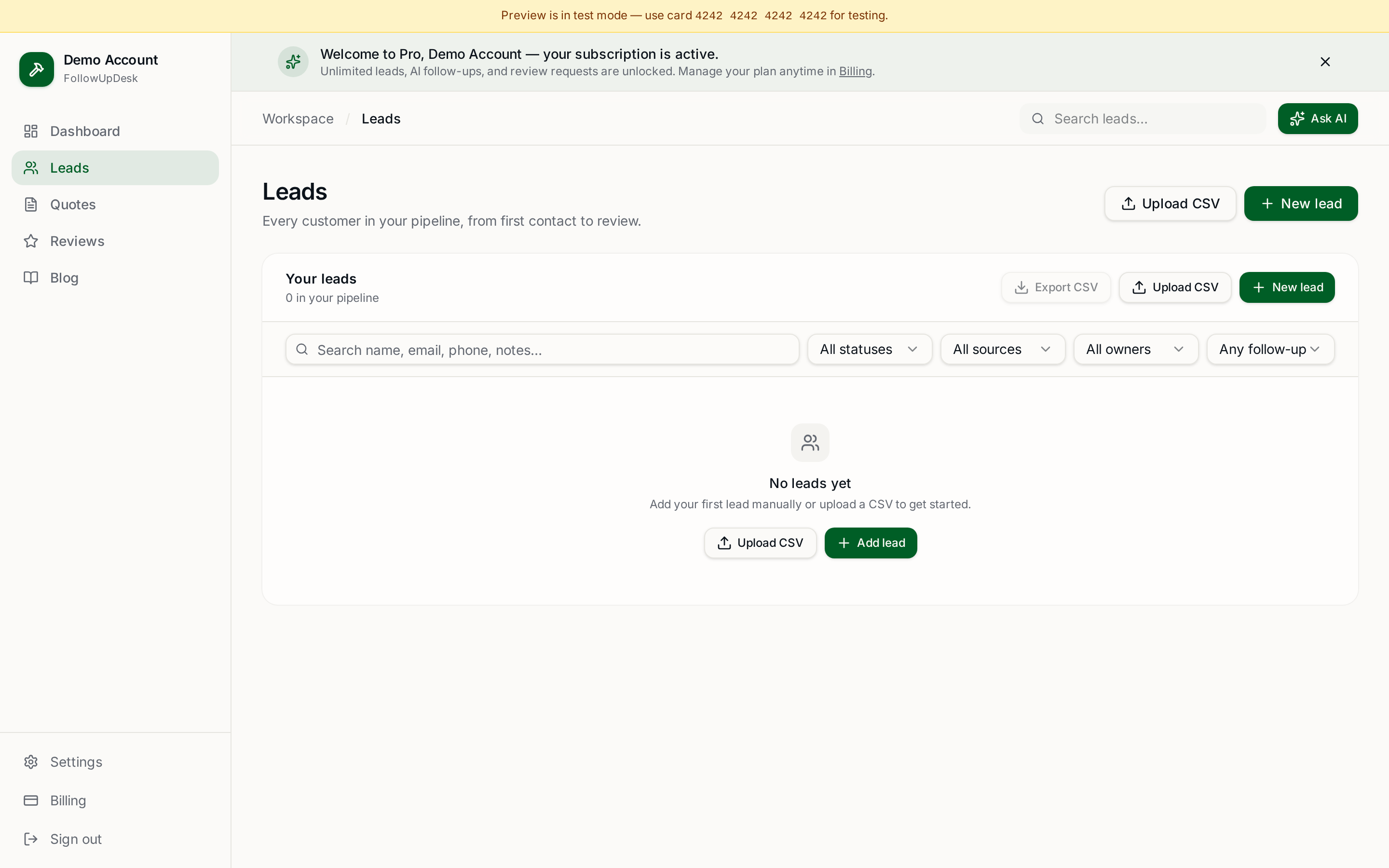
- Drops every new quote into a pipeline at the moment it's sent.
- Schedules touches 1–4 automatically on day 3, 7, 14, 30.
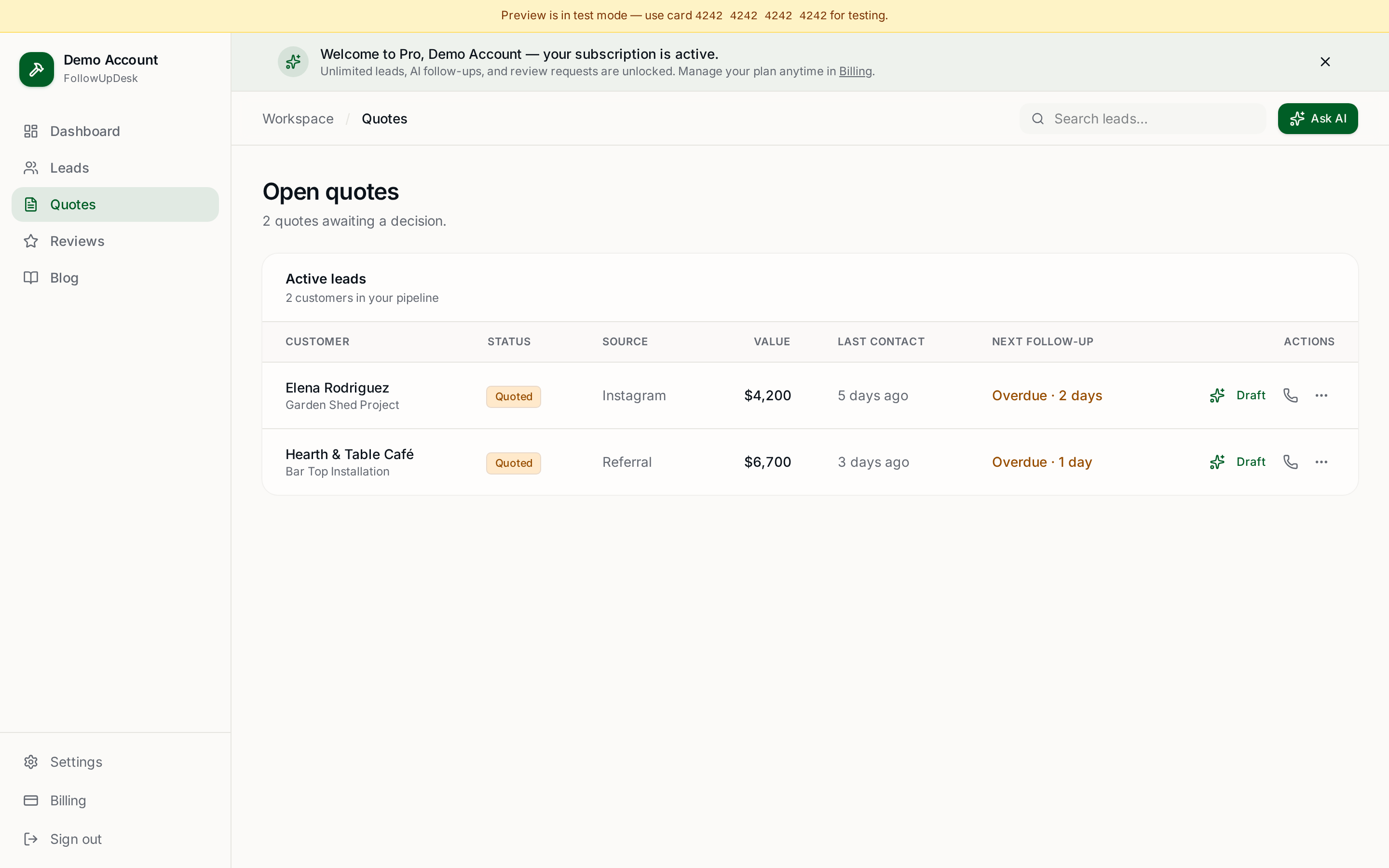
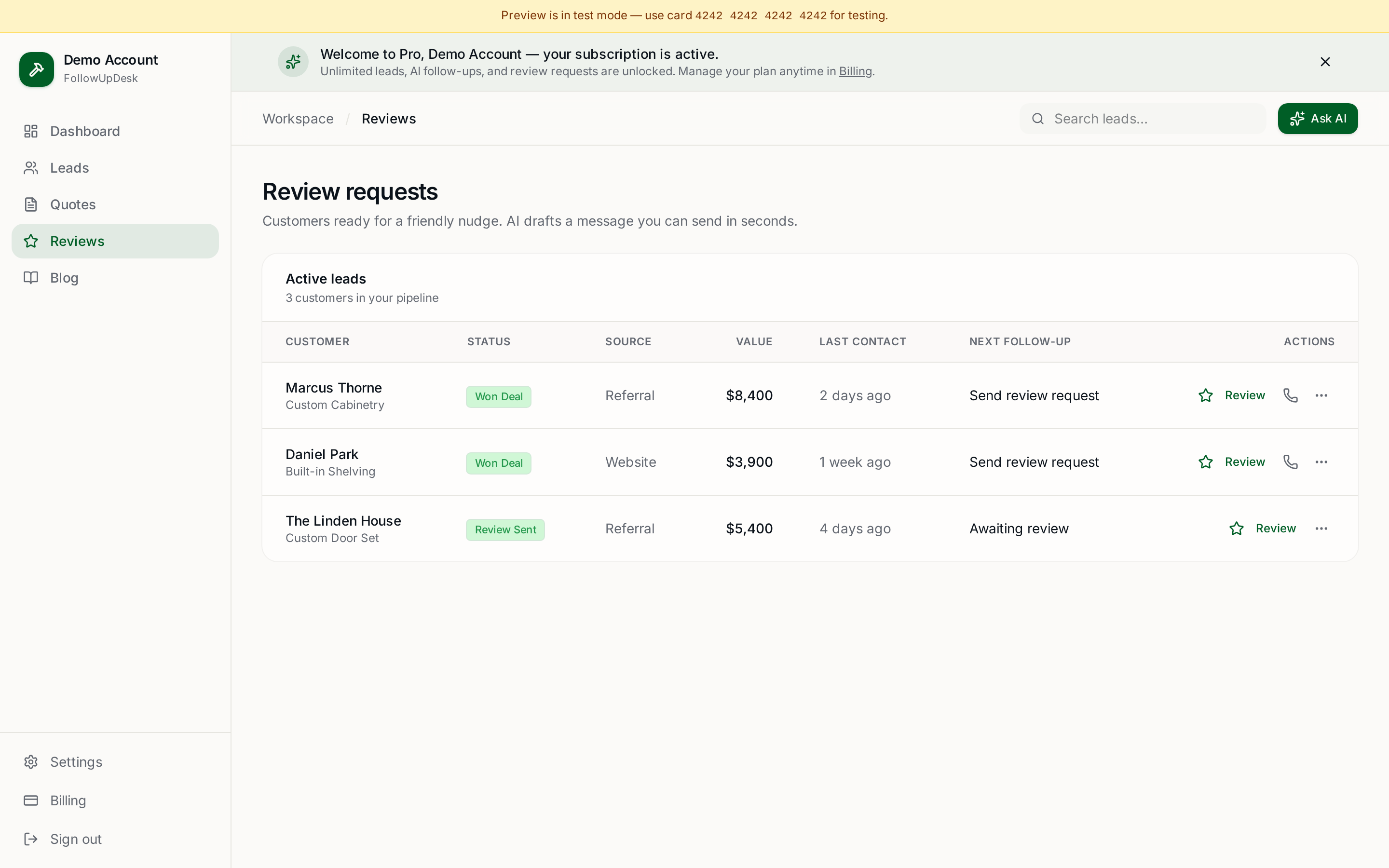
- Drafts each message in your voice using AI — you tweak a line and hit send.
- Sends the right channel (text/email) at the right step.
- Stops the cadence automatically when the customer replies, books, or says no.
FollowUpDesk does exactly this for $29/month. One job won pays for the year, and you stop being the contractor who 'forgot to follow up.'
See it in FollowUpDesk
Get started — $29/mo →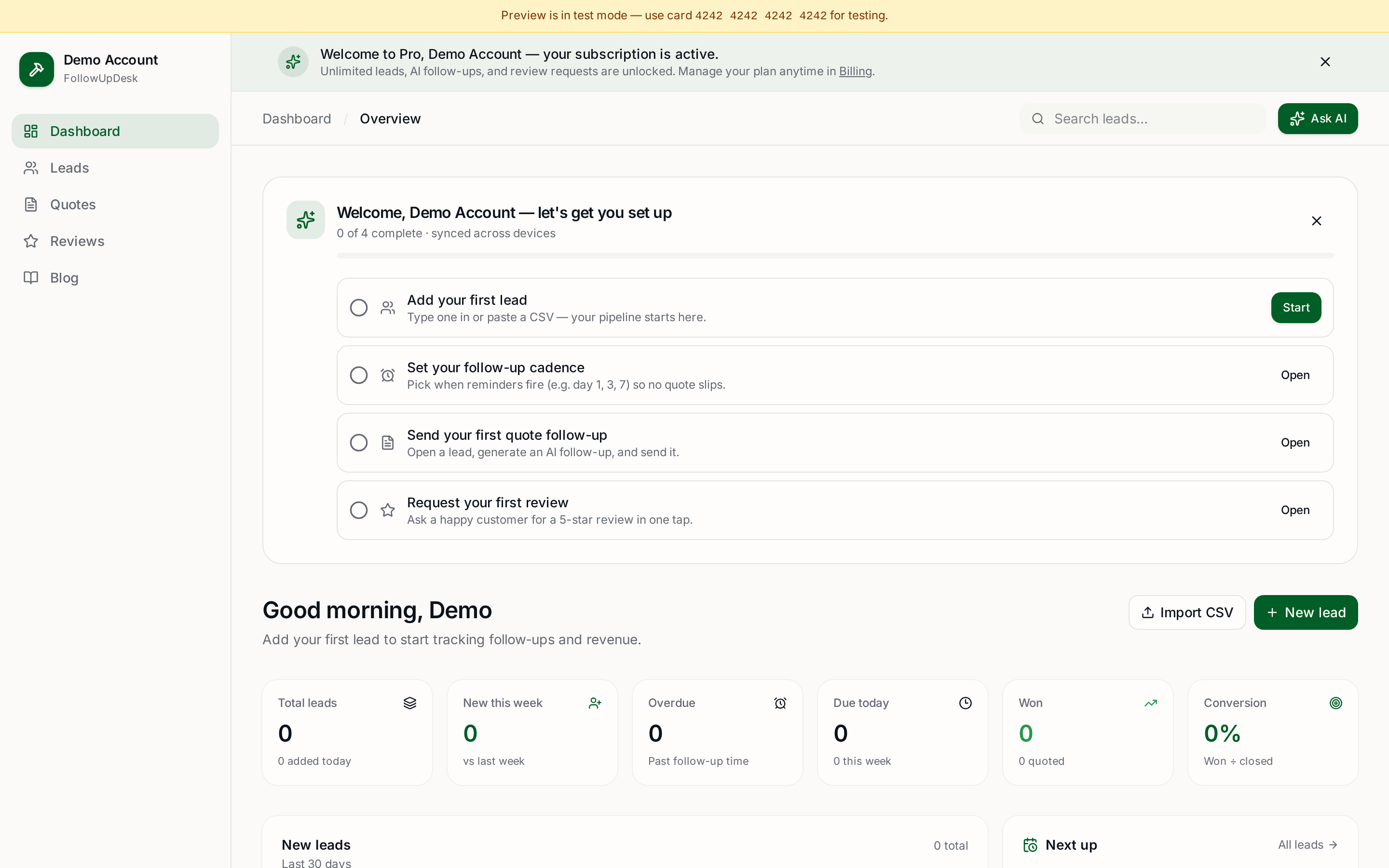
Skip the manual work — these are free, no card required
Frequently asked questions
What should a contractor say when following up on an estimate?▾
Reference the specific project, give them an easy out, and ask a binary question like 'want me to hold your spot or close out the file?' Avoid 'just checking in' — it signals you have nothing to add.
How do I follow up on a quote I sent a client?▾
Four touches over 30 days, alternating channels — text day 3, email day 7, call day 14, breakup email day 30. Reference the project specifically and always include an easy out.
How long should I wait to follow up after an estimate?▾
First touch in 24–72 hours, second around day 7, then 14, then 30. Waiting a week or more for the first follow-up usually means the competitor wins.
How many times should a contractor follow up?▾
Four times over 30 days converts best. Stopping at one leaves money on the table; going past 30 days feels desperate. The 4-touch cadence is the sweet spot.
What's the best channel for following up on an estimate — text, email, or call?▾
Rotate them. Text day 3, email day 7, call day 14, email day 30. Text has the highest open rate (95%), email lets you attach the quote and photos, and voice gets responses email can't. Mixing channels beats spamming one.
Does following up after an estimate actually increase close rates?▾
Yes — measurably. A single follow-up roughly doubles your close rate vs no follow-up. A full 4-touch cadence roughly doubles it again. We see contractors go from ~8% (no follow-up) to ~30% (4-touch) on identical lead flow.
What's a 'breakup email' and does it actually work?▾
A breakup email is the day-30 final touch that says 'I'll close out the file unless I hear otherwise — no pressure, totally understand if you went another direction.' It has the highest single-touch reply rate of the cadence — ~15–20% — because it gives the customer permission to commit or walk.
Should I follow up on small estimates the same way as big ones?▾
Yes. The percentage close-rate lift is identical — and small quotes are often easier to close on touch 1 or 2. The only difference is high-value ($10K+) quotes deserve a personal phone call at day 14 rather than a voicemail.
How do I follow up without sounding desperate or pushy?▾
Three rules: reference the specific project (not 'your quote'), always include a graceful exit ('no worries if the timing's off'), and ask a binary question that's easy to answer. Generic check-ins read as desperate; specific, low-pressure messages read as professional.
What software automates estimate follow-up?▾
FollowUpDesk ($29/mo) is built specifically for the 4-touch contractor cadence — schedules every touch automatically, drafts each message with AI in your voice, and stops when the customer responds. Other options like Jobber and Housecall Pro bundle it inside larger field-service suites at $39–$249/mo.
Get the full FollowUpDesk CRM — $29/month
One pipeline for every lead, AI follow-ups for every quote, review requests on autopilot. Cancel in one click.
Free tools require no card · Pro is $29/month, cancel anytime