Best way to track quotes and follow-ups (tested by real businesses)
We asked 40 small business owners how they track quotes and follow-ups. Here are the methods that actually work — and the one that won.
Tracking quotes and follow-ups sounds simple until you're managing 15 open quotes, 3 overdue follow-ups, and a customer who replied 'maybe next month' three weeks ago that you completely forgot about.
We surveyed 40 small service business owners — cleaners, contractors, photographers, landscapers, detailers — and asked one question: how do you track your quotes and follow-ups? Their answers fell into four categories. Here's what worked, what didn't, and the pattern that separated the owners who close 60% of quotes from the ones who close 30%.
Method 1: Memory + inbox (the most common, the least reliable)
'I just remember who I need to follow up with.' This was the most common answer — and the one most likely to cost revenue. Human memory is terrible at date-based recall. You remember the big quotes, not the $400 job that sits silent for two weeks.
Inbox tracking ('I'll follow up when they reply') is even worse. Email threads get buried. Text conversations disappear. The follow-up never happens, and the customer hires someone else.
Close rate: 20–35%. Not because of bad pricing — because of no follow-up.
Method 2: Calendar blocks (surprisingly effective for solos)
A few smart owners block follow-up time on their calendar: 15 minutes every morning to check who needs a nudge. They keep a running list in a notes app or a single spreadsheet column.
This works because it builds a habit, not a system. The calendar reminder is external. The list is simple. The time is protected.
Close rate: 40–50%. The dedicated time makes a huge difference, but the list still relies on manual upkeep.
Method 3: Spreadsheet with follow-up dates (the systematic approach)
Owners who track quotes in a spreadsheet with a 'next follow-up' column and sort by it daily close significantly more deals. The sorting is key — it forces you to see the oldest, most overdue leads first.
The most successful spreadsheet users had one thing in common: they treated the follow-up column like a to-do list. Nothing stayed there past its date without a specific reason.
Close rate: 45–55%. The structure helps, but it still requires daily discipline and manual updates.
Method 4: A dedicated follow-up dashboard (the winners)
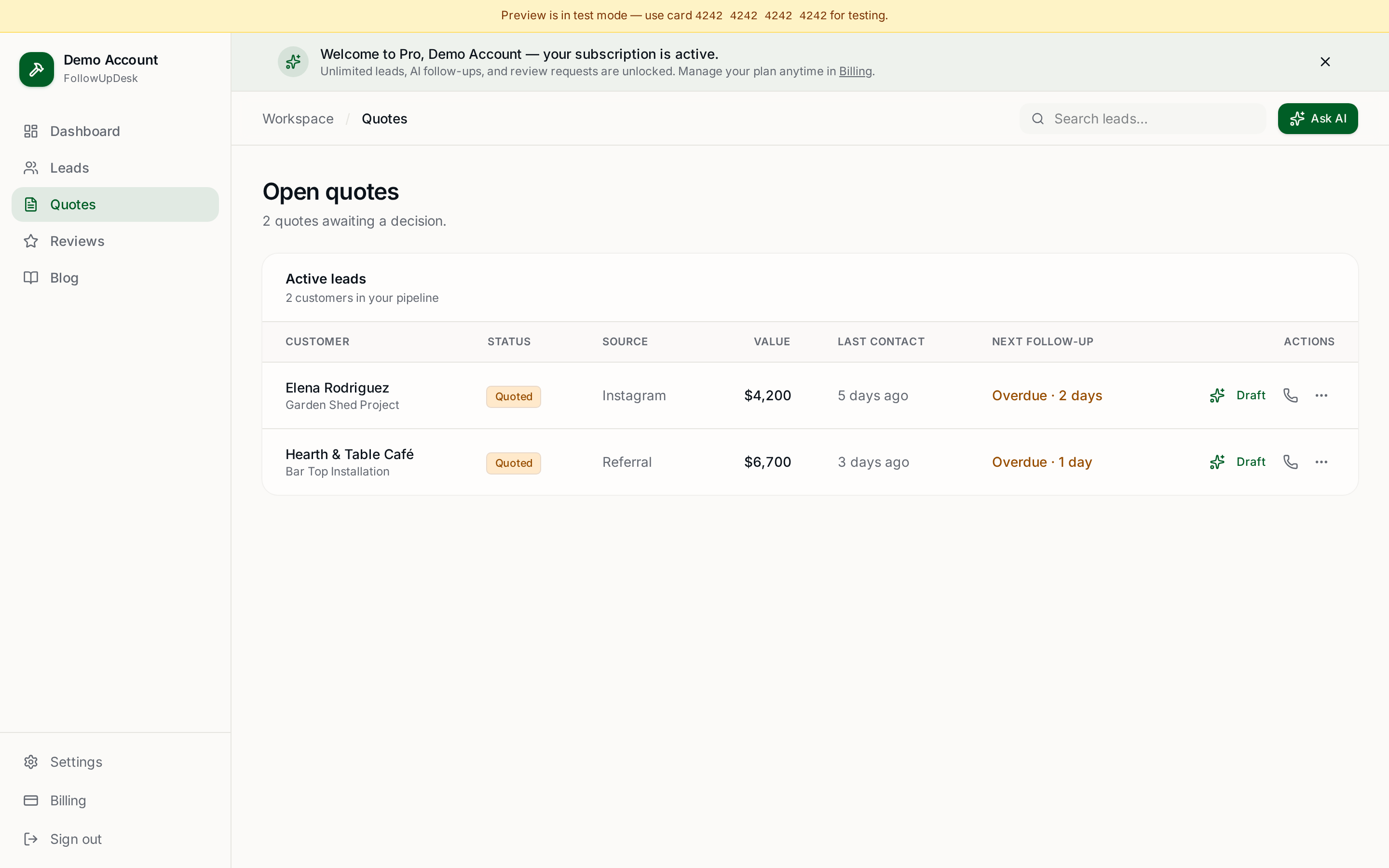
The owners closing 55–70% of quotes used a tool with a built-in follow-up dashboard. Not a CRM — something lighter. A screen that shows: open quotes, dollar value, last contact, and a red flag on anything overdue.
The pattern was clear: visibility beats memory. When you see every open quote in one place, you follow up more consistently. When follow-ups are consistent, close rates rise.
These owners also used one feature the others didn't: pre-written follow-up messages. Not generic templates — personalized drafts they could review and send in under a minute. Removing the 'what do I say?' friction doubled their follow-up frequency.
What the data means
The difference between a 30% close rate and a 60% close rate isn't usually pricing, reputation, or marketing. It's follow-up discipline. And follow-up discipline is easier when you have a dashboard that tells you exactly who to contact and a tool that helps you write the message.
A full CRM gives you dashboards, but it also gives you setup, training, and a monthly bill that grows with your team. A spreadsheet gives you control, but it also gives you manual maintenance and no reminders. The sweet spot is a tool that gives you the visibility of a dashboard without the weight of a CRM.
Our recommendation
If you run a small service business and your close rate is under 50%, the lowest-effort, highest-return change you can make is better quote tracking and more consistent follow-ups. Not a rebrand. Not a price cut. Just follow up.
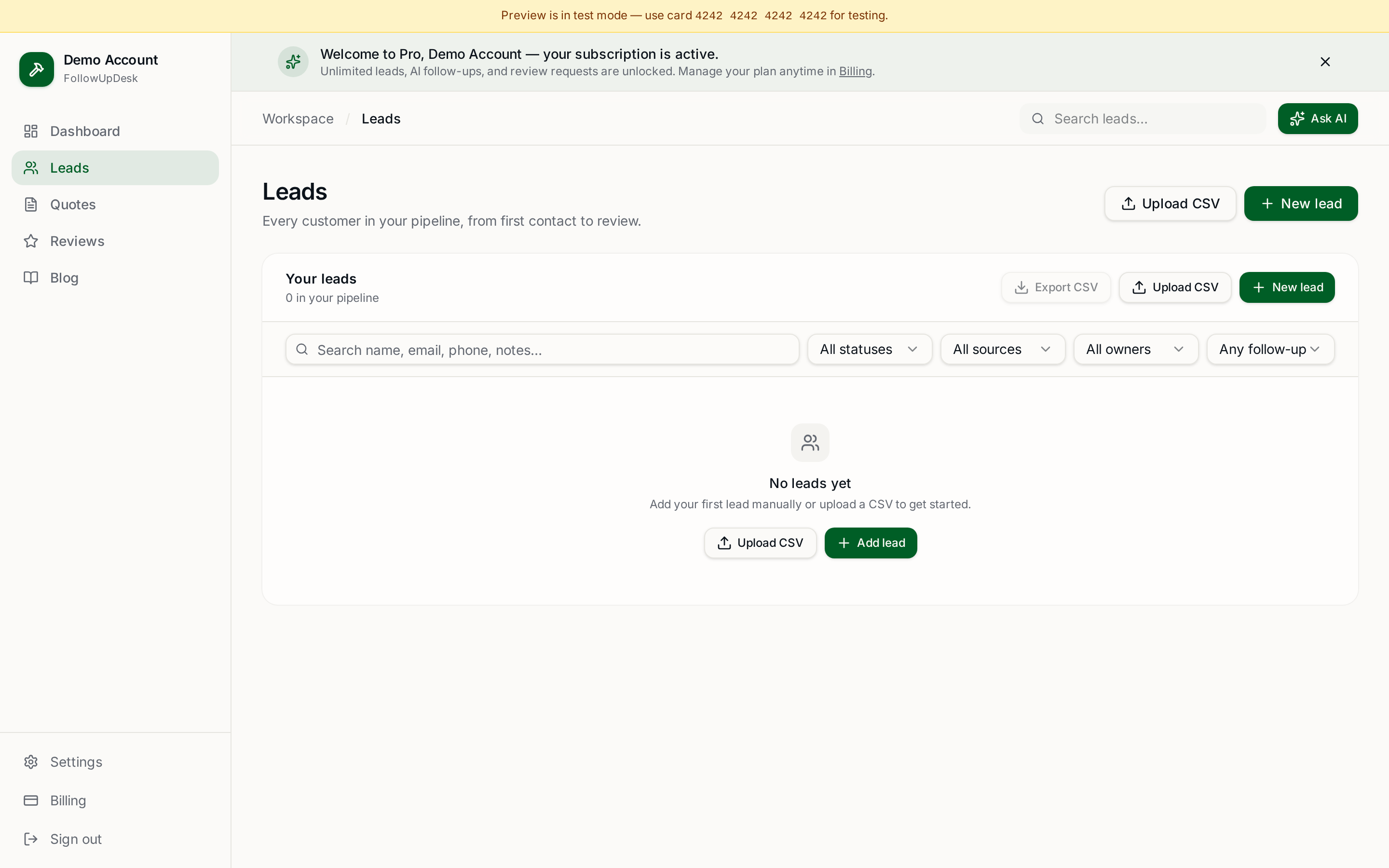
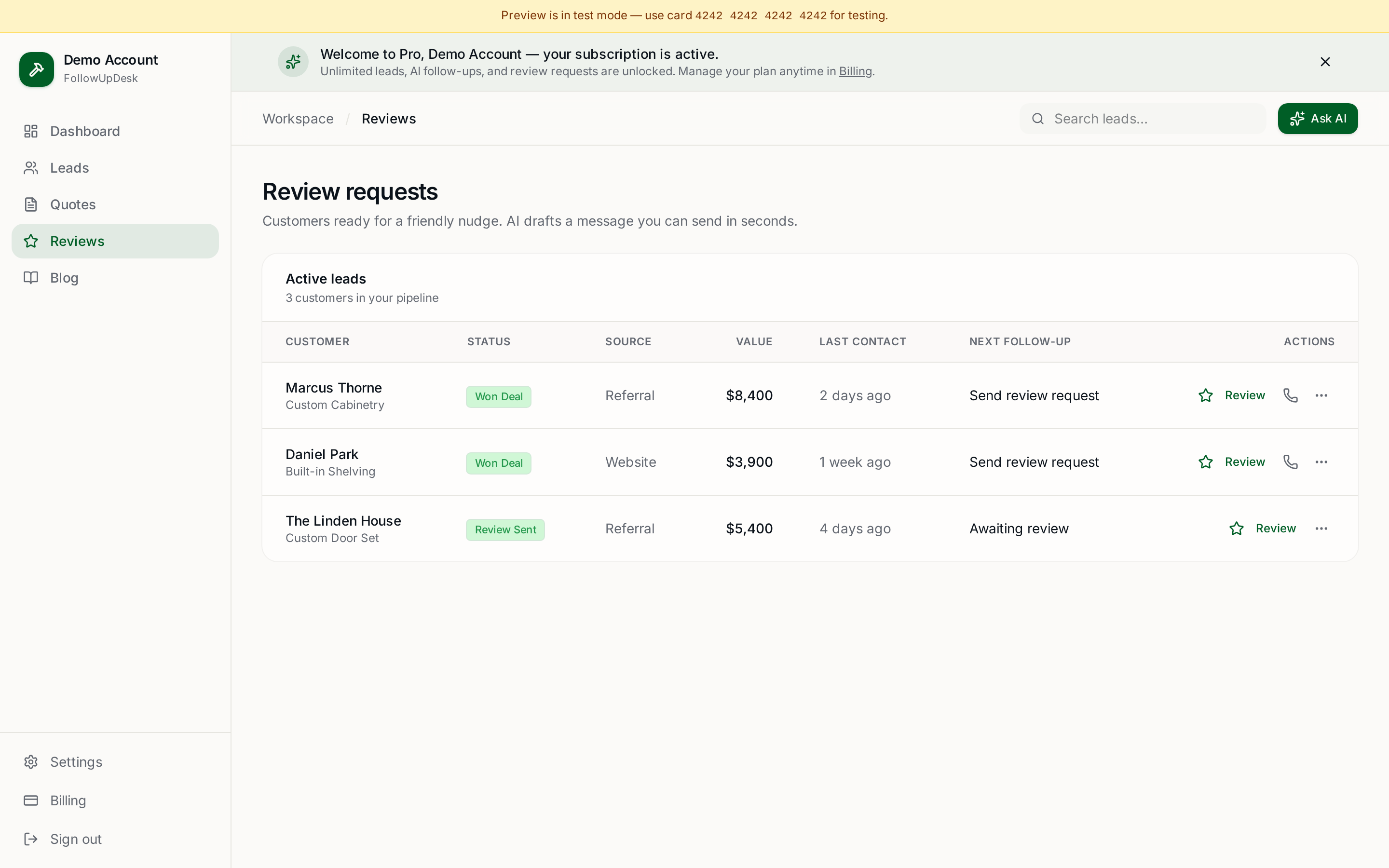
FollowUpDesk was built for exactly this. One follow-up dashboard. Open quotes with dollar values. Overdue alerts you can't miss. AI-drafted follow-ups in your voice. And review requests that fire when a job closes.
Using a spreadsheet? Upload it into FollowUpDesk and see overdue follow-ups automatically. Same tracking habit, but now the system does the remembering and the writing for you. $29/month at /auth. Cancel anytime.
See it in FollowUpDesk
Get started — $29/mo →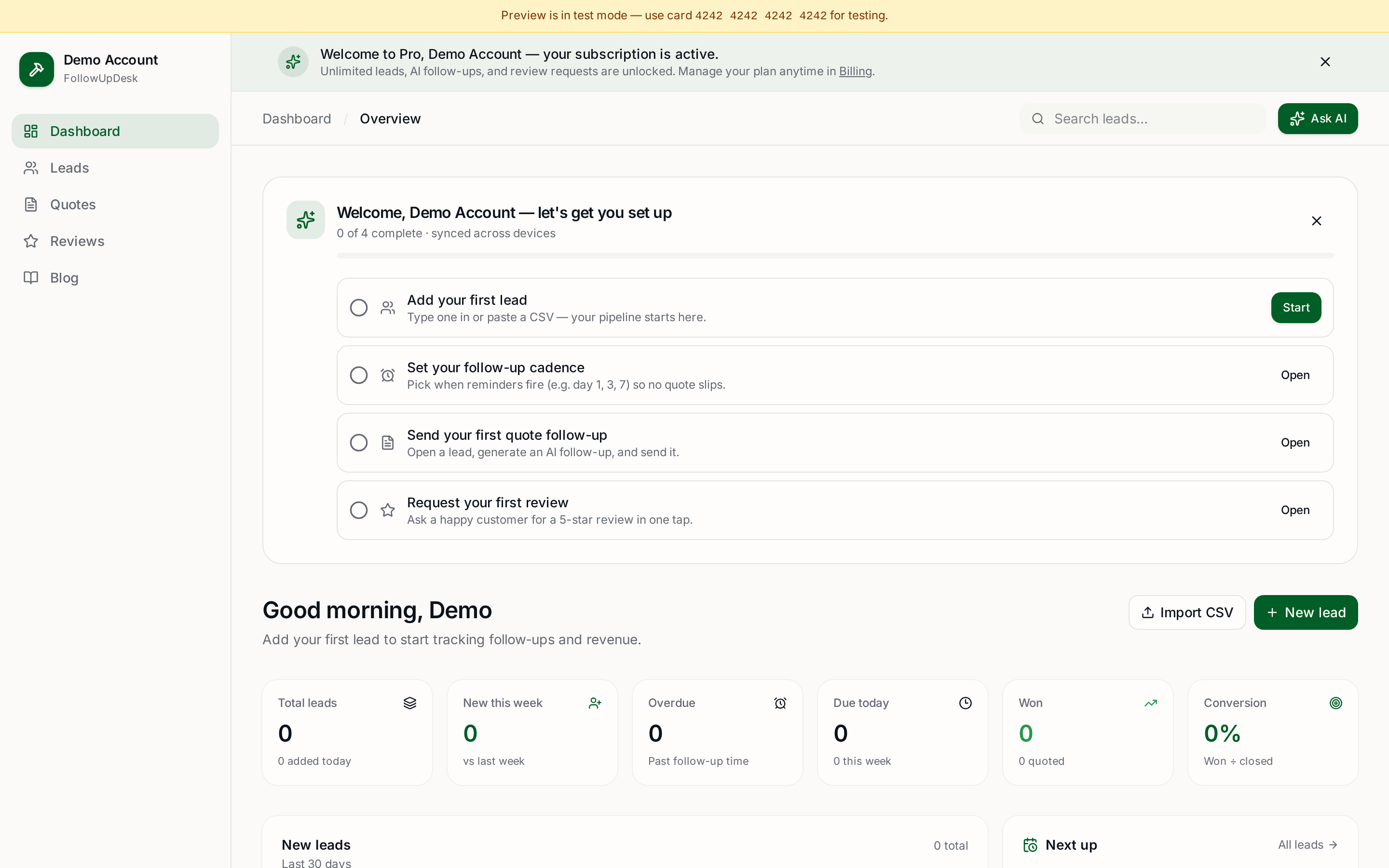
Skip the manual work — these are free, no card required
Get the full FollowUpDesk CRM — $29/month
One pipeline for every lead, AI follow-ups for every quote, review requests on autopilot. Cancel in one click.
Free tools require no card · Pro is $29/month, cancel anytime