The best CRM for contractors in 2026 — software that actually gets used
Most CRMs were built for enterprise sales teams. Here's what to look for in a CRM that contractors, carpenters, and trades actually keep open on Monday morning.
Ask ten contractors what CRM they use and seven will say a notebook, two will name a tool they paid for once and abandoned, and one will say HubSpot — usually with a sigh. The category was built for enterprise sales teams with full-time admins, and it shows. A CRM for contractors has to survive a different reality: one phone, muddy hands, a quote due tonight, and a job site that doesn't pause for data entry.
Already know your trade? Jump straight to CRM for contractors, CRM for plumbers, HVAC CRM software, or plumbing business software.
This guide walks through what actually matters when picking a CRM for a contracting business in 2026 — the features that move the needle on won revenue, the ones that look impressive in a demo and never get touched, and how FollowUpDesk compares to the heavyweights.
Why generic CRMs fail contractors
Salesforce, HubSpot, Pipedrive — all great products, all built around a sales rep who lives at a desk. The setup assumes you have time to configure pipelines, custom fields, automations, and integrations before you ever log a lead. For a two-person crew running between sites, that setup never happens. Within a month the CRM is half-populated, the rest of the leads live in text messages, and the dashboard tells you nothing because the data is incomplete.
Contractors don't need more fields. They need fewer, in the right places, that fill themselves in.
The five things a CRM for contractors must do
- Capture every lead from every channel in one inbox. Phone calls, Instagram DMs, the form on your site, a referral text from your brother-in-law — if they don't land in one place, none of them get answered well. The CRM you keep is the one where every conversation already lives.
- Make follow-up the path of least resistance. Most quotes aren't lost on price — they're lost because the follow-up never happened on day three. A good contractor CRM nudges you (or sends the message itself) before the lead goes cold.
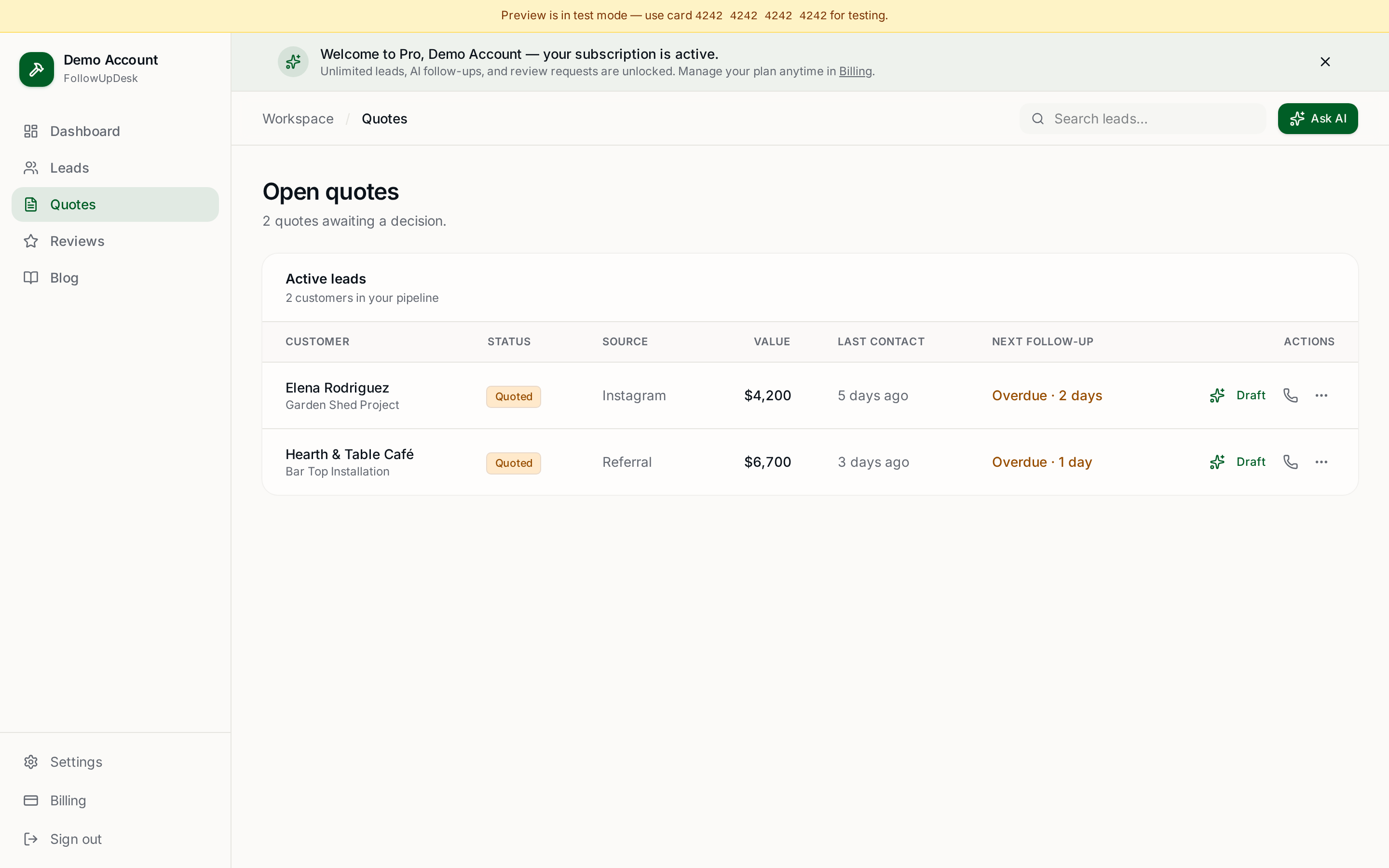
- Track quotes by value, not just status. 'Sent' and 'accepted' is fine. 'Sent — $14,200' and 'accepted — $9,800 this month' tells you whether the week is paying for itself.
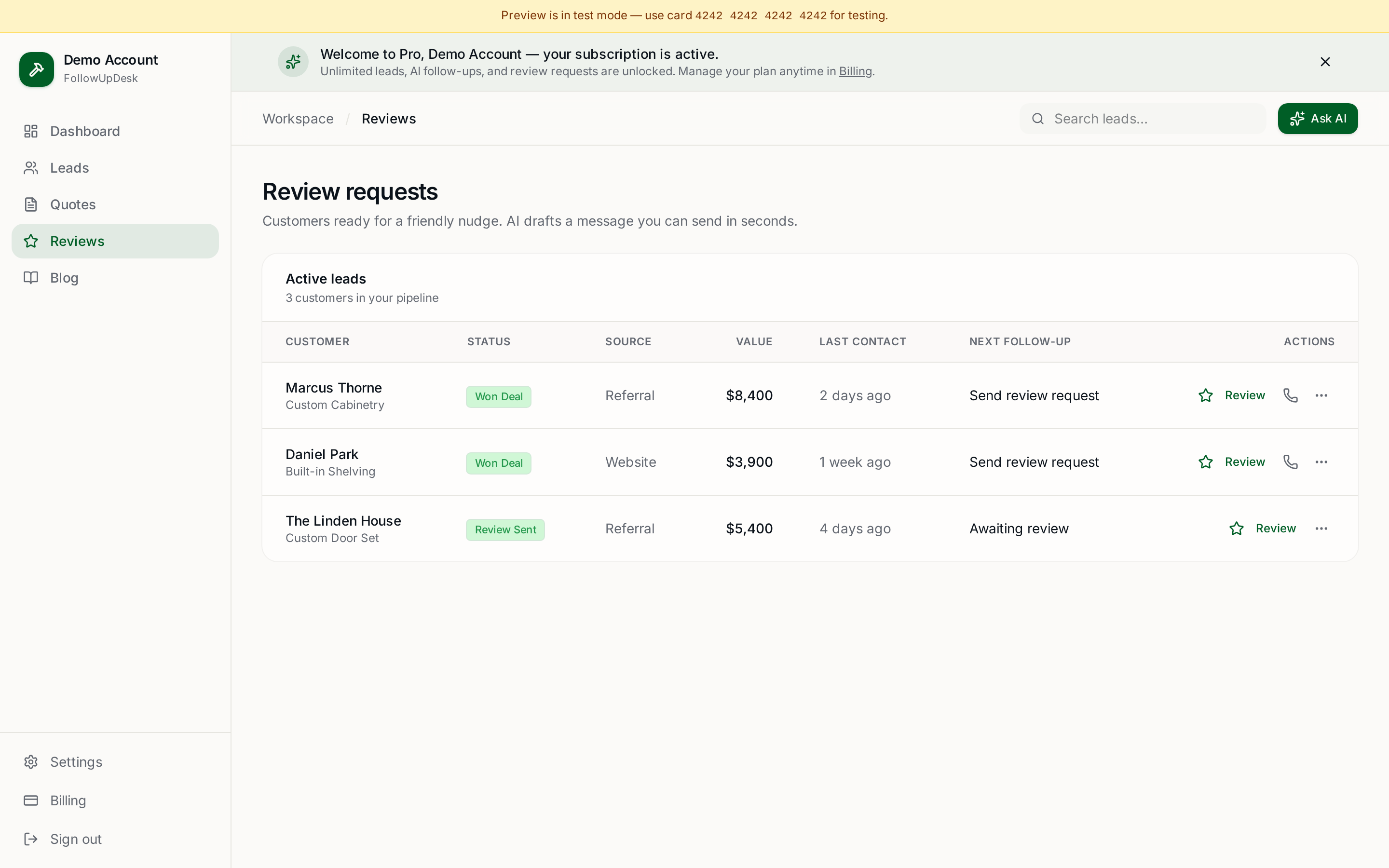
- Turn finished jobs into reviews automatically. Reviews are the cheapest marketing a trades business will ever do, and they only happen when someone asks at the right moment. The CRM should ask for you.
- Work on one phone, with one thumb, on a roof. If you need a laptop and a 20-minute training video, it's the wrong tool.
Where AI actually helps (and where it doesn't)
The honest version: AI is not going to win you jobs. It's going to remove the friction that stops you from following up. Drafting a warm, in-your-voice follow-up message takes most people fifteen minutes — between staring at the screen, rewriting, and deciding whether it sounds pushy. AI gets you to a draft in five seconds; you tweak a word and hit send.
The same applies to review requests. A generic 'please leave us a review' email gets ignored. A short message that references the actual job, the actual customer, and the actual outcome gets a response. AI can write that for you in the time it takes to finish your coffee.
Where AI does not help: replacing the relationship. The customer hired a person, not a chatbot. Use AI for the draft; keep your name on the send.
How FollowUpDesk compares
FollowUpDesk was built specifically for small trades businesses — carpenters, contractors, landscapers, electricians, painters, shop owners. Not as a stripped-down version of an enterprise tool, but from the ground up for a one-to-five-person crew that needs to win more work without working weekends.
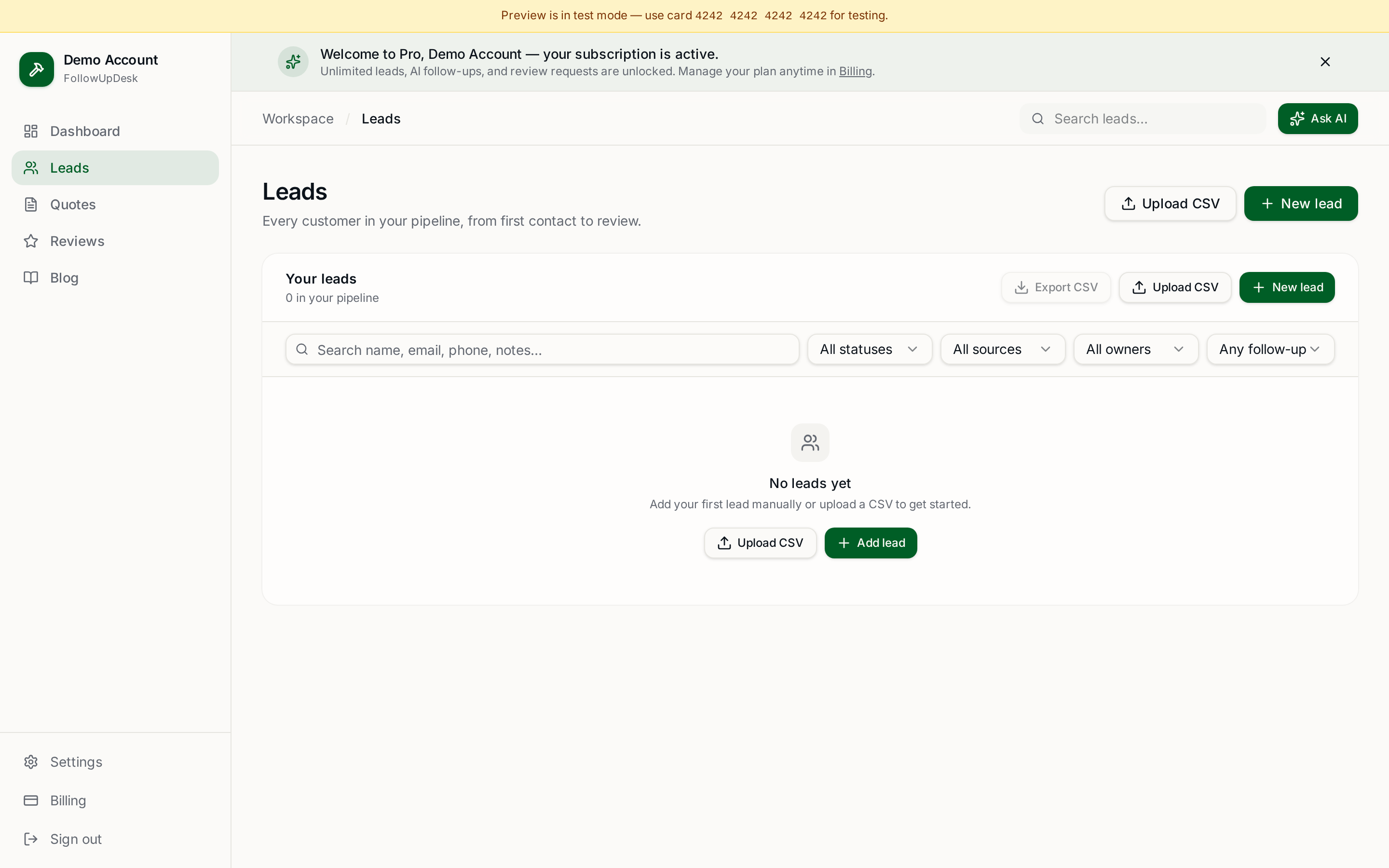
Lead pipeline: Every lead, every source, in one screen. Status, value, last contact, next follow-up — at a glance, on a phone.
AI follow-ups: One tap drafts a warm follow-up in your voice. Review it, send it, move on. Average follow-up time drops from days to minutes.
AI review requests: Automatically queues a personal review request when a job is marked won. More 5-star reviews, zero extra effort.
Quote tracking with money waiting: See the dollar value of every open quote and exactly what's closed this month.
Single $29/month plan: No per-seat pricing, no upsells, no enterprise tier. Cancel anytime in one click.
If you want a head-to-head: FollowUpDesk is faster to set up than HubSpot (minutes vs. days), cheaper than Jobber or ServiceTitan (which start at $50–$200+/month), and built for a smaller team than Salesforce will ever serve well.
The honest checklist before you pick anything
Before you commit to a CRM — ours or anyone else's — ask yourself three questions:
- Will I have it open on Monday morning? If the answer is 'only when I remember', it's the wrong tool.
- Does it tell me what's still in play and what closed this month, without me building a report? If not, you're paying for storage.
- Does it help me follow up, or just remind me I haven't? Reminders without help are guilt as a service.
Try it on a real week
The fastest way to know if a CRM fits your business is to use it on a real week of real leads — not a sandbox, not a demo dataset. FollowUpDesk is $29/month and you can cancel in one click. Plug in the leads you've got sitting in text messages right now and see how the week ends.
Create your account at /auth and have your pipeline set up in under five minutes.
See it in FollowUpDesk
Get started — $29/mo →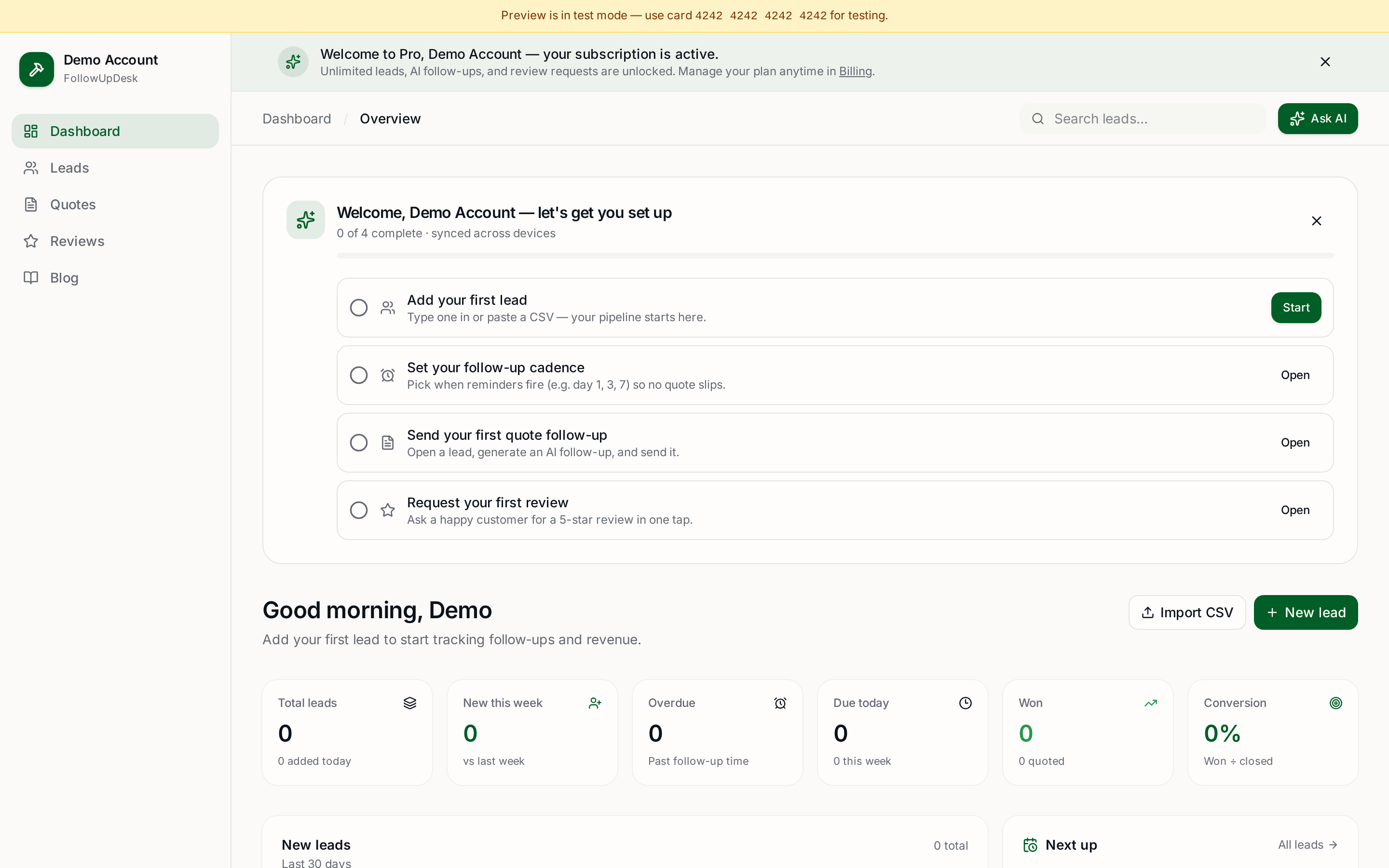
Skip the manual work — these are free, no card required
Get the full FollowUpDesk CRM — $29/month
One pipeline for every lead, AI follow-ups for every quote, review requests on autopilot. Cancel in one click.
Free tools require no card · Pro is $29/month, cancel anytime