Small business CRM spreadsheet template (free + when to upgrade)
A complete small business CRM spreadsheet template — contacts, pipeline, activity log, and the signs you've outgrown it.
A small business CRM spreadsheet template is the fastest way to stop losing leads in text messages. Here's the structure we recommend before you spend a dollar on software.
Three tabs, that's it
Tab 1 — Contacts
Columns: ID, Name, Phone, Email, Source, First Contact, Tags, Lifetime $. One row per person, ever.
Tab 2 — Pipeline
Columns: Contact ID, Job, Quote $, Status (New/Quoted/Follow-up/Won/Lost), Date Sent, Expiry, Next Follow-up, Notes. One row per opportunity.
Tab 3 — Activity log
Columns: Date, Contact ID, Channel (Call/SMS/Email/In person), Summary. Append-only — never delete rows.
The one rule
Every conversation gets a row in the activity log. No exceptions. The moment you start trusting your memory, the CRM dies.
When to upgrade
- You have more than ~50 active opportunities.
- You've missed two follow-ups in the last month.
- You want SMS reminders to fire automatically.
- You want a dashboard instead of a sort.
- Someone else (assistant, partner, VA) needs to use it without breaking your formulas.
The clean upgrade path
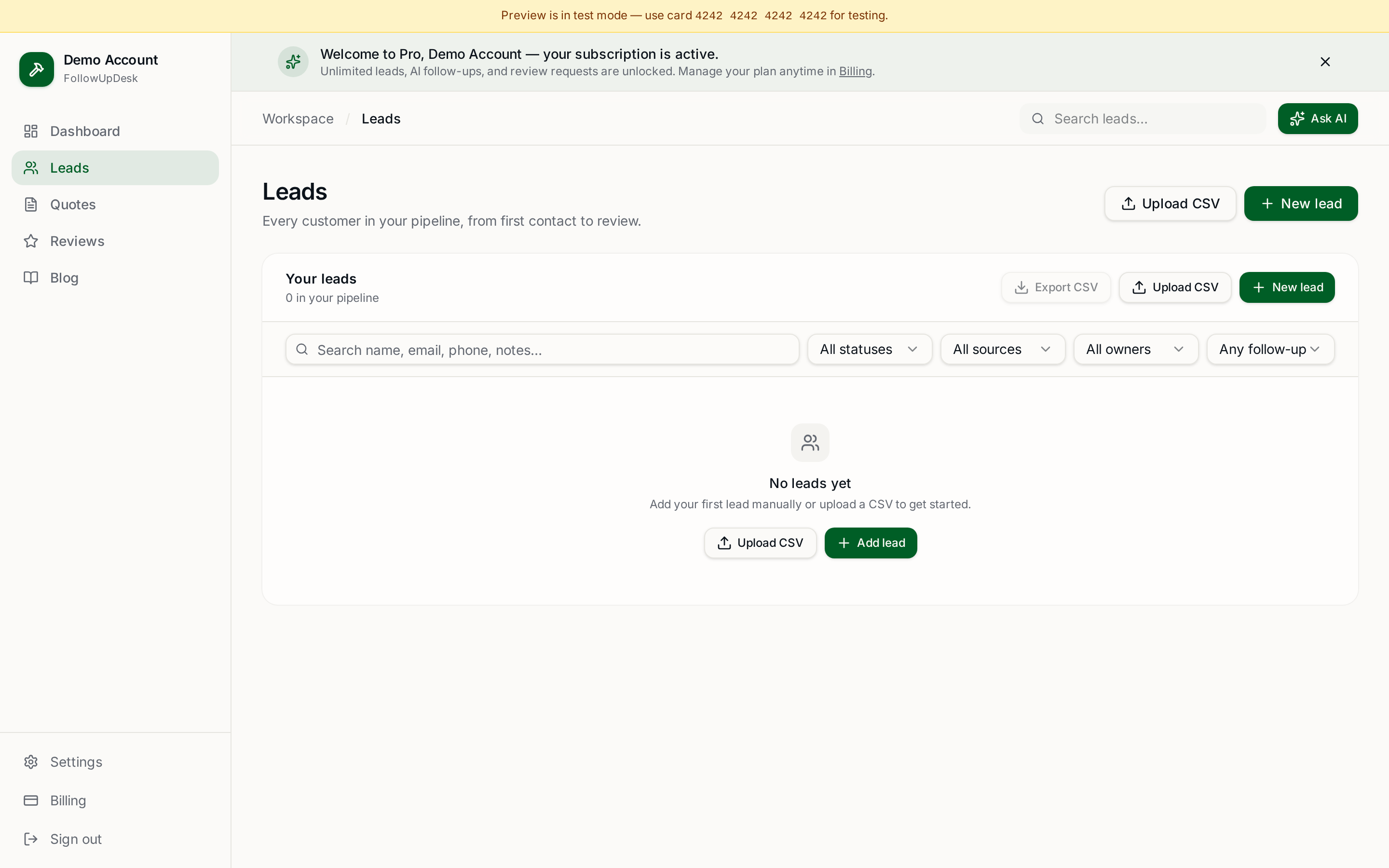
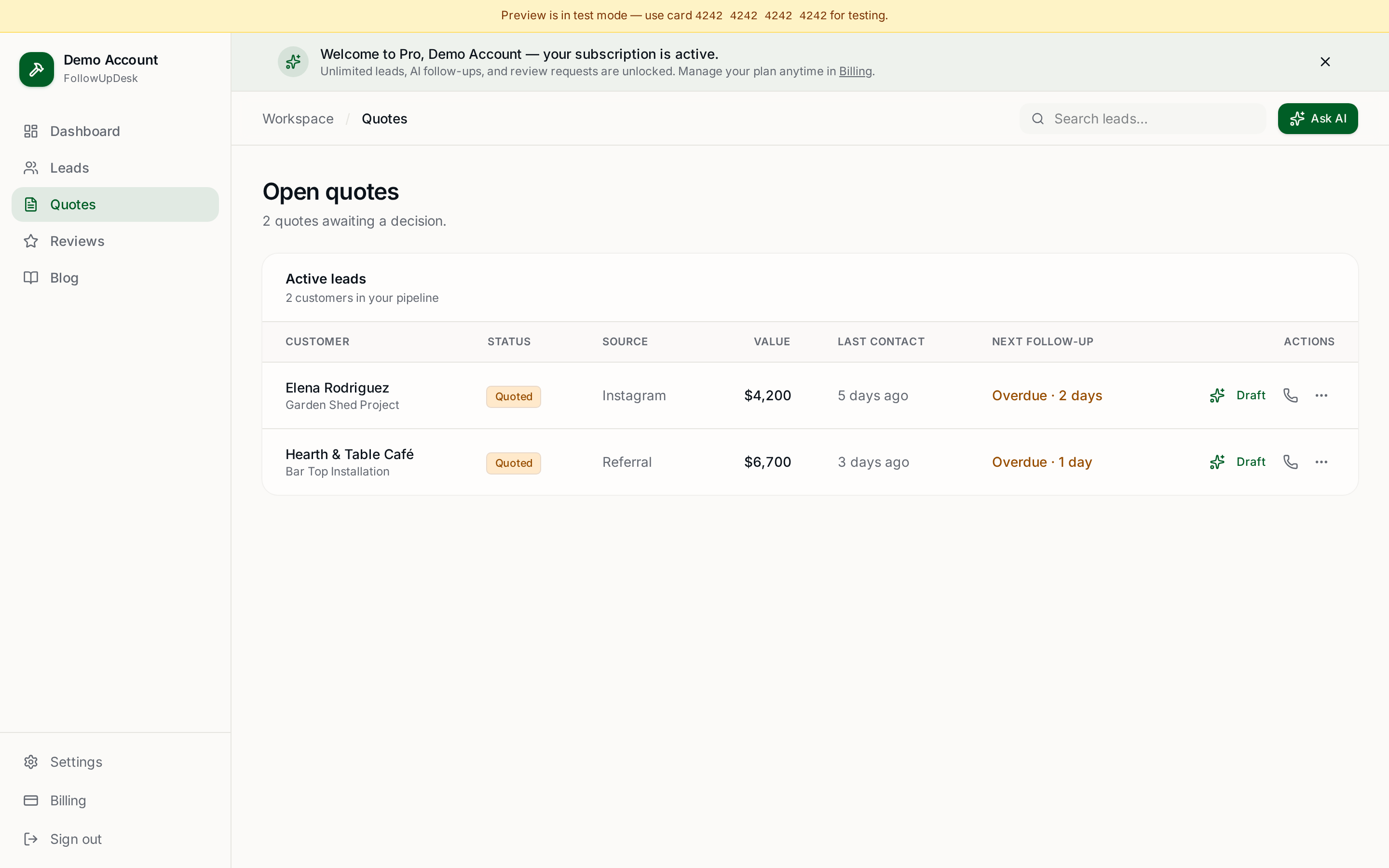
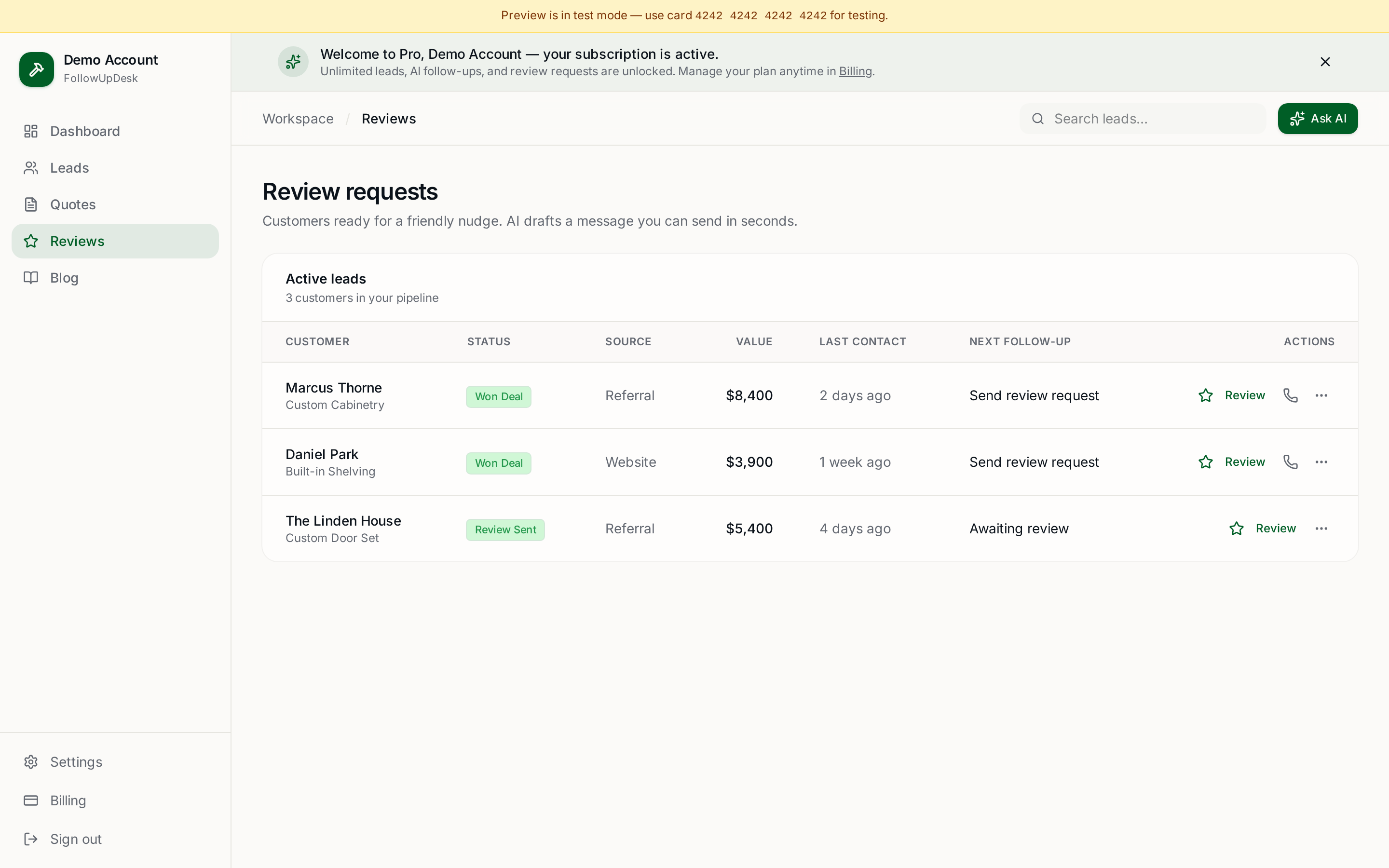
Using a spreadsheet? Upload it into FollowUpDesk and see overdue follow-ups automatically. Your three tabs map straight onto leads, pipeline, and history — no retyping. $29/month at /auth.
See it in FollowUpDesk
Get started — $29/mo →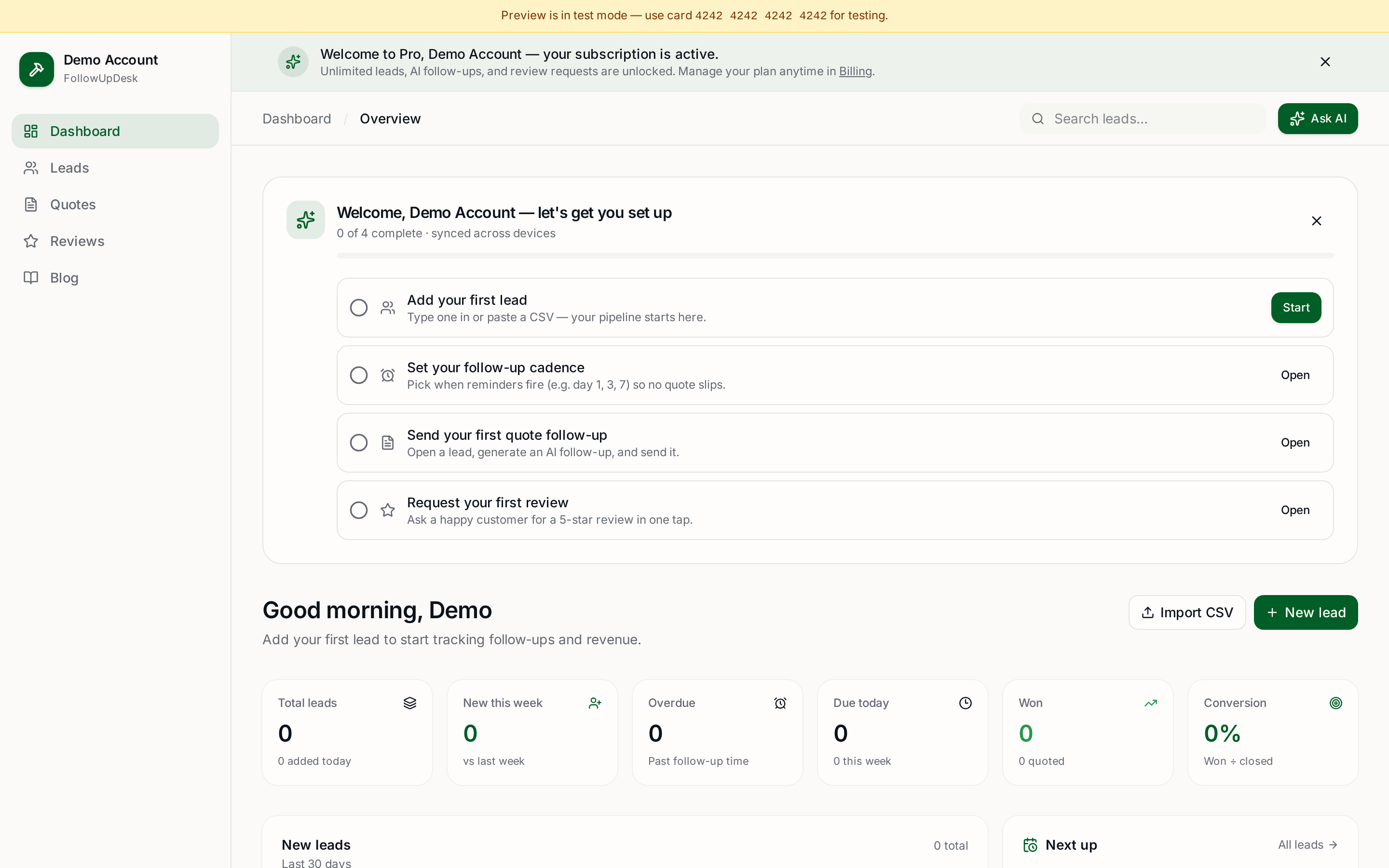
Skip the manual work — these are free, no card required
Get the full FollowUpDesk CRM — $29/month
One pipeline for every lead, AI follow-ups for every quote, review requests on autopilot. Cancel in one click.
Free tools require no card · Pro is $29/month, cancel anytime