How to automate quote follow-up for a small contractor
A five-step system for tracking quote dates, generating reminders and using AI to write personalised follow-ups — without hiring an office manager.
Sending an estimate is only one part of the sales process. The next question is what happens after the customer receives it.
For busy contractors, following up gets pushed aside. You're answering calls, ordering materials, visiting job sites and finishing existing work — meanwhile yesterday's estimates sit in someone's inbox. A simple follow-up system prevents that.
Step 1: Track when every quote was sent
Every quote needs a date. That date is the anchor for your whole follow-up schedule. For example: quote sent September 1, first follow-up September 4, second follow-up September 8, third follow-up September 15.
The exact schedule depends on the size of the project, but the principle doesn't change: every open quote should have a next action.
Step 2: Create follow-up reminders
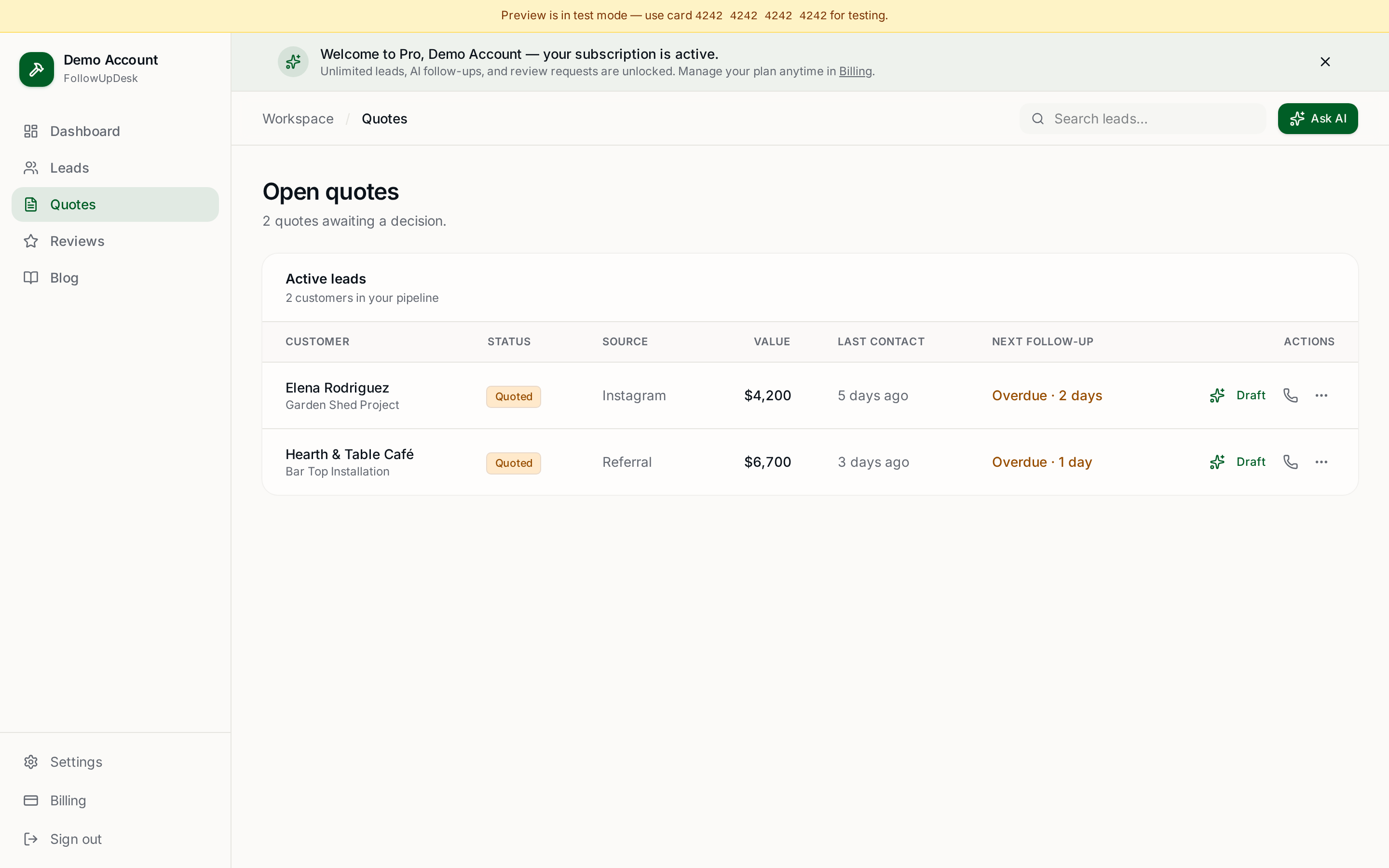
Instead of relying on memory, generate the reminder when the quote is created. When a quote becomes overdue, the system should make it obvious.
A useful morning view looks like a short list — five quotes needing follow-up, each with its value and trade, so you know exactly where to spend your sales time before the first job of the day.
Step 3: Personalise the message
Automated doesn't have to mean robotic. Instead of "following up on your quote," reference the actual project:
"Hi Sarah, just checking in regarding the bathroom renovation estimate we sent last week. If you have any questions about the materials or pricing, I'm happy to walk through it with you."
The customer receives something relevant rather than a generic sales blast.
Step 4: Use AI when you don't know what to write
AI is particularly useful for contractors who don't want to spend evenings writing messages. Give it a few details — customer name, project type, quote value and the situation — and it can draft a short, natural follow-up you review before sending.
You can try this without an account using the free quote follow-up generator or build a schedule with the follow-up cadence builder.
Step 5: Know when to stop
Automation shouldn't mean contacting someone endlessly. If a customer says they're not interested, stop. If the project is delayed, move it to the appropriate status and set a longer-dated reminder.
The objective isn't to send more messages. It's to make sure valuable opportunities don't get forgotten.
How FollowUpDesk helps
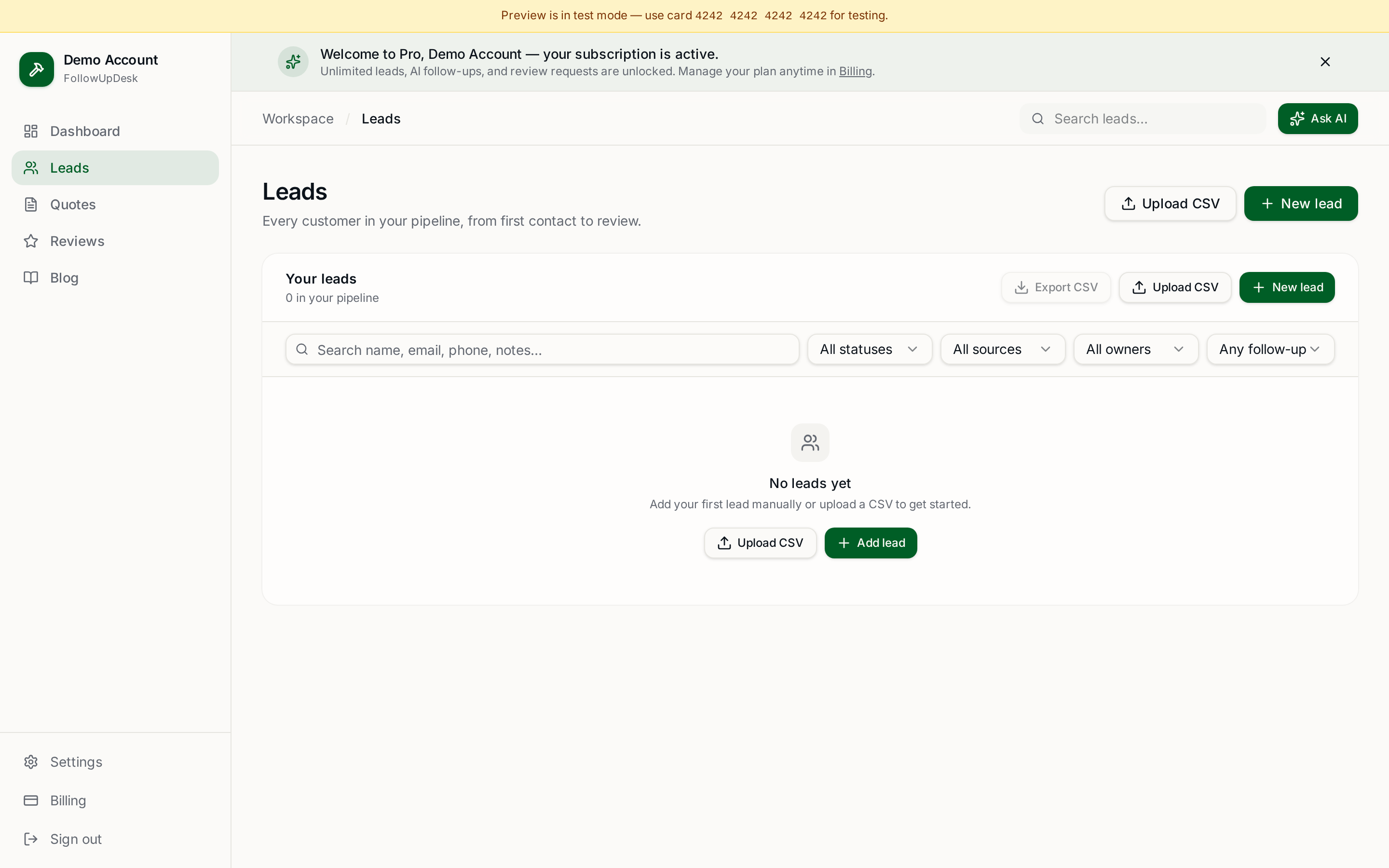
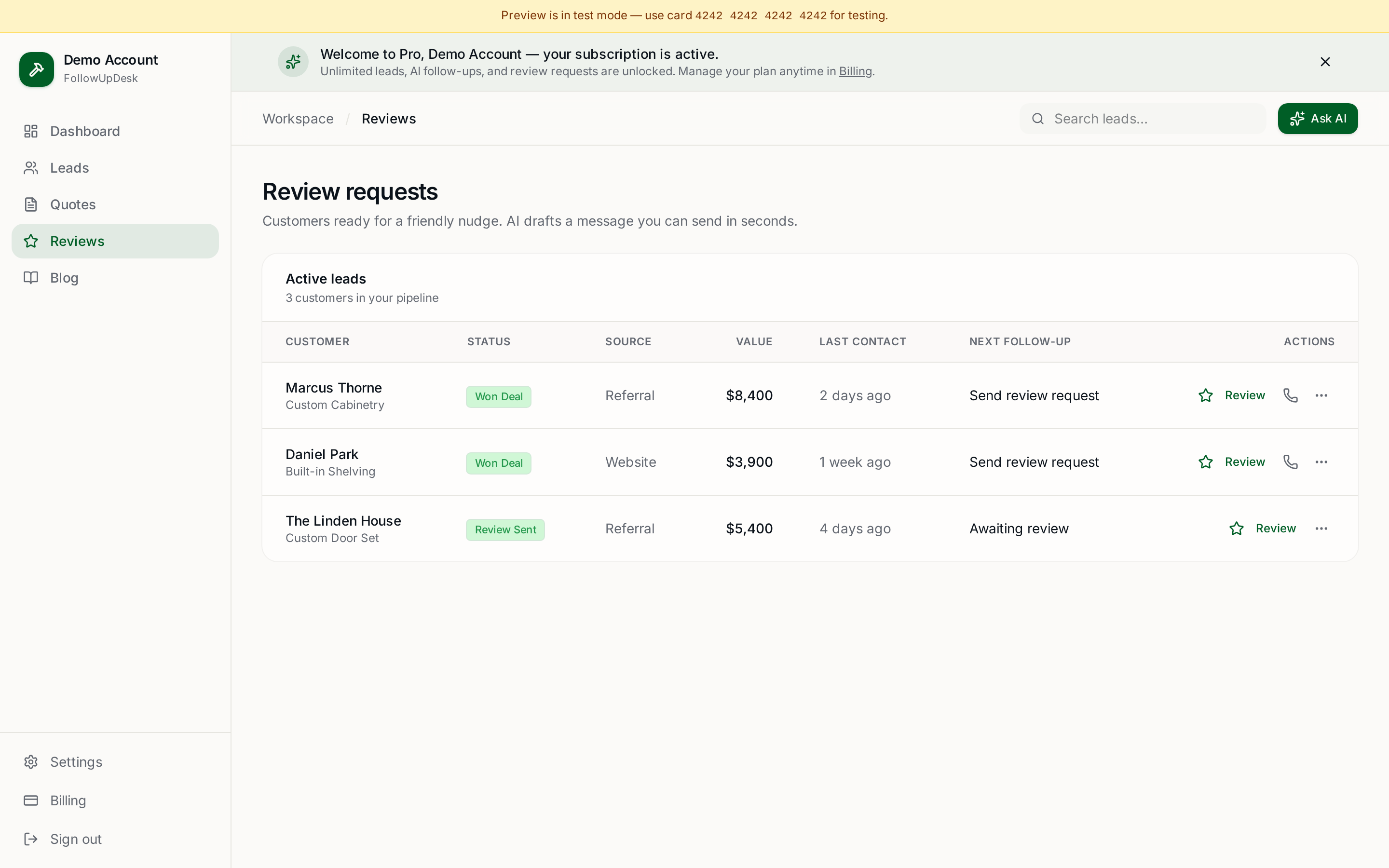
FollowUpDesk combines quote tracking, follow-up reminders and AI-assisted message generation for contractors and trade businesses. That means you can see open opportunities and decide who needs attention without maintaining several spreadsheets and lists.
The simplest automation that works
You don't need a marketing automation platform. For most contractors this is enough: quote sent → reminder → follow up → reminder → follow up → won or lost.
The simpler the workflow, the more likely you and your team actually use it.
See it in FollowUpDesk
Get started — $29/mo →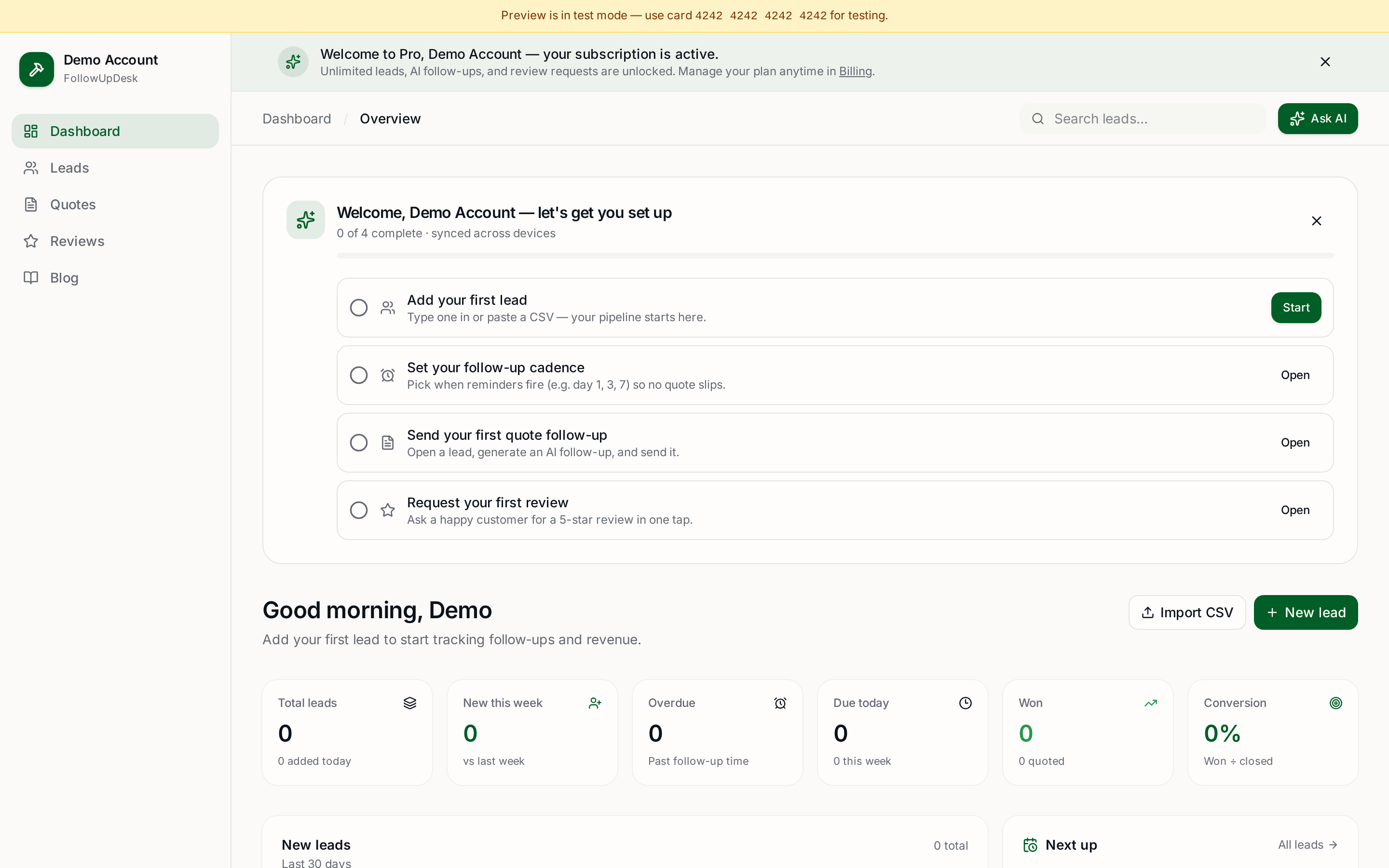
Skip the manual work — these are free, no card required
Frequently asked questions
Can quote follow-up really be automated for a small contractor?▾
Yes. Recording the quote date, generating reminders on a fixed cadence and drafting the message automatically covers most of the work; you just review and send.
What's a good automated follow-up schedule?▾
Day 3, day 7 and day 14 after sending suits most residential jobs, with longer gaps for large projects and tighter gaps for small urgent repairs.
Will automated follow-ups sound generic?▾
Not if each message references the actual project, quote value and last conversation. AI drafting plus a quick human review keeps messages specific.
When should I stop following up on a quote?▾
Stop when the customer declines or asks you to. If the timing is simply wrong, move the quote to a delayed status with a longer-dated reminder instead.
Get the full FollowUpDesk CRM — $29/month
One pipeline for every lead, AI follow-ups for every quote, review requests on autopilot. Cancel in one click.
Free tools require no card · Pro is $29/month, cancel anytime