Contractor follow-up scripts: copy, paste, and send
Seven proven follow-up scripts for contractors — after quotes, after silence, after the job, and for repeat work. Copy, personalize, and send.
Most contractors are great at the work and quiet on the follow-up. A customer asks for a quote, you send it, and then you wait. Three days pass. Then a week. Then the customer hires someone else — not because they were cheaper, but because that someone else followed up first.
The good news: you don't need a sales degree to fix this. You just need the right words at the right time. Below are seven contractor follow-up scripts you can copy, tweak, and send today.
Script 1 — Right after sending the quote (same day)
This message confirms the quote landed and opens the door for questions. Send it within an hour of the quote going out.
SMS version
Hi {{first_name}}, it's {{your_name}} from {{business}}. Just sent your quote for {{job}} — wanted to make sure it came through okay. Happy to walk through anything or tweak the scope if needed. Talk soon!
Email version
Subject: Your {{job}} quote from {{business}} — here when you need it
Hi {{first_name}},
Thanks for the chance to quote {{job}}. I've attached the estimate — total is {{price}}, valid for 14 days.
A few quick notes:
- Timeline: {{timeline}}
- Materials: {{materials_summary}}
- Next step: Reply to this email or text me at {{phone}} and I'll get you on the schedule.
Happy to adjust scope or timing if that helps. No pressure either way.
{{your_name}}
{{business}}
{{phone}}
Script 2 — No response after 3 days (soft nudge)
This is the most important follow-up. Most contractors never send it. The ones who do close significantly more jobs.
SMS version
Hey {{first_name}}, it's {{your_name}}. Wanted to check the quote for {{job}} landed okay — any questions on scope, materials, or timing? Happy to tweak anything to make it work.
Email version
Subject: Quick question on your {{job}} quote
Hi {{first_name}},
Just checking in on the estimate I sent for {{job}}. Wanted to see if anything was unclear or if you'd like me to adjust the scope.
Common questions I get:
- Can we split this into phases? Yes.
- Can we swap {{material_a}} for {{material_b}}? Absolutely — I'll re-price it in minutes.
- What if we need to push the start date? No problem. Just let me know your preferred window.
Reply here or text me at {{phone}}. Either way, I'm around.
{{your_name}}
Script 3 — No response after 7 days (add value)
At this point the customer may be comparing bids or distracted by life. Your job is to add value, not pressure.
SMS version
Hi {{first_name}}, {{your_name}} here. Still happy to help with {{job}} if you're weighing options. Here's a quick photo of a similar project we finished last month: {{link}}. Let me know if it helps.
Email version
Subject: A similar {{job}} we just wrapped up
Hi {{first_name}},
I know you're probably comparing a few bids for {{job}}. Wanted to share a quick before-and-after from a similar project we finished in {{area}} last month: {{link}}.
The homeowners had the same concern about {{common_concern}} — here's how we handled it: {{one_sentence_solution}}.
If you want to talk through the quote or adjust anything, just reply. No pressure.
{{your_name}}
Script 4 — No response after 14 days (deadline + close the loop)
Two weeks of silence usually means the customer is either not buying right now or has gone elsewhere. This message respects their time while giving them an easy out — or an easy yes.
SMS version
Hey {{first_name}}, it's {{your_name}}. The quote for {{job}} expires {{expiry_date}} — wanted to check whether to hold the pricing or close the file. A quick yes or no is all I need. No hard feelings either way.
Email version
Subject: Holding your {{job}} quote until {{expiry_date}}
Hi {{first_name}},
I'm following up on the estimate I sent for {{job}}. The pricing is held until {{expiry_date}} — after that, material costs may shift and I'll need to re-quote.
If you're ready to move forward, reply and I'll get you on the calendar. If timing changed or you went another direction, just let me know and I'll close the file so I'm not crowding your inbox.
Either way, thanks for considering {{business}}.
{{your_name}}
Script 5 — Job completed, asking for a review (24–48 hours after finish)
The best time to ask is while the customer is still impressed. These scripts reference the actual job, which dramatically improves response rate.
SMS version
Hey {{first_name}}, it's {{your_name}}. Really enjoyed working on {{job}} — the {{specific_detail}} turned out great. If you've got 30 seconds, would you mind leaving us a quick Google review? It honestly makes a huge difference for a small crew like ours. {{review_link}}. Thank you!
Email version
Subject: How did everything turn out?
Hi {{first_name}},
Just wanted to check that everything with {{job}} is holding up well. The {{specific_detail}} came together nicely — hope it's working out for you.
If you're happy with the work, I'd be grateful for a quick Google review. It takes under a minute and helps other homeowners find us: {{review_link}}.
If anything needs a touch-up, reply directly and I'll sort it. We stand behind our work.
Thanks again for choosing {{business}}.
{{your_name}}
Script 6 — Following up with a past customer for repeat work (3–6 months later)
Past customers are your cheapest source of new revenue. A short, friendly check-in can lead to another job or a referral.
SMS version
Hi {{first_name}}, it's {{your_name}} from {{business}} — we worked on {{past_job}} back in {{month}}. Just checking in to see how everything is holding up. If you've got anything else on the list this season, happy to swing by and take a look. No pressure!
Email version
Subject: Checking in — how's {{past_job}} holding up?
Hi {{first_name}},
It's been a few months since we wrapped up {{past_job}}. Wanted to check in and make sure everything is still looking good — especially the {{specific_element}}.
If you've got any new projects on the horizon — {{seasonal_suggestion}} — I'd love to take a look. Same crew, same quality, and I always prioritize past customers for scheduling.
Also, if you know anyone looking for {{service}}, referrals mean a lot to a small business like ours. No pressure at all — just grateful for the consideration.
{{your_name}}
Script 7 — The 'ghosted after acceptance' follow-up (customer said yes, then vanished)
Sometimes a customer accepts verbally or via text, then goes quiet when it's time to schedule or pay a deposit. This script recovers the conversation without blame.
SMS version
Hi {{first_name}}, it's {{your_name}}. You mentioned moving forward on {{job}} — wanted to check if you're still good to get on the calendar. I have a slot opening {{date_range}} if that works. If timing shifted, just let me know and I'll hold it for someone else. No worries either way!
Email version
Subject: Scheduling your {{job}} — next available slots
Hi {{first_name}},
You mentioned you'd like to move forward with {{job}}. I wanted to lock in a start date before my calendar fills up.
Next available slots:
- {{date_1}}
- {{date_2}}
- {{date_3}}
To hold your spot, I just need a {{deposit_description}} deposit. Reply here with your preferred date and I'll send the invoice.
If timing has changed, totally fine — just let me know and I'll close the file. No chasing, no pressure.
{{your_name}}
How to use these scripts without living in your inbox
The scripts above work. But they only work if you remember to send them at the right time. That's where most contractors fall off — not because the words are wrong, but because day three passes and you're on a roof, not thinking about a quote you sent on Monday.
Here is the simplest system: pick one script, save it in your phone's notes app, and set a phone reminder for every quote you send. Quote sent → reminder for day 3 → reminder for day 7 → reminder for day 14. It takes 30 seconds per lead and it will change your close rate.
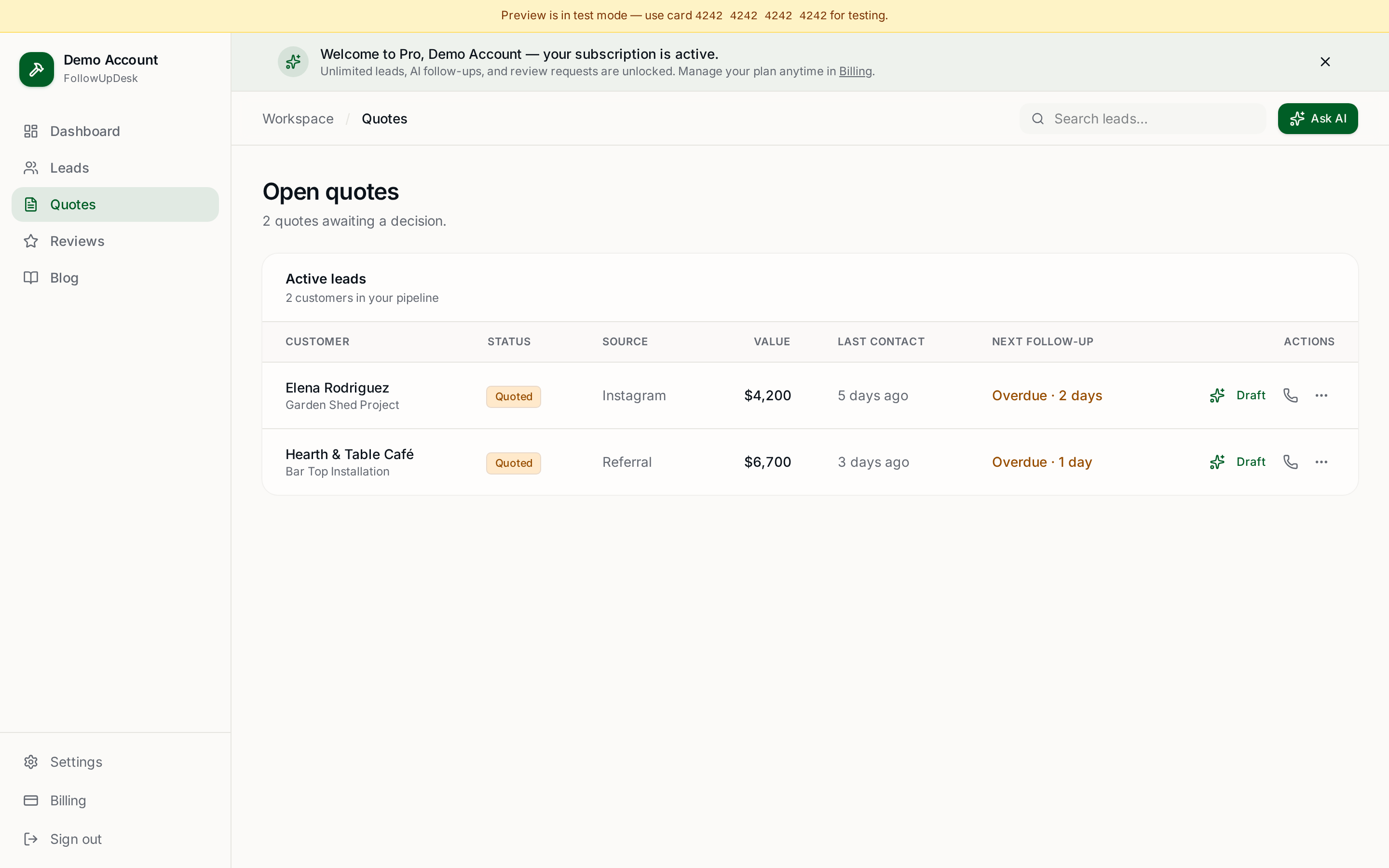
If you want the next level, use a tool that tracks every open quote, sorts them by follow-up date, and drafts the message for you. That's what FollowUpDesk does — seven clicks from quote sent to personalized follow-up, no staring at a blank screen required.
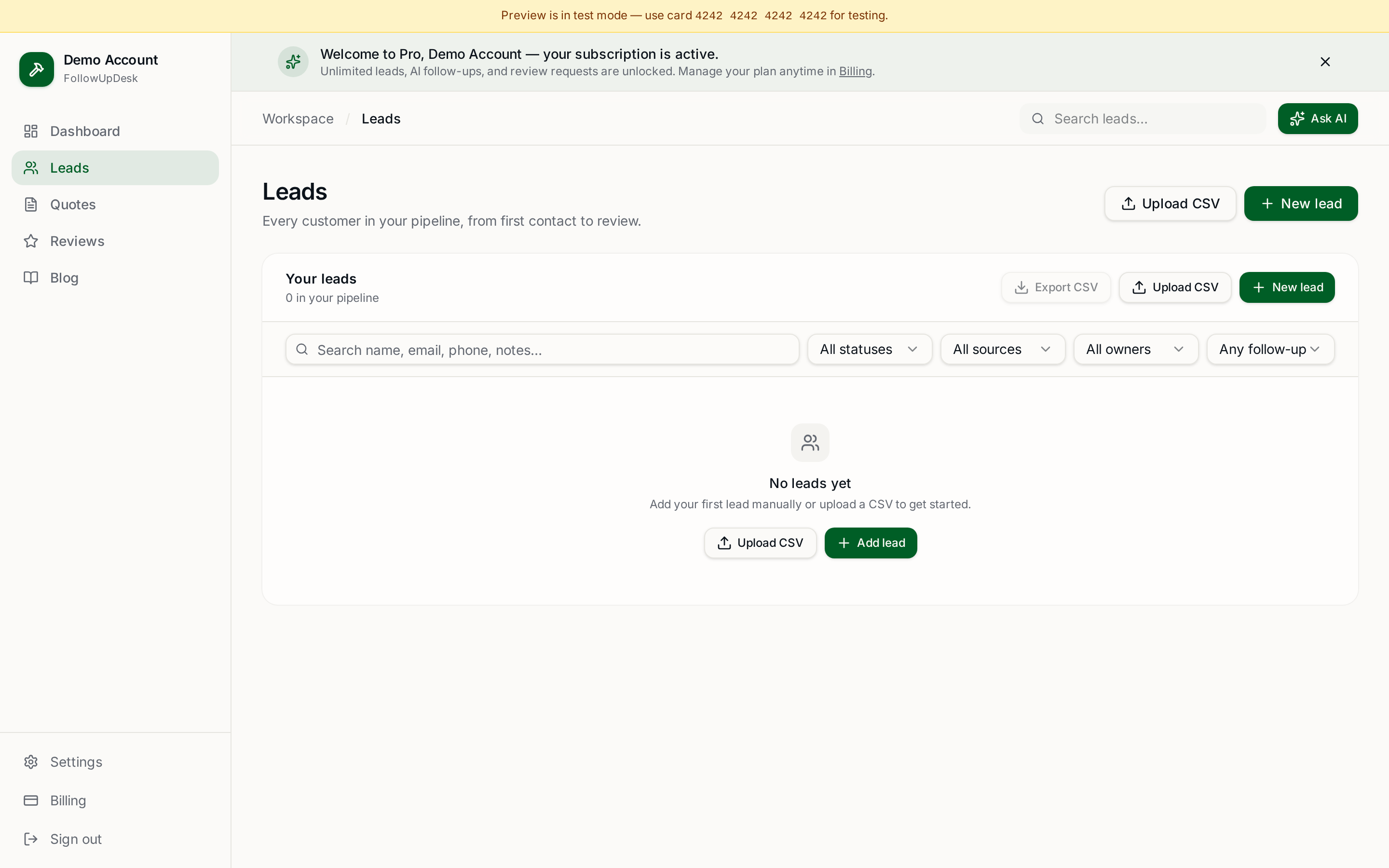
Using a spreadsheet? Upload it into FollowUpDesk and see overdue follow-ups automatically. Every lead gets the right nudge on the right day, and the AI drafts the message in your voice. Start at /auth — $29/month, cancel anytime.
See it in FollowUpDesk
Get started — $29/mo →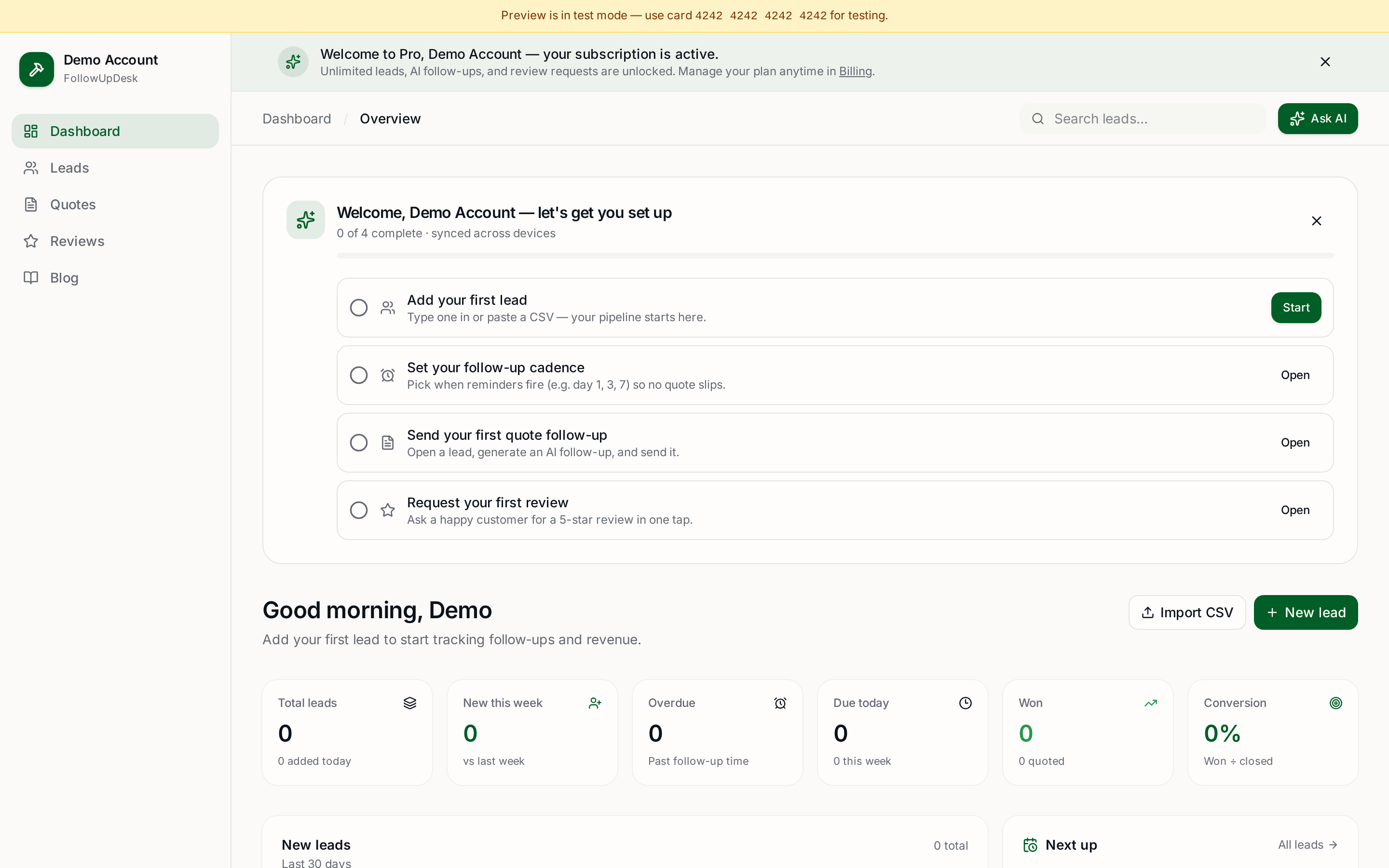
Skip the manual work — these are free, no card required
Get the full FollowUpDesk CRM — $29/month
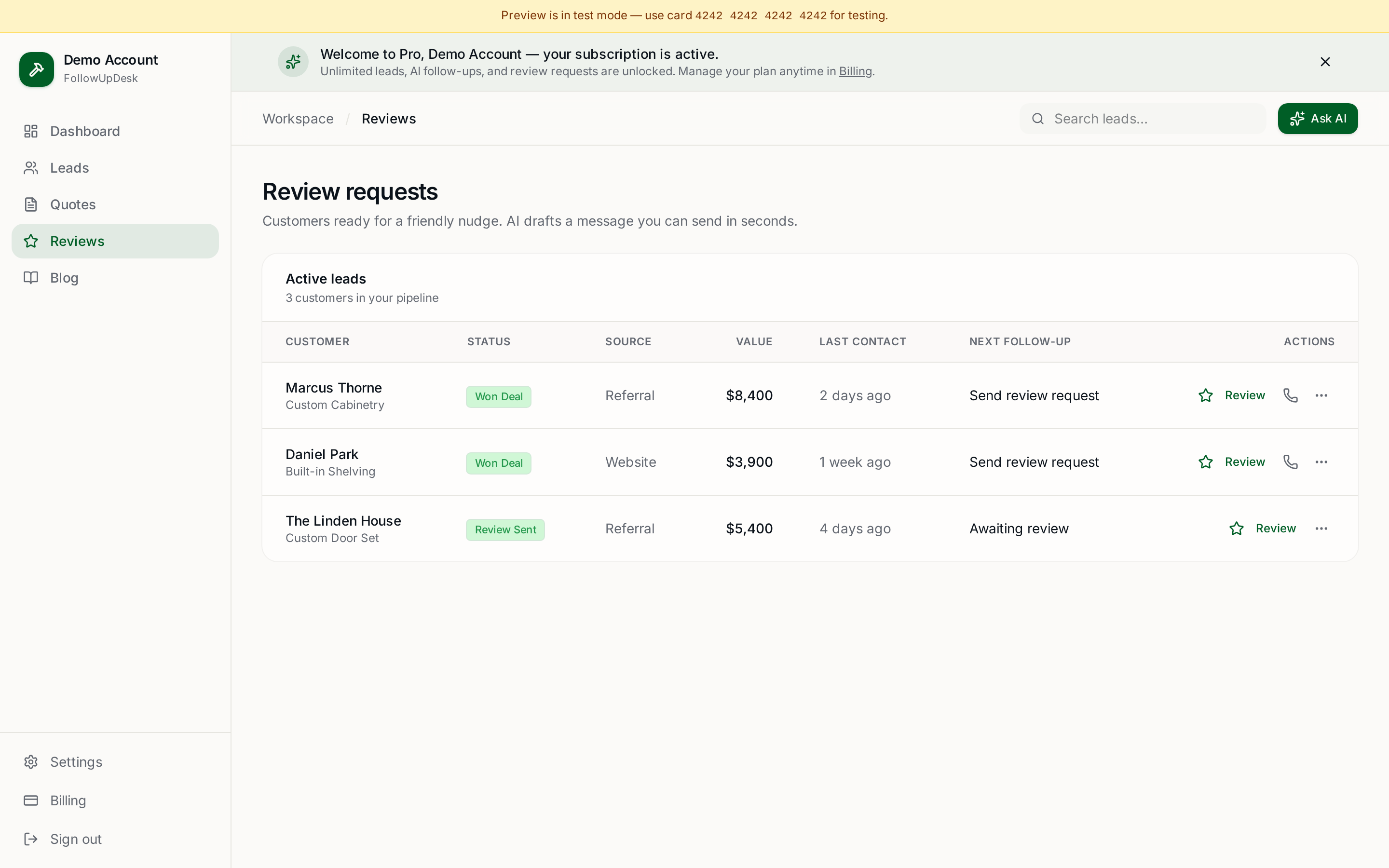
One pipeline for every lead, AI follow-ups for every quote, review requests on autopilot. Cancel in one click.
Free tools require no card · Pro is $29/month, cancel anytime